6700SR Refrigerated Sampler
86
A sampler running a pause/resume program resets the pacing in-
terval at each resume time. You can program the sampler to take a
sample at resume times. (See screen 24.)
Start Times
It is important to understand the difference between the time at
which you run a program and the program’s start time. Running a
program simply means selecting RUN from the sampler’s start up
menu. The start time is the time at which the sampler begins the
program’s first sample interval countdown. The start time is con-
trolled by your selections from the start time screens. (The start
time screens appear in
Figures 24
and
26
Standard and Extended
Programming Start Times.)
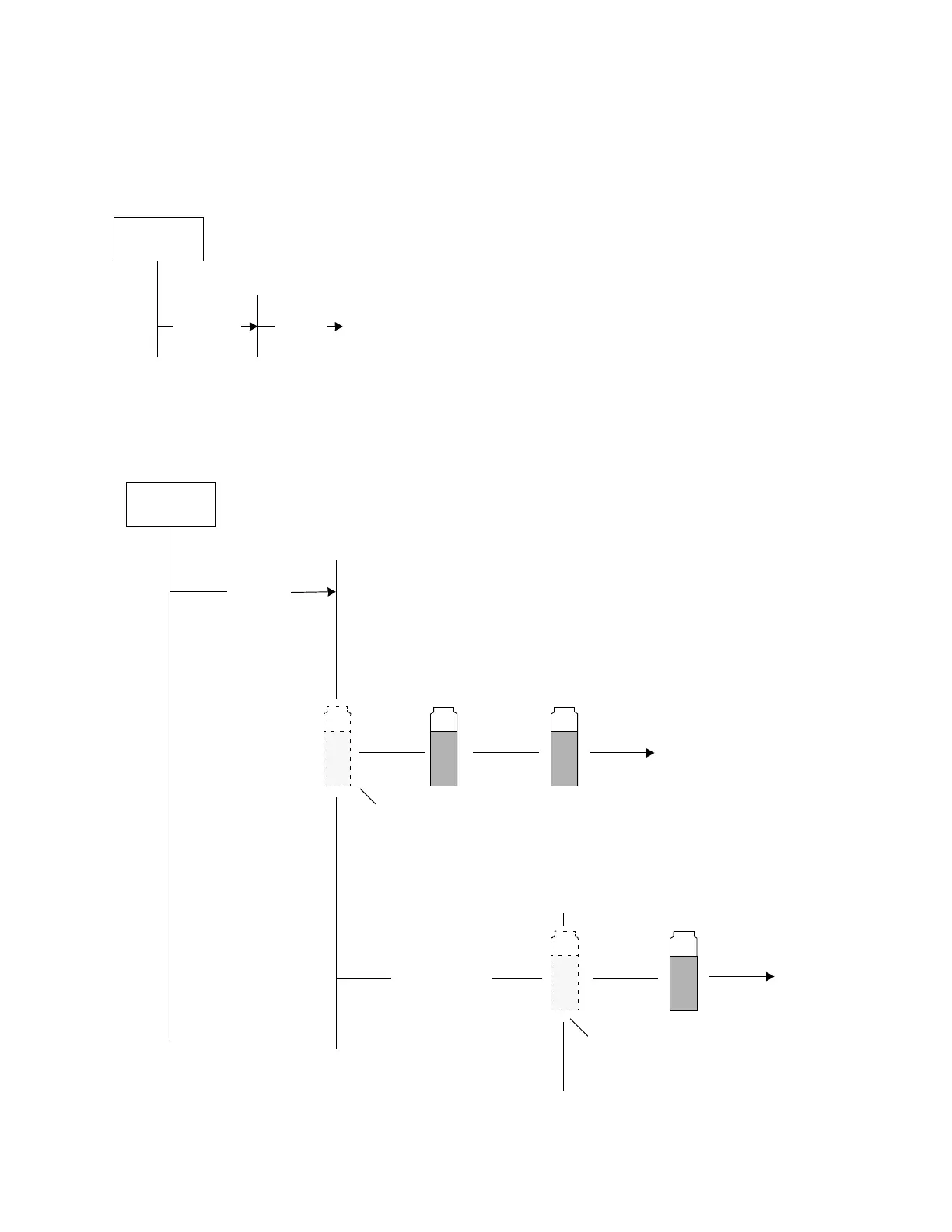
Select RUN
from the
Start Menu
Program’s
Start Time
Delay to
Start Time
Sampling
Program
Figure 19 Start Time Diagram for Sampler Enable Settings
Select RUN
from the
Start Menu
Start
Delay to
Start Time
During the delay, the sampler
ignores disable signals from a
flow logger, flow meter, a 700
series module, rain gauge, or
I/O pin.
Sampler Enabled
at Start Time
A sample event at the Start Time always occurs
for all time-paced programs except random. For
flow-paced programs, it occurs when the program
requires a sample at the Start Time.
A sample event at the Enable Time always occurs
for event-paced programs. For other programs, it
occurs at the Enable Time only when the program
requires a sample at enable.
Sampler Disabled
at Start Time
Sampler waiting
for enable
Sampler Enabled



 To Next Page