6700SR Refrigerated Sampler
54
Servicing the Sampler
Servicing the sampler includes:
• Collecting the filled sample bottles and replacing them with
clean bottles.
• Collecting the data recorded by the sampler during the pro-
gram. (See Sampling Reports on page 54.)
Samplers are usually serviced after they complete a sampling pro-
gram. When working up a service schedule, you will need to esti-
mate the program completion time. You should also be familiar
with the program’s settings for the start time or if the sampler is
programmed for continuous sampling.
Continuous sampling is controlled by the distribution setting en-
tered at the “RUN CONTINUOUSLY?” screen. A “YES” response
directs the sampler to reset the distribution sequence and continue
the countdown to the next sample event. Appropriate service inter-
vals will prevent overfilled bottles.
Sampling Reports
The 6700 records a variety of data while running a sampling pro-
gram. It uses the data to produce four reports:
• The Program Settings report, listing the program settings.
• The Sampling Results report, listing the program settings, time
of samples and other program events.
• The Combined Results report, combining the sample event
times with rainfall data, module data, or YSI Sonde data.
• The Summary report, listing daily summaries of data collected.
The Summary report may be rainfall and/or module data.
The sampler stores each report in memory where they remain until
you select RUN. Selecting RUN clears the memory so that it can
store the data from the next program.
Collecting Reports
There are a number of ways to collect the reports:
• View reports on the sampler’s display.
• Print the reports with an Isco 3770 Field Printer.
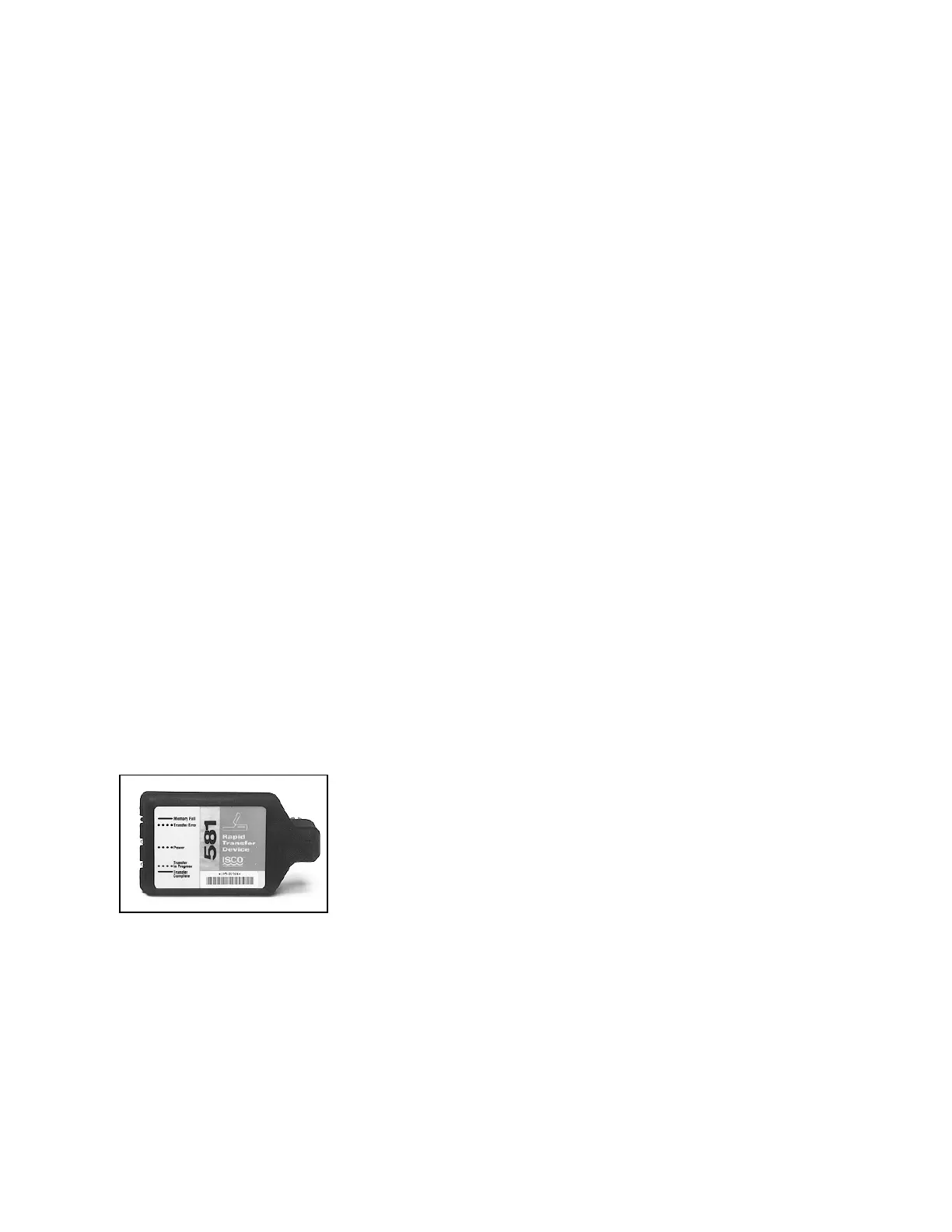
• Collect the reports with an Isco 581 RTD and use a computer to
transfer the reports from the RTD to a file on the computer.
• Collect the reports with an IBM PC or compatible computer
running Flowlink.
• Collect the reports with and IBM PC or compatible computer
running SAMPLINK.
Viewing the Data
Because the display area is much smaller than the area available
with a printed report, the report items displayed are a little differ-
ent from the printed items.
• For the Sampling Report, the sampler displays each program
event, one at a time.
• For the Module, YSI, and Rainfall Data reports, it displays dai-
ly summaries, instead of the full reports available with the field
printer, RTD, Flowlink, or SAMPLINK.
581 RTD



 To Next Page