6700SR Refrigerated Sampler
104
3. If the command is valid for its current state of operation, the
sampler responds with “[command number], please acknowl-
edge.” If the command is not valid the sampler responds with
the command number followed by three quick beeps. Enter a
valid command.
4. Acknowledge the valid command by pressing the number.
For the example, press .
If the number is incorrect, the sampler responds with your
entry followed by three quick beeps. You must re-enter the
command (step 2).
5. After the command is confirmed, the sampler replies with
“[command number] acknowledge” and executes the command.
To enter additional commands, repeat steps two through five. The
sampler will hang up after ten seconds of quiet time.
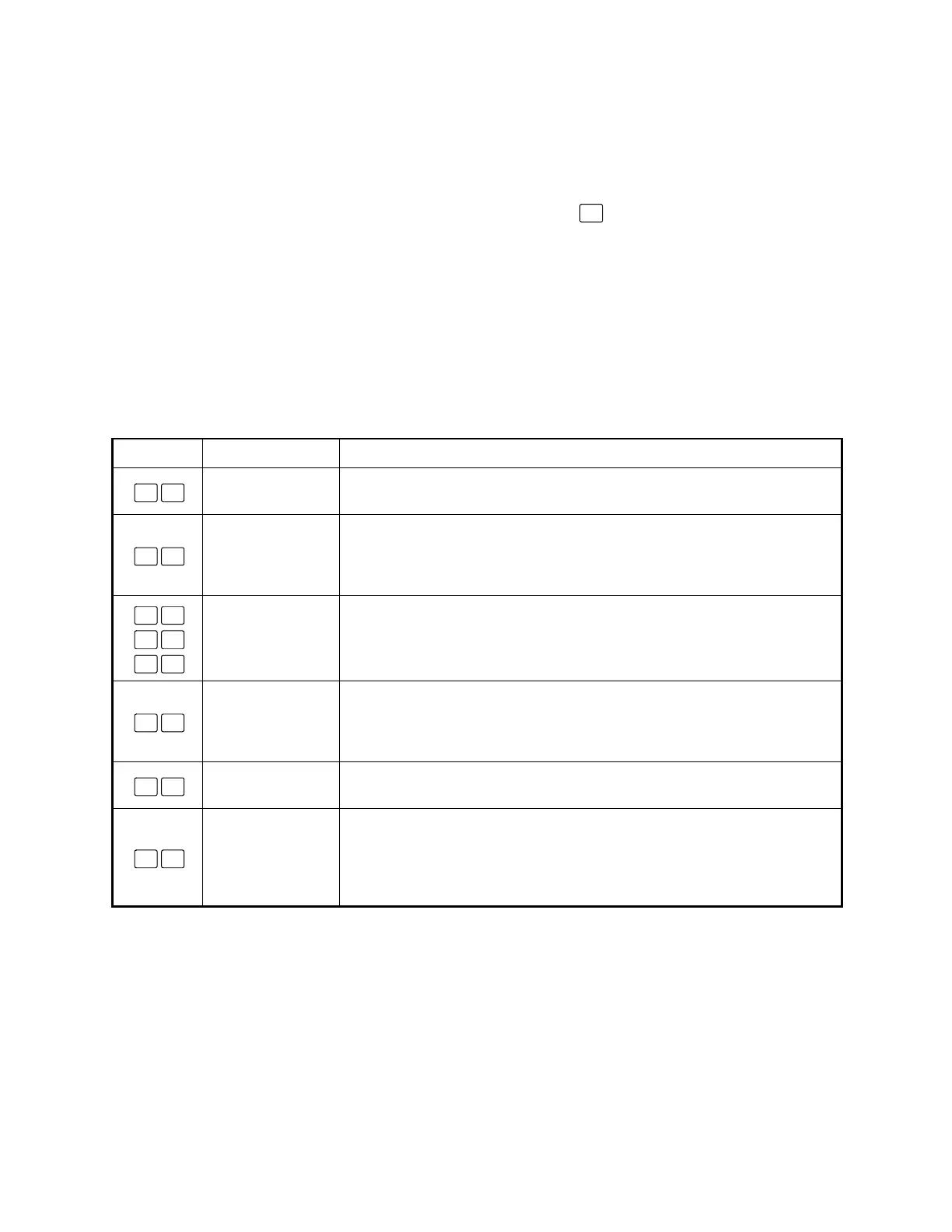
Table 12 6700 Telephone Commands
Command Name Description
START
This command will start immediately any program that has been run and is
currently waiting to start.
RUN 1
This command will load program 1 as the sampler’s current Extended program,
reset partition data if the storage interval has changed, and run the program.
RUN 1 will also run the current program when in the Standard programming
mode. RUN 1 is valid at the Standby screen and when waiting to start.
RUN 2
RUN 3
RUN 4
These commands are available for Extended programming only. As with RUN
1, they will load the designated program, reset partition data if the storage
interval has changed, and run the program. These commands are valid at the
Standby screen and when waiting to start.
PHONE DISABLE
This command is similar in functionality to a pin F low signal (a signal typically
used to enable or disable the sampler from a flow meter). Command 6# must
be used to re-enable. PHONE DISABLE is valid while a program is running. At
run time, the sampler starts with the phone enable in the enabled state.
PHONE ENABLE
This command is used to re-enable a phone-disabled sampler. PHONE
ENABLE is valid while a program is running.
PHONE SAMPLE
This command causes the sampler to take a sample. The sample is treated as
one of the program’s samples and is placed in the current bottle (Part A’s cur-
rent bottle when using two-part programming). PHONE SAMPLE is valid while
the program is running, after the start time, but not while in the Manual Pause
screens.
1
0 #
1 #
2 #
3 #
4 #
5 #
6 #
7 #



 To Next Page