6700SR Refrigerated Sampler
71
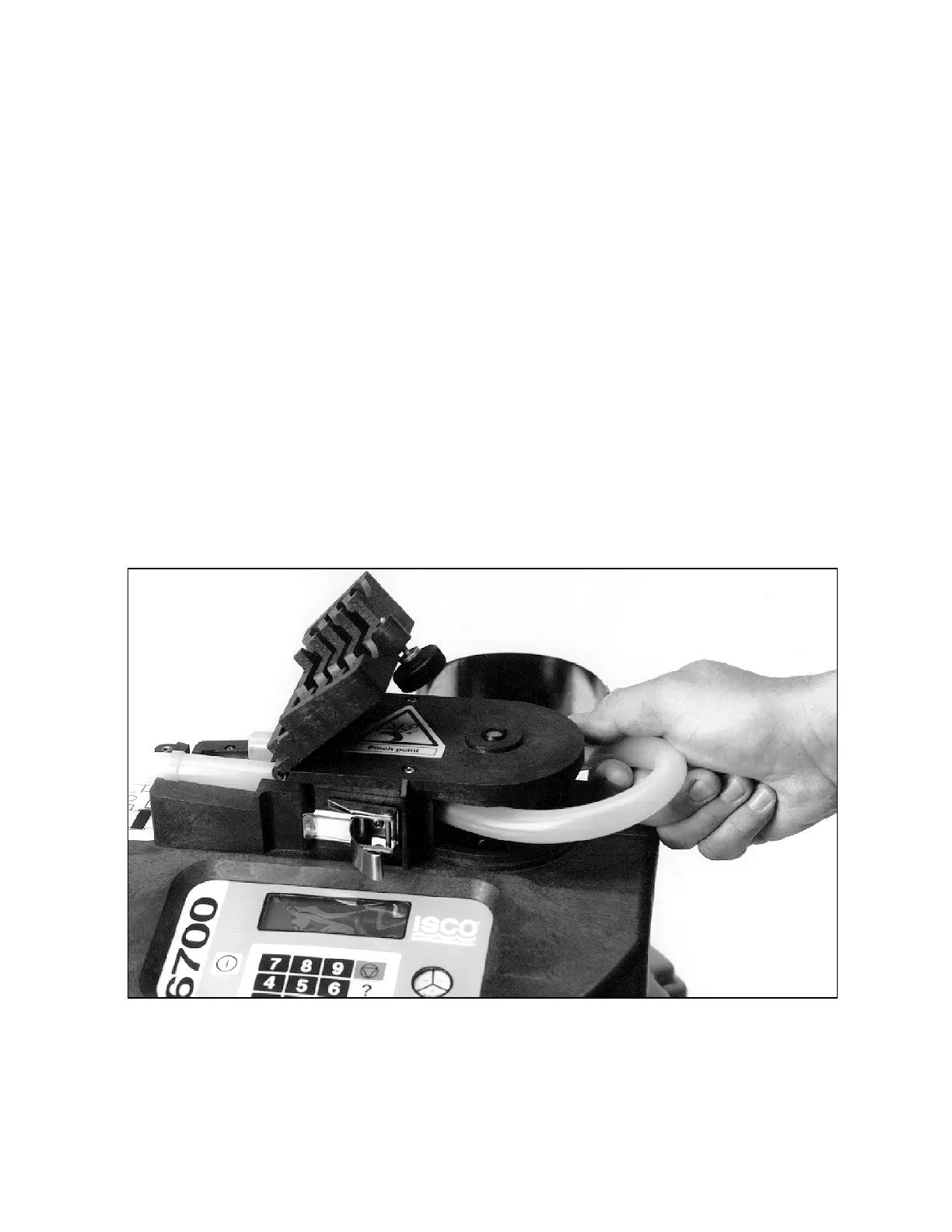
Pump Tube Replacement Checklist
1. Disconnect power from the sampler.
2. Loosen the liquid detector’s cover by unscrewing the black
knob on top of the detector. Unlatch the pump band. (The
band is the rounded metal band that holds the tube in the
pump.)
3. Pull the tube away from the bulkhead fitting. Pull it from the
pump and detector.
4. Clean the pump rollers and the inside of the pump band.
5. Thread the new tubing through the pump so that the tube
follows its natural curve around the pump rollers. You may
need to move the pump rollers to make the installation easi-
er.
6. The blue collars on the tube help align the tube in the detec-
tor and pump. Align the tube by placing the collars in the
grooves inside the liquid detector.
7. Close the detector’s cover and tighten the black knob. Close
the pump band and latch it.
8. Reset the pump tube counter. See step 5 in
Example
7
.
9. Take a “dry” manual sample to test the tube installation.
(See Grab Samples on page 65.)
Figure 13 Removing and replacing the pump tube



 To Next Page