6700SR Refrigerated Sampler
94
Refrigerator Temperature
Isco offers a temperature sensor intended for use with the 6700FR
Fiberglass Refrigerated Sampler. The optional sensor connects to
the Rain Gauge/YSI port and uses I/O3 to transmit its temperature
readings to the 6700.
To configure an attached temperature sensor, select “FR-TEMP” as
the input for I/O3. The 6700 will display the NEW HARDWARE
SETUP screen. Select YES and the 6700 reconfigures its memory
partitions to record the temperature readings.
Temperature readings are updated approximately every 2.5 sec-
onds. The readings are stored as FR-TEMP readings at the data
storage interval. You can retrieve a history of temperature read-
ings through the 6700’s reports. The temperature data also can be
used as a sampler enable condition.
Analog Output
Isco offers multiple analog outputs as a factory installed option.
The number of isolated outputs can vary from one to three and is
specified at order time. The option is installed inside the controller
and includes a six-pin connector to interface with external devices.
The analog outputs can be programmed for either 0-to-20 mA or
4-to-20 mA operation. With the exception of rain, any parameter
that the 6700SR sampler is currently measuring can be used to
control any (or all) of the analog output channels. Programming the
outputs requires parameter levels at each end of the analog range
and then assumes a linear relationship between those points.
MANUAL CONTROL of each output is also available.
Serial Output
Serial ASCII data can be output through the controller’s interroga-
tor port. The output frequency is user-selectable: every 15 seconds,
every minute, every 5 minutes, every 15 minutes, or by command.
To receive serial data as a periodic output:
1. Select YES at screen 53.
2. Select the appropriate baud rate setting in screen 54. Note
that at all baud rates the data is sent with no parity, eight
data bits, and one stop bit. If you have difficulty with the con-
nection, try a slower baud rate.
3. Select the desired output interval in screen 55.
4. Connect to the 6700 controller’s interrogator connector using
a Serial Output interrogator cable (sense line open, P/N
60-9004-263).
Do not use a standard interrogator cable
.
To receive serial data by command:
1. Select NO at screen 53.
2. Connect your computer to the 6700 controller’s interrogator
connector using a standard interrogator cable (sense line
grounded), P/N 60-2544-040 (25 pin) or 60-2544-044(9 pin).
3. Configure your communications software for a baud rate no
higher than 19,200 kb (9600 recommended), no parity, 8 data
bits, and 1 stop bit.
Analog Output Screens
Charts for analog output screens
appear in:
Figure 44
,
Analog Output and
Dialout Screens
on page 128.
Figure 45
,
Analog Output and
Dialout Quick View Screens
on
page 128.
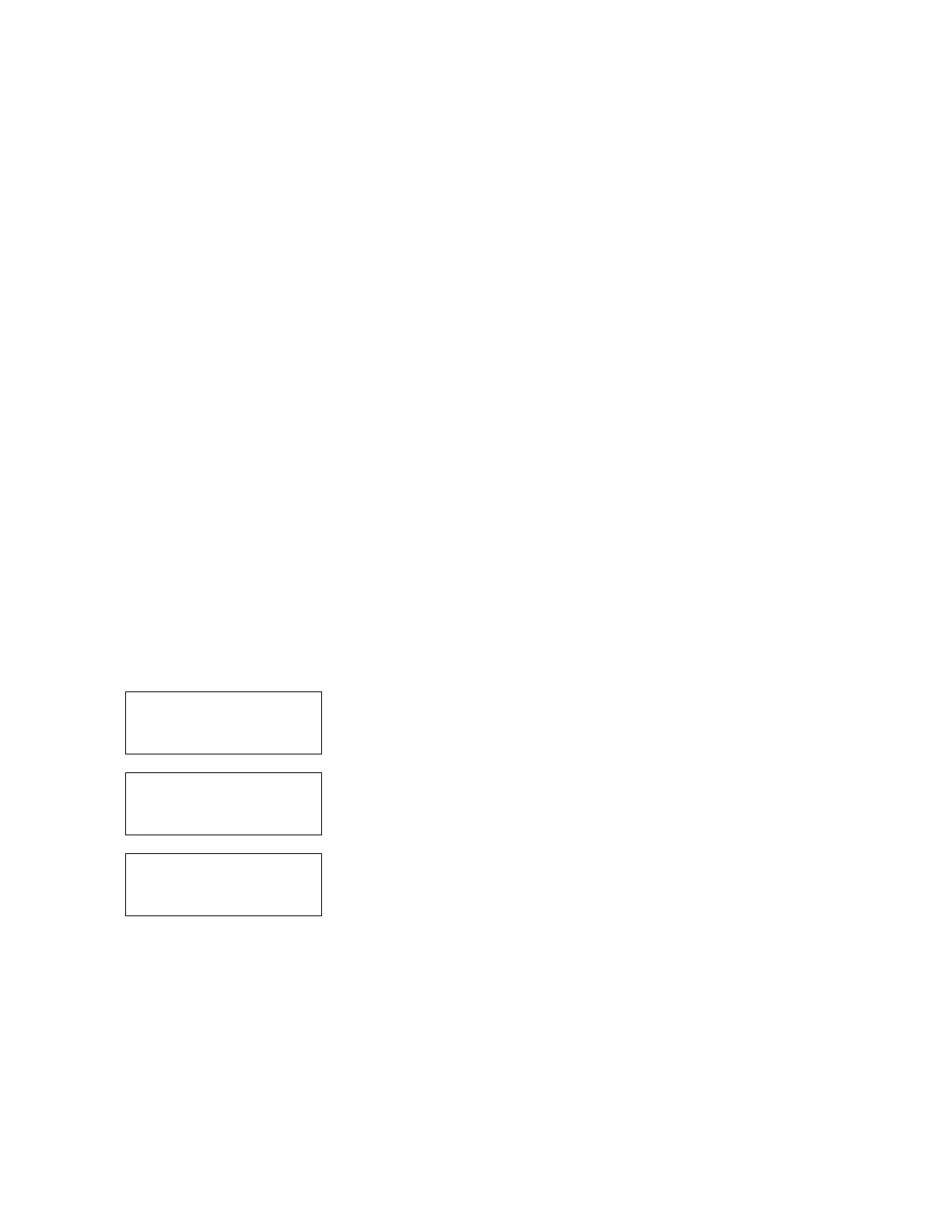
Programming the serial
output
53
PERIODIC
SERIAL OUTPUT?
YES NO
54
PORT SETTINGS:
9600N81 4800N81
2400N81 1200N81
55
SERIAL OUTPUT EVERY:
15 SEC 1 MIN
5 MIN 15 MIN



 To Next Page