6700SR Refrigerated Sampler
103
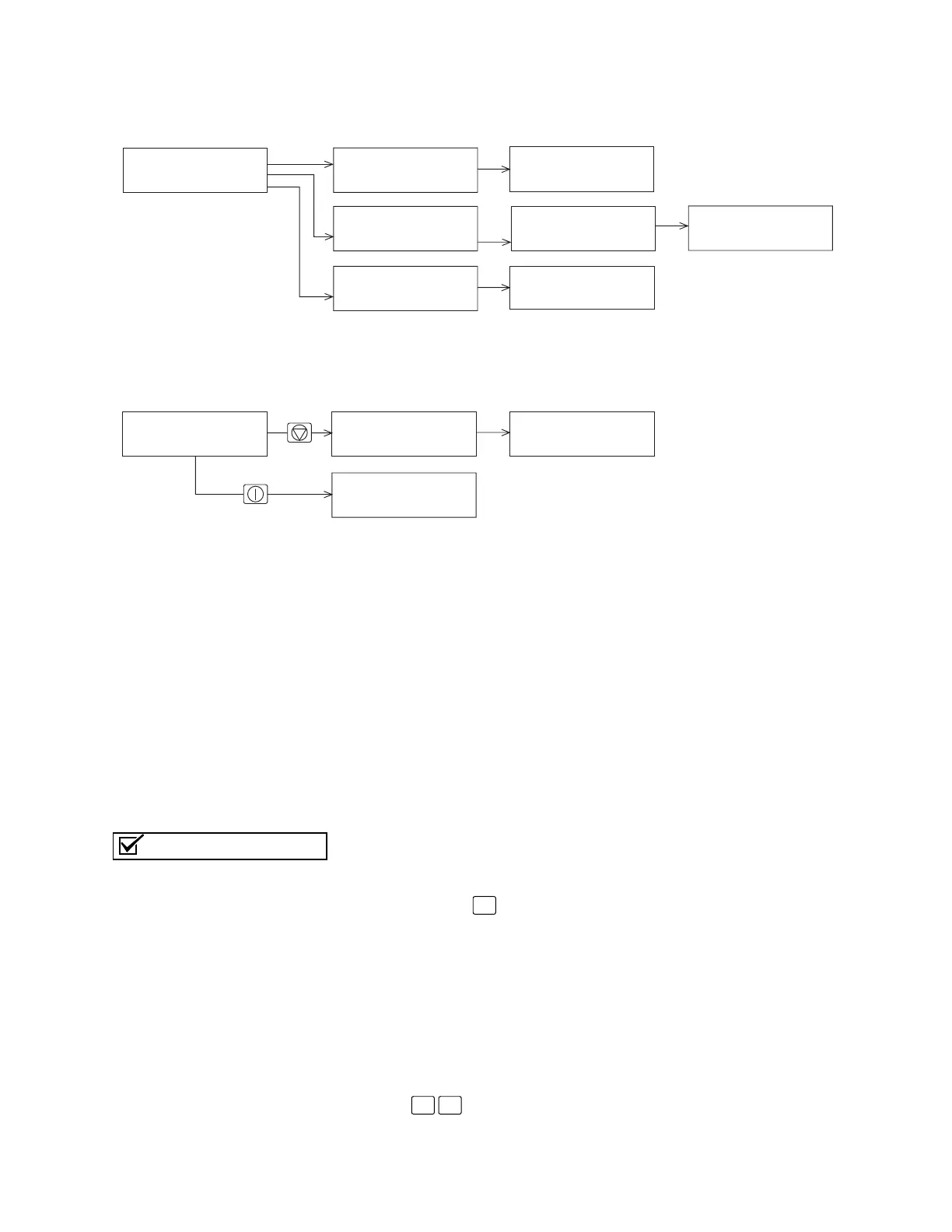
Figure 21 Password Protected Functions
Switch Bottle Set at Enable
When this software option is activated, it allows the 6700FR to
switch to a new bottle set each time a program part becomes en-
abled. The sample interval will be reset at the enable time, and a
sample will be taken if programmed to SAMPLE AT ENABLE.
Telephone Commands
Several commands are available to control the sampler’s operation
from a remote location. Telephone commands require the sampler to
be equipped with the factory-installed 2400 baud talking modem.
After connecting to the sampler from a touch-tone telephone, com-
mand numbers may be entered from the telephone’s keypad, fol-
lowed by the (pound) button. The commands are listed in
Table
12
.
To use telephone commands:
1. Dial the sampler’s telephone number. When the sampler con-
nects, it answers with “Isco Sampler Site [number].” If the
sampler does not receive a command in five seconds, it as-
sumes that a computer modem has called and initiates the
modem connect sequence. If this occurs you must hang up
and try again.
2. Enter the command. For example, to run program 1, press
.
RUN
PROGRAM
VIEW REPORT
OTHER FUNCTIONS
MAINTENANCE
MANUAL FUNCTIONS
PROGRAMMING STYLE
From Standby
While Running a Program
SAMPLINK REPORT
FLOWLINK REPORT
CUSTOM REPORT
ALL REPORTS
Programming
Screens
ENTER PASSWORD:
____
VIEW DATA
PRINT DATA
SYSTEM IDs
CONFIGURE REPORTS
ENTER PASSWORD:
____
SAMPLE 3
IN 00:03:26
ENTER PASSWORD:
____
STOP PROGRAM
RESUME PROGRAM
VIEW DATA
GRAB SAMPLE
ENTER PASSWORD:
____
Stop Key
ENTER PASSWORD:
____
On/Off Key
The interrogator cable must be
disconnected before you can
use the modem.
Note
#
1 #



 To Next Page