6700SR Refrigerated Sampler
41
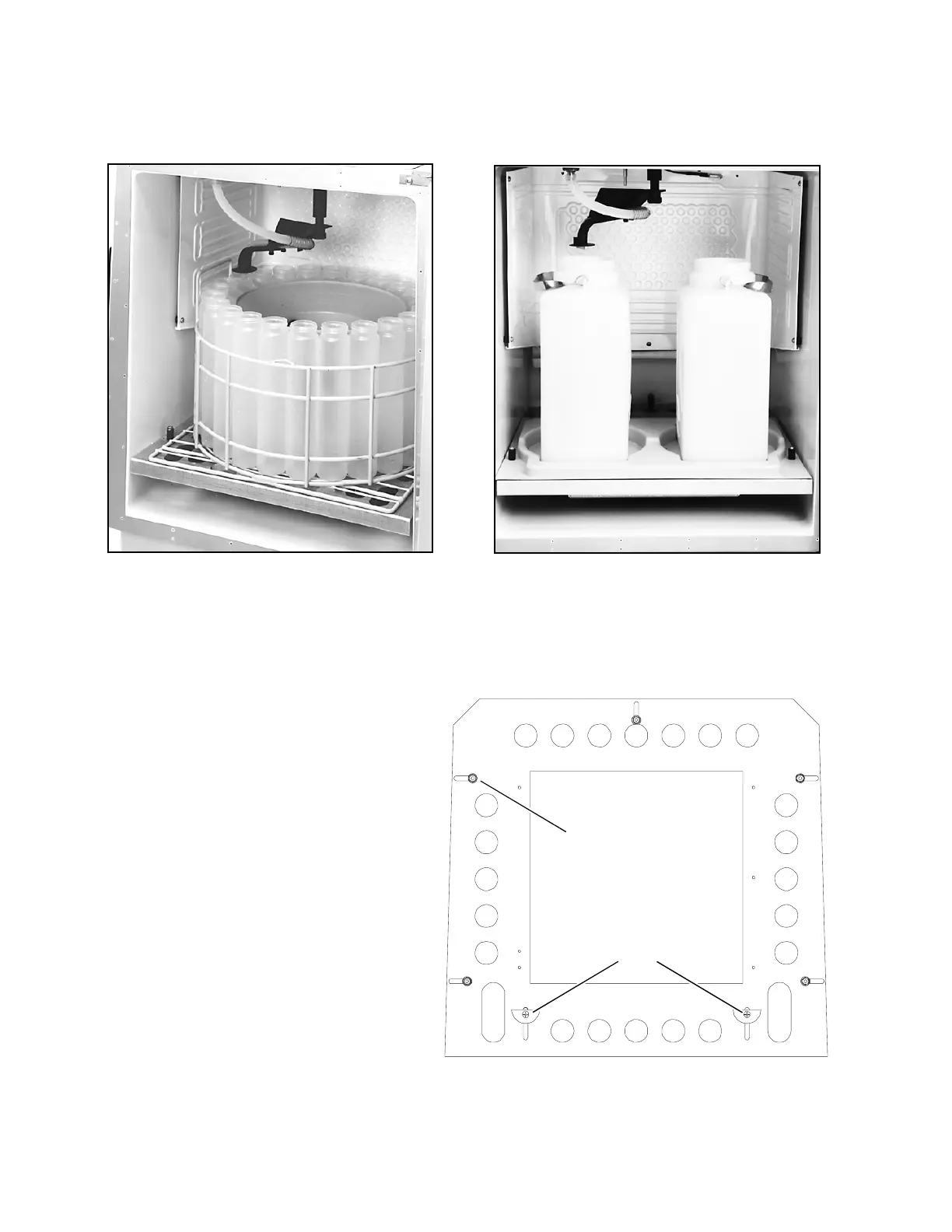
Figure 3 Installing the bottle racks
24-Bottle Kit
1000-milliliter polypropylene bottles.
2-Bottle Kit
Requires a locating base.
Stop
(1 of 5)
Ramps
Install the distributor shaft extension.
Use the 9
3
/
16
-inch extension for the 12-
and 24-bottle kits. Use the 11-inch exten-
sion for the 8-bottle kit. The instructions
on page 37 show you how to remove the
controller and replace the extensions for
each bottle kit.
Next, adjust the distributor arm to position
D for the 12-bottle and 24-bottle kits, or to
position B for the 8-bottle kit. Install the
arm and stop. See Installing the Distribu-
tor Arm and Discharge Tube on page 38.
Slide the rack, with bottles installed onto
the mounting plate. Adjust the stops and
ramps on the plate so that the rack is cen-
tered and held firmly on the plate.
Finally, position the arm over each bottle.
See
Moving the Distributor on page
88
. If the arm does not stop over each bot-
tle, readjust the rack.
NEVER MANUALLY ROTATE
THE DISTRIBUTOR ARM.
Figure 4 Installing the 24-bottle, 12-bottle, and 8-bottle kits



 To Next Page