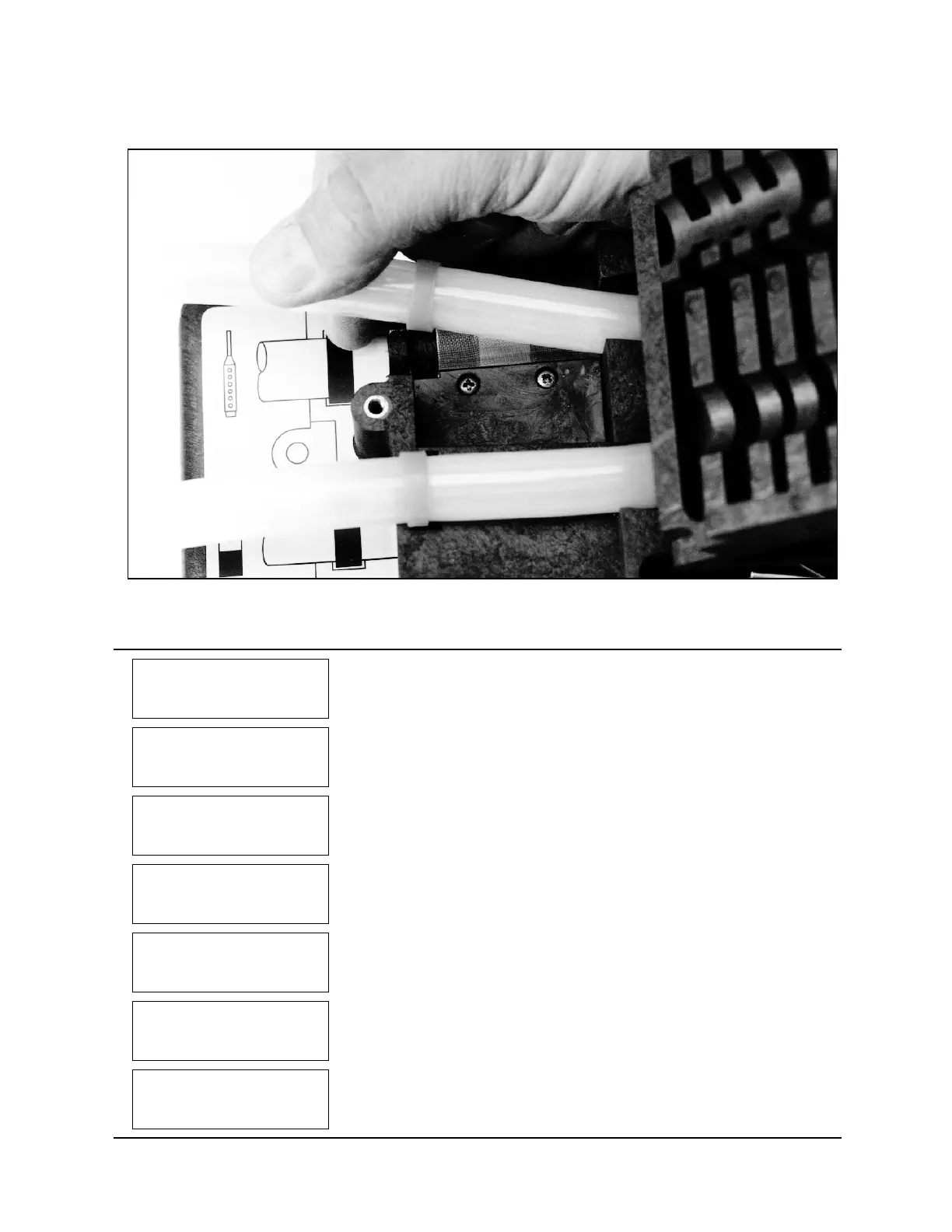
6700SR Refrigerated Sampler
72
1
RUN
PROGRAM
VIEW REPORT
OTHER FUNCTIONS
Select OTHER FUNCTIONS.
2
MAINTENANCE
MANUAL FUNCTIONS
PROGRAMMING STYLE
HARDWARE
Select MAINTENANCE.
3
SET CLOCK
SET PUMP ALARM
INTERNAL BATTERY
DIAGNOSTICS
Select SET PUMP ALARM.
4
1024000 PUMP COUNTS,
WARNING AT 1000000
The sampler displays this screen briefly to give you the current pump-count
information. The first line shows you the pump counts tallied since the
counter was last reset. The second line shows the current alarm setting.
5
1024000 PUMP COUNTS,
RESET PUMP COUNTER?
YES NO
To reset the counter to zero, select YES. Always reset the counter after
replacing a pump tube. Select NO when merely checking the current count.
6
WARNING AT
10
00000
PUMP COUNTS
(1 - 99)00000)
If necessary, change the pump-count alarm setting by typing the first two
digits of the new setting. The sampler accepts entries between 1 and 99. For
example, to increase the count to 1,500,000, enter
15
.
7
MAINTENANCE
MANUAL FUNCTIONS
PROGRAMMING STYLE
HARDWARE
Press
Stop
to return to the main menu.
Figure 14 Positioning the pump tube
Example 7 Resetting the Pump Tube Warning



 To Next Page