6700SR Refrigerated Sampler
48
Running Programs
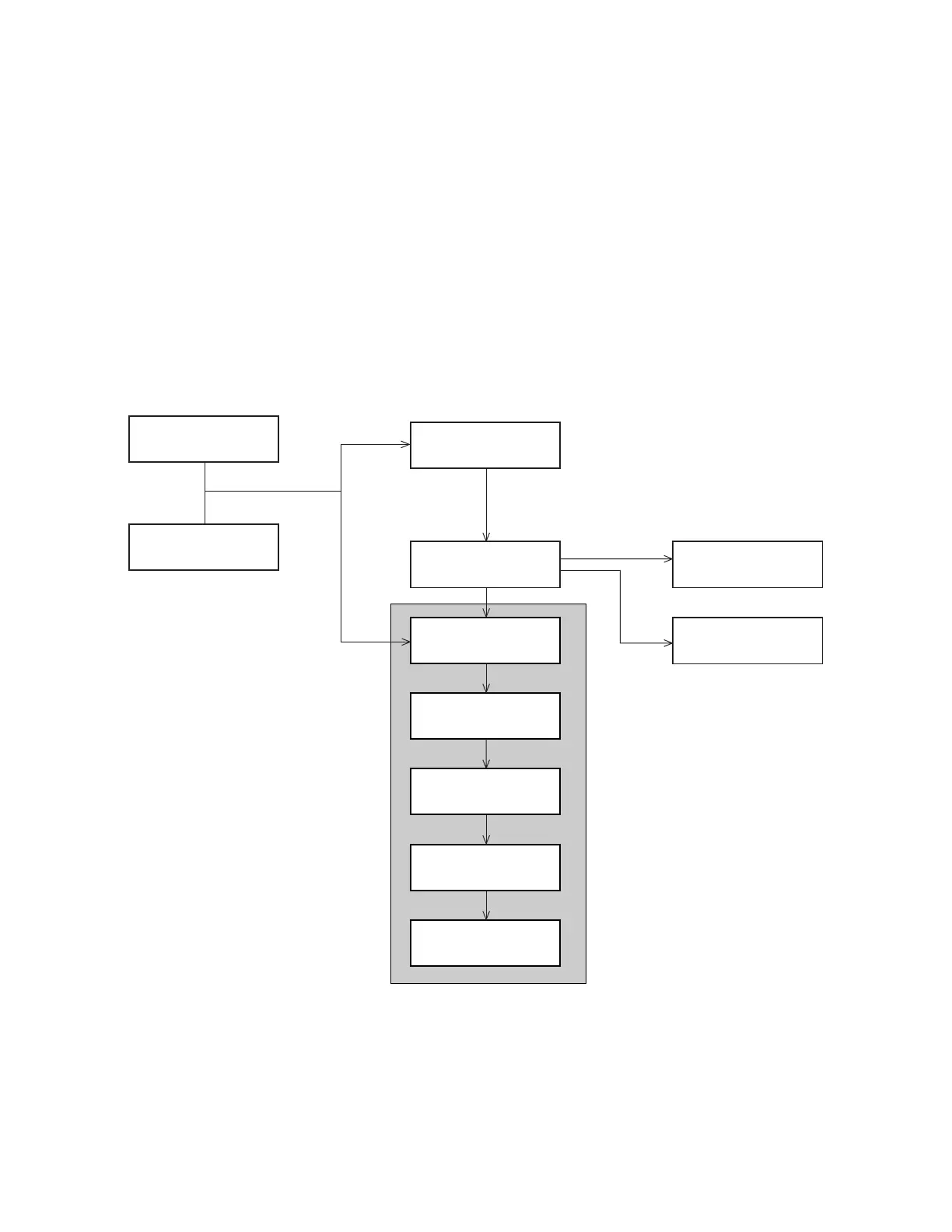
To run a standard or extended program, select RUN from the main
menu. You may also select YES at the RUN THIS PROGRAM
NOW? screen at the end of the programming screens. This is illus-
trated in
Figure
7
.
Extended programs scheduled to start at a clock time will not start
until the programmed clock time on or after the first valid date.
Note that if you have recently calibrated a parameter probe, the
sampler may delay the start and display “PLEASE WAIT” until
valid readings are expected from the probe. The delay accounts for
the time typically required to install the probe, and lasts for five
minutes after you complete the calibration.
Run Time Screens
While running a sampling program, the sampler displays a variety
of messages that report the program’s status. For example, if the
sampler has not yet reached the programmed start time, it displays
the scheduled start time as well as the current time. (Some com-
mon run-time displays are shown in
Figure
7
.)
PROGRAMMING COMPLETE
RUN THIS PROGRAM
NOW?
YES NO
ENTER START BOTTLE:
__ (1–MAX)
PLEASE WAIT!
...TESTING
DISTRIBUTOR SYSTEM
OPERATION ERROR
DISTRIBUTOR JAMMED
PROGRAM WILL START
AT 06:00 MO 17–OCT
05:52:22 MO 17–OCT
FATAL ERROR
NO DISTRIBUTOR ARM!
RUN
PROGRAM
VIEW REPORT
OTHER FUNCTIONS
If RUN had been previously STOPped
and no programming changes were made.
Multiple Bottles
Single Bottle
RUN DISPLAYS
If applicable
For the first run using
a 24-bottle base.
If applicable
OR
PURGING
SUCTION LINE
RINSING
SUCTION LINE
SAMPLE 2
IN 00:14:29
PUMPING 250 ml
Figure 7 Running a Program



 To Next Page