6700SR Refrigerated Sampler
73
Opening the Controller Case
You will need to open the controller case to gain access to:
• The desiccant bag that dries the controller’s interior.
• The battery that provides backup power to the controller.
To open the case:
1. Pull the discharge tube and pump tube away from the bulk-
head fitting.
2. Remove the distributor arm by unscrewing the nut that at-
taches the arm to the distributor shaft. DO NOT ROTATE
THE DISTRIBUTOR ARM MANUALLY; THIS WILL SE-
VERELY DAMAGE THE DISTRIBUTOR DRIVE GEARS.
3. Remove the controller from the sampler.
4. Open the case by removing the 11 screws that attach the case
bottom to the case top.
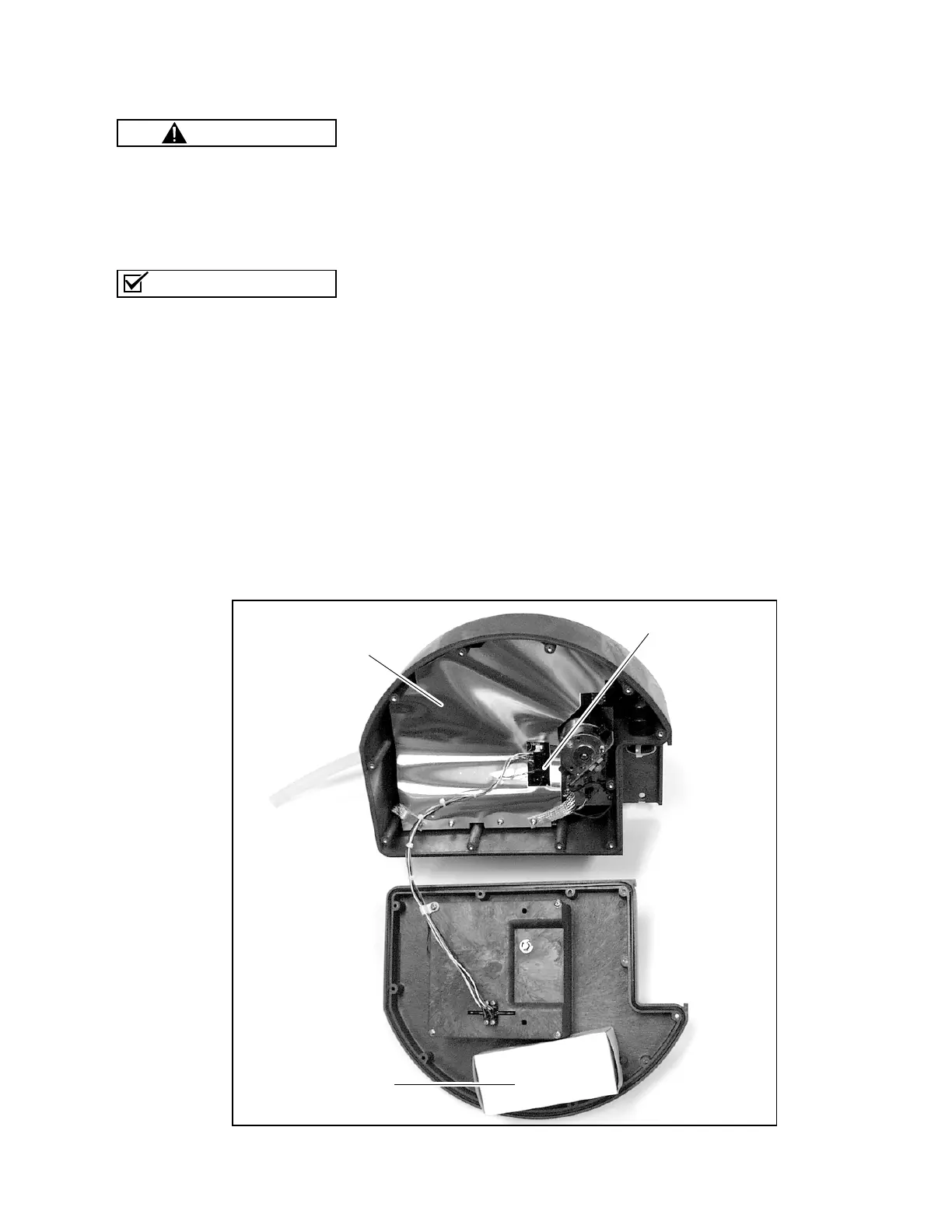
Refer to
Figure
15
for the location of the desiccant box. To gain ac-
cess to the main circuit board and battery, remove the two distrib-
utor connectors and the EMI shield.
Before reassembling the case, ensure the connectors, shields, and
straps are all secured.
The circuit boards can be dam-
aged from a discharge of static
electricity. Always use an antistatic
mat when opening the controller to
protect the circuit boards.
The case top and bottom fit to-
gether with a sealed tongue-
and-groove joint. Any damage
— nicks or cuts — to the tongue,
groove, or sealing gasket pre-
vent the case from sealing com-
pletely when you close it. Use
extreme care when opening the
case to avoid damaging the join-
ing surfaces.
CAUTION
Note
Desiccant Box
EMI Shield
Distributor Connectors
Figure 15 Opening the controller



 To Next Page