6700SR Refrigerated Sampler
47
• Select Extended Programming to use the YSI Sonde. (See
Changing to and from Extended and Standard Screens on page
23.)
• Update the Hardware Setup whenever you add or remove a
rain gauge or YSI Sonde. (See Hardware Setup on page 89.)
In extended programming, rain gauge and YSI Sonde readings are
only available if they are selected in the Hardware Setup. However,
when using standard programming, rain gauge readings are auto-
matically stored in the sampler’s memory.
Locking the Sampler
The refrigerator is equipped with a lockable latch for the top cover
and a lockable catch for the door handle. To lock the refrigerator
use two padlocks, one for the top cover and one for the door.
C
ONNECTOR
I
CON
C
ONNECT
T
HESE
I
NSTRUMENTS
:
Power Source
• 12 volt power source
Rain Gauge
•674 Rain Gauge
•Programmable I/O Pins (pins C, H, and I)
•YSI Sonde
•Refrigerator Temperature Sensor (FR refrigerators)
Interrogator
•581 RTD (Rapid Transfer Device)
•3770 Field Printer
•IBM PC or compatible computer running Flowlink or SAMPLINK
Flow Meter
•PAL 1101
•1640 Liquid Level Actuator
•3200 Series Flow Meters
•4100 Series Flow Loggers
•4200 Series Flow Meters
•Master/Slave Sampler
•Pulse Duration Input Interface
•4-20 mA Input Interface
Notes
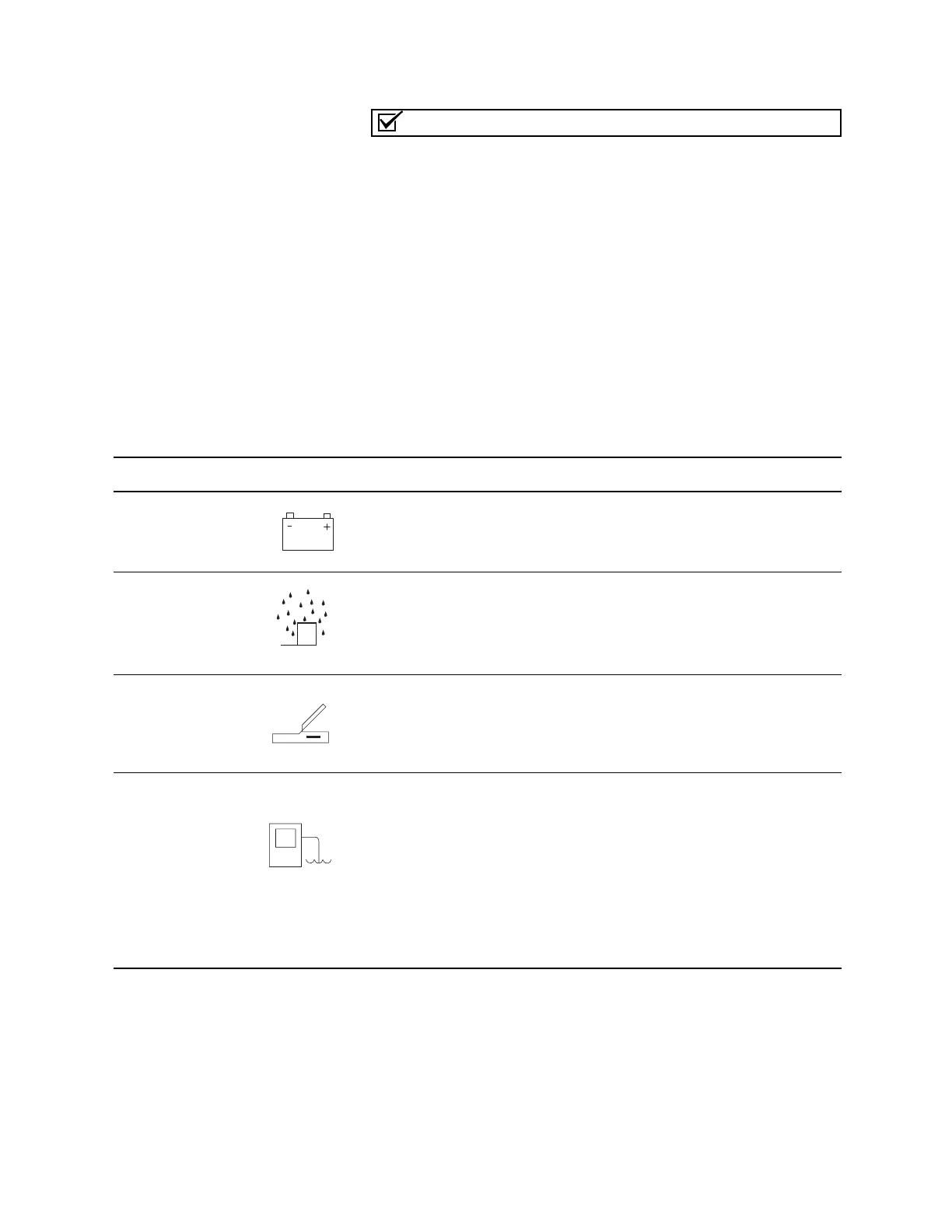
Table 8 Connecting Isco Instruments to the Sampler



 To Next Page