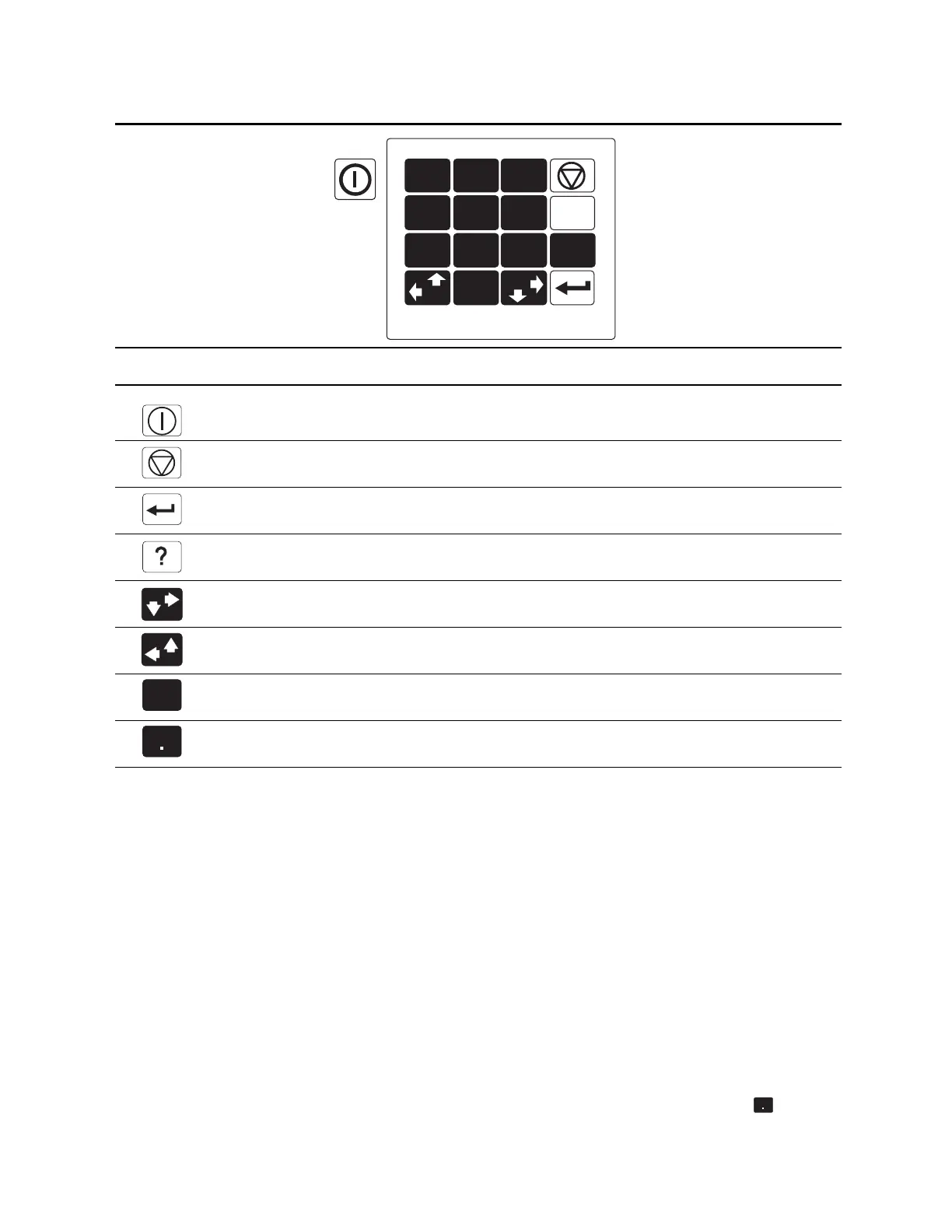
6700SR Refrigerated Sampler
14
Selecting Menu Options
In menu screens, one menu option always blinks.
Press
↵ (Enter) when the blinking option is the one you want; it will
accept your choice and go to the next screen.
The
↵ (Enter) key always accepts the blinking option.
Select a different option by pressing an arrow key until the option
you want blinks. Then press
↵ (Enter).
Entering Numbers
Number-entry screens prompt you to enter a value. An example is
shown in screen c on the next page.
To enter a number:
Press the number keys to type the number. Then, press
↵
(Enter).
As soon as you press
↵
(Enter), the sampler saves your number and
moves to the next screen. In some screens, you use the (Decimal
Point) key in a number.
K
EY
N
AME
F
UNCTION
On-Off Turns the sampler on or off.
Stop
Stops the pump, distributor, or a running sampling program.
In programming screens, returns to a previous screen.
Enter Accepts a menu choice or number entry and goes to next screen.
Help In programming screens, displays a brief help message.
Down-Right
Arrow
Selects the menu option right or below the current choice.
Up-Left Arrow Selects the menu option left or above the current choice.
Numbers Types a number.
Decimal Point Types a decimal point.
a
e
ou
e
eypa
1
2
3
4
5
6
7
8
9
?
.
0
1
About the Display
Backlight
If you press a key and the
screen does not seem to re-
spond, it is probably because
the keystroke turned the
backlight on, instead of acting
on the screen.



 To Next Page