PAMSPAN501x G.SHDSL.bis EFM Gateway
-30
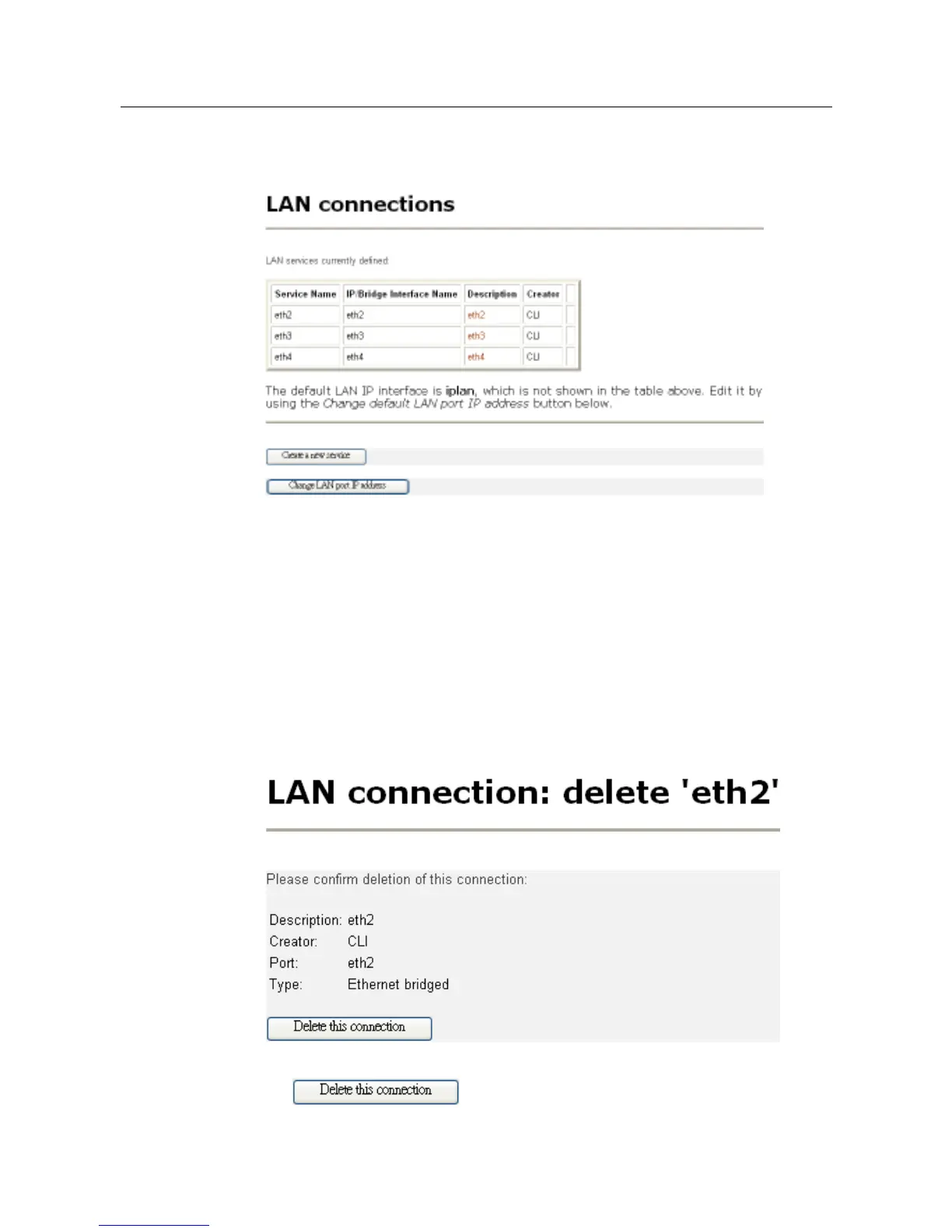
From the Configuration menu, click LAN connections. The following page will be
displayed:
The service, eth1, is not shown because it has already been created by default,
which user will not be able to delete it. The Creator column shows the method that
the services are being created. By default command, all four ports will be created
from CLI; therefore, it would show CLI under the Creator column.
To delete a service
If users would like to delete a service, simply click the specific port link, such as
“eth3” under Descriptions column, the port deletion page will be displayed as
shown below:
Click
to delete the connection. Once there is a connection



 To Next Page