PAMSPAN501x G.SHDSL.bis EFM Gateway
-31
that has been deleted, user will then be able to use to
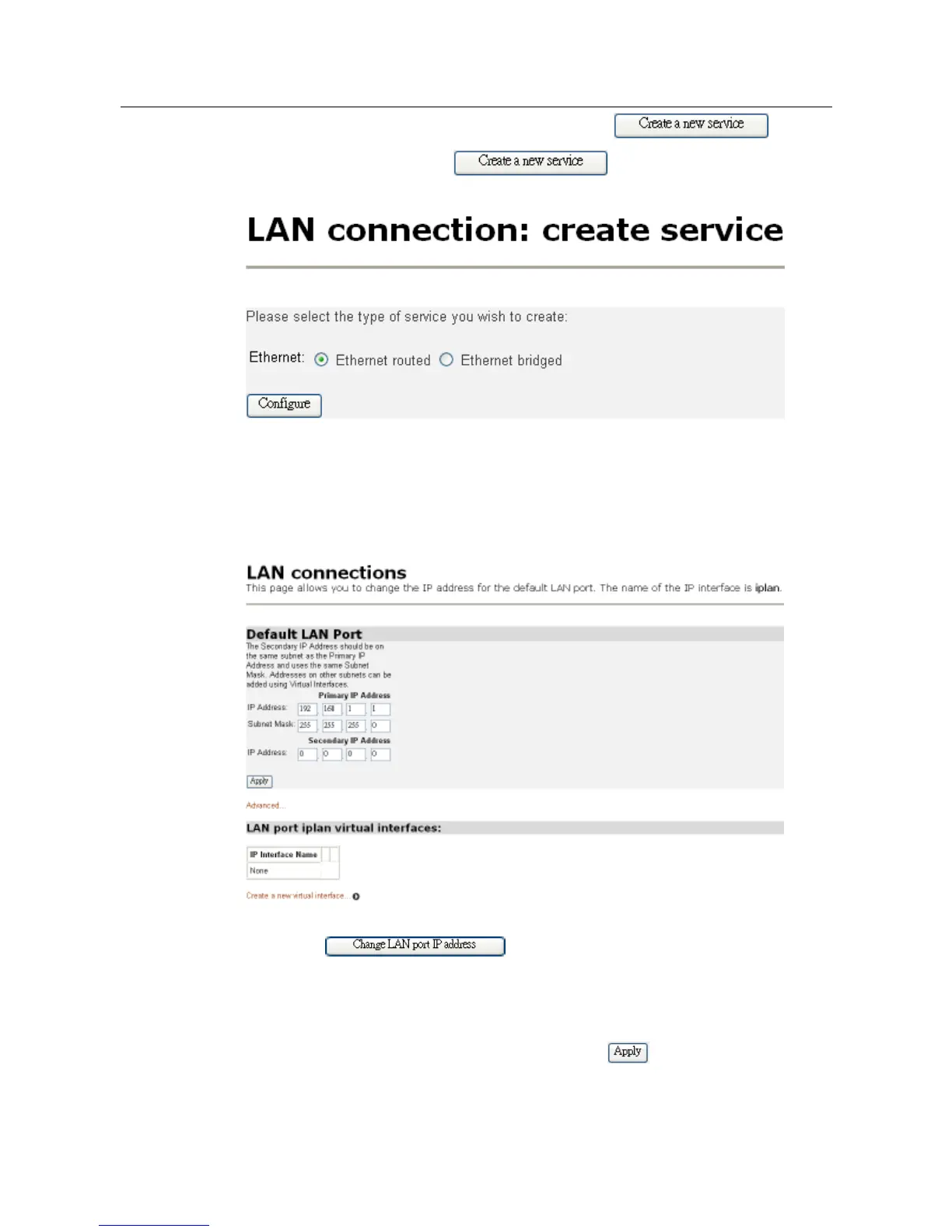
create a service. By clicking , users will be able to select the
type of service that they wish to create as shown below:
By using the web to create a service, it would then show WebAdmin under the
Creator column.
Configuring primary and secondary LAN connections
1. The Default LAN Port section contains two subsections:
a. IP address and subnet mask details for your primary LAN connection. To edit these
details, click and enter the new primary address details
b. Secondary IP address details. To create/configure a secondary IP address, click in
the Secondary IP Address text box and enter the new address details.
2. Once you have configured the IP address(es), click button. A message will
be displayed confirming that your address information is being updated. If you have



 To Next Page