PAMSPAN501x G.SHDSL.bis EFM Gateway
-51
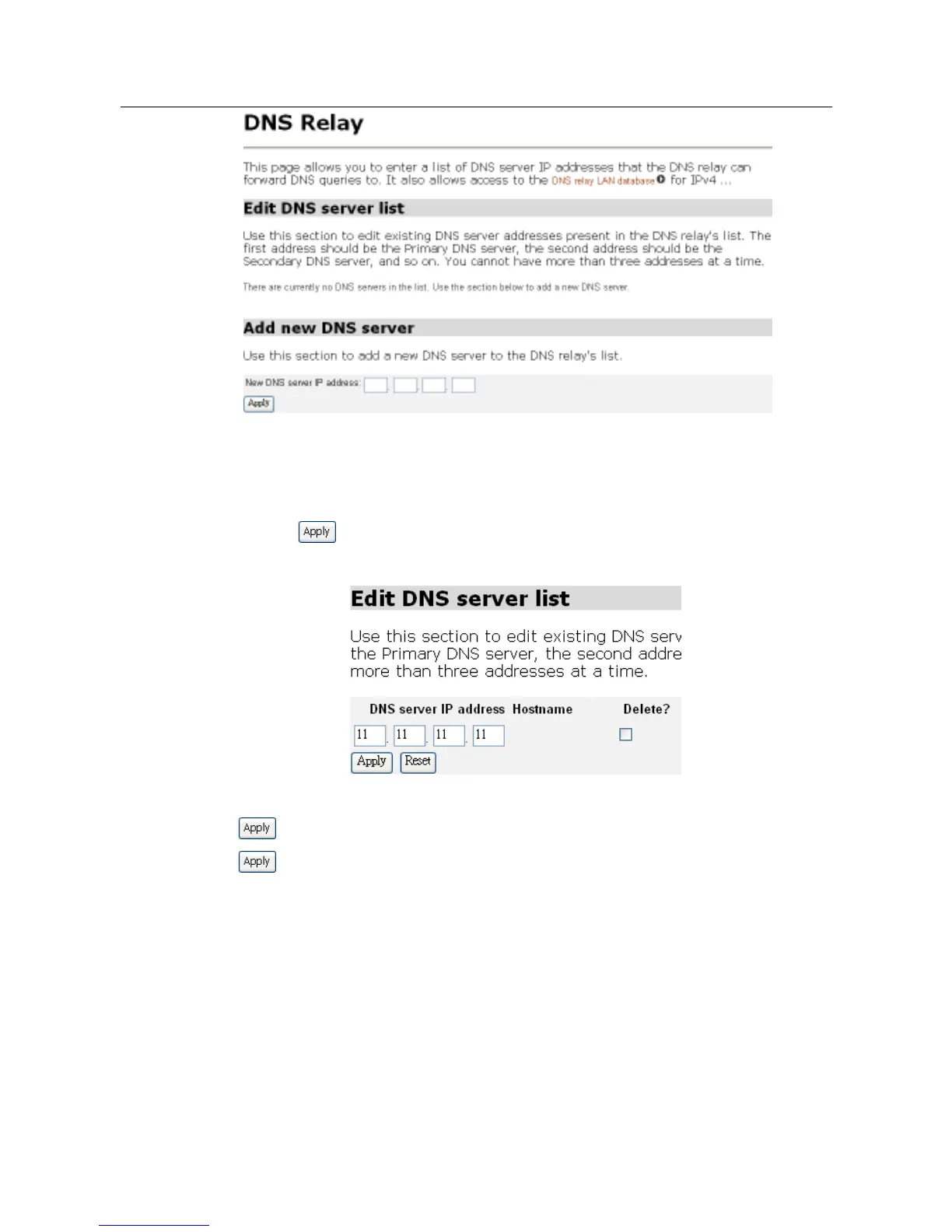
Configuring the DNS relay list
1. In the Add new DNS server section, type an address in the New DNS server IP
address text box.
2. Click . The address is displayed in the Edit DHCP server list section as
shown.
To edit an entry, click on an IP address and enter the new details, and then click
. To delete an entry, check the Delete box for an IP address, and then click
.
DNS Relay LAN Database
Click the DNS Relay LAN Database link on the top of the DNS Relay page, The DNS
Relay LAN Database page will be displayed as shown below:



 To Next Page