PAMSPAN501x G.SHDSL.bis EFM Gateway
-88
The following table gives the range of values for each option that can be specified
using this command, and a default value.
Option Description Default value
Name Interface name
PVID Port VLAN ID (PVID) associated with the interface.
Ingress Filtering Settings. Accepts VLAN tagged
frames only if the VLAN ID in the frame has this
interface in its egress interface list.
false
User priority The user priority to regenerated user-priority
mapping for a bridge interface.
0
Transport Name of attached transport.
Priority Map The mapping of user priority in the incoming
frames to the regenerated user priority that will be
used for traffic class mapping, as well as being set
in the VLAN tag of the outgoing frame.
Configuration methods are introduced in section
5.1.4.
3.2.4.3.3 Priority map configuration
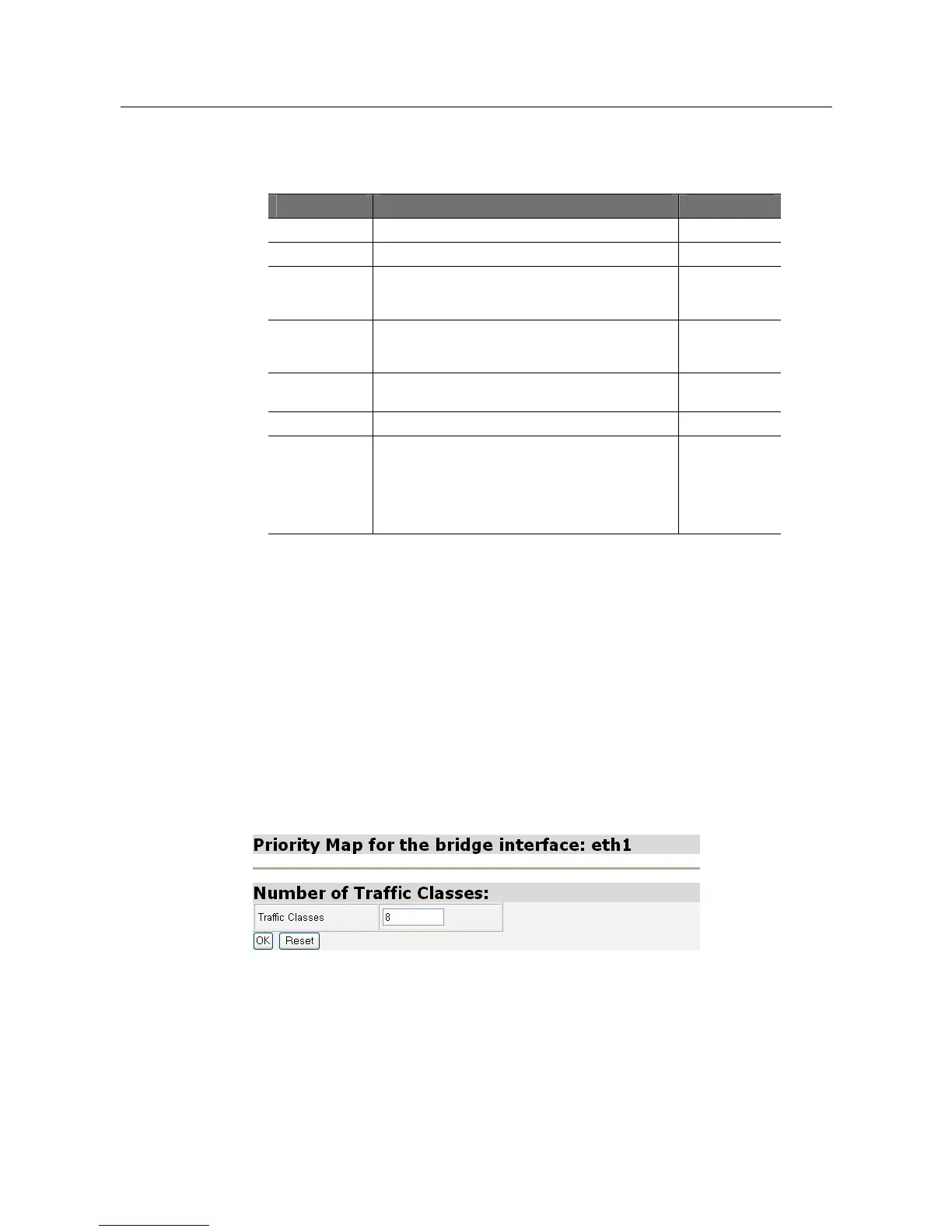
Click Priority Map for a specific Bridge Interface, and then the Priority Map for the
Bridge Interface page will be displayed. On this page, number of Traffic Classes,
user priority to regenerate the Priority Map and the Regenerated Priority to Traffic
Class Map can be configured. The procedure is as follows:
1. The Number of Traffic Classes, as shown in the following figure, specifies the
number of Traffic Classes supported by the Bridge Interface and can be any value
between 1 and 8.



 To Next Page