MULTIMEDIA 583
Balance & Fade
Balance & Fade
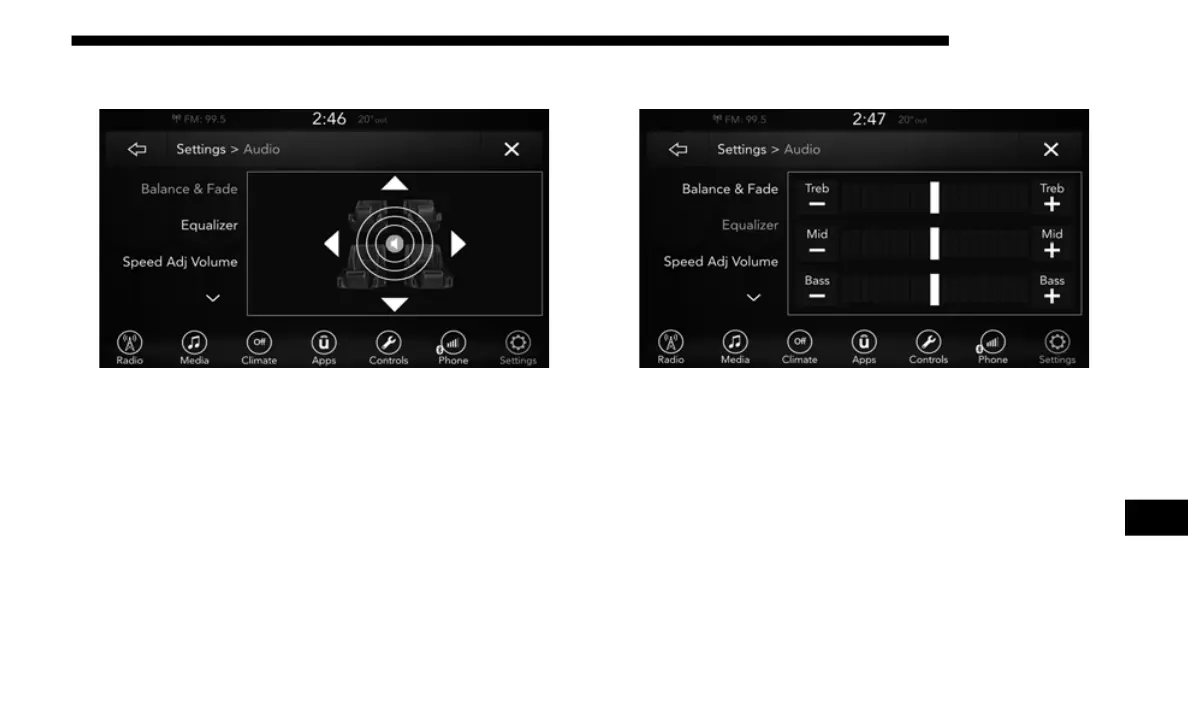
Press the Balance & Fade button on the touchscreen to
Balan
ce audio between the front speakers or fade the audio
between the rear and front speakers.
Pressing the Front, Rear, Left, or Right buttons or press and
drag t
he red Speaker Icon to adjust the Balance/Fade.
Equalizer
Equalizer
Press the Equalizer button on the touchscreen to activate the
Equal
izer screen.
Press the + or – buttons, or by pressing and dragging over the
level
bar for each of the equalizer bands. The level value,
which spans between plus or minus nine, is displayed at the
bottom of each of the Bands.
9














 To Next Page