586 MULTIMEDIA
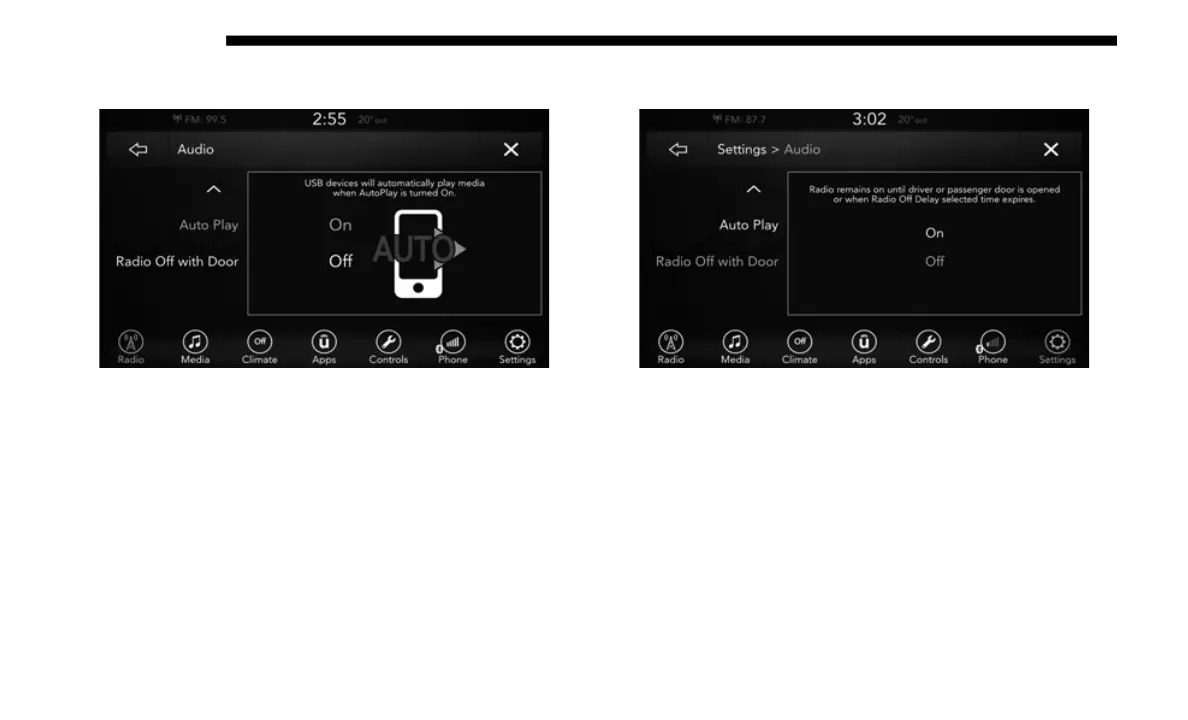
Auto Play
Auto Play
Press the Auto Play button on the touchscreen to activate the
Auto
Play screen.
The Auto Play feature has two settings On and Off. With
Auto
Play on, music will begin to play from a connected
device, immediately after it is connect to the radio.
Radio Off With Door
Radio Off With Door
Press the Radio Off With Door button on the touchscreen to
a
ctiv
ate the Radio Off With Door screen.
The Radio Off With Door feature, when activated, keeps the
radio
on until the driver or passenger door is opened, or
when the Radio Off Delay selected time has expired.














 To Next Page