MULTIMEDIA 585
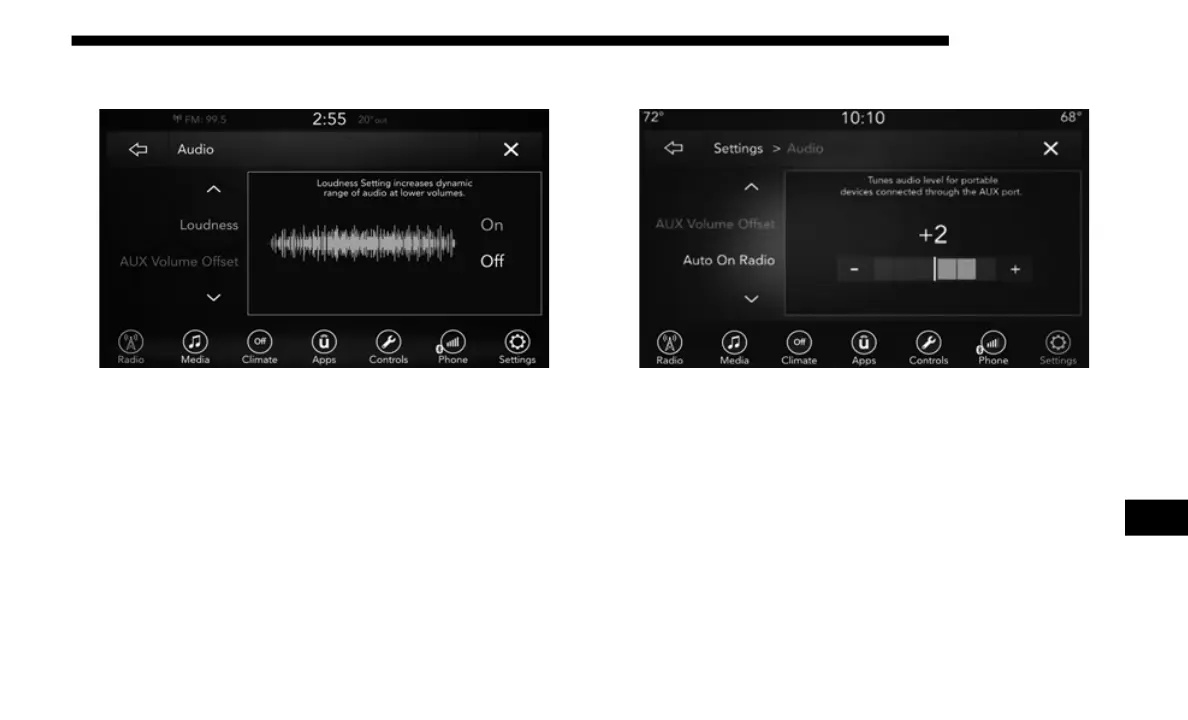
Loudness
Loudness
Press the On button on the touchscreen to activate Loudness.
Press
Off to deactivate this feature.
When Loudness is On, the sound quality at lower volumes
impro
ves.
AUX Volume Offset
AUX Volume Offset
Press the AUX Volume Offset button on the touchscreen to
a
ctiv
ate the AUX Volume Offset screen.
The AUX Volume Offset is adjusted by pressing of the + and
– but
tons. This alters the AUX input audio volume. The level
value, which spans between plus or minus three, is
displayed above the adjustment bar.
9














 To Next Page