– 38 –
1. PREFACE
II. OPERATION SECTION (WITH REGARD TO THE PANEL)
Pattern name Description
User's pattern Pattern that can be stored in the body.
Max. 999 patterns can be registered.
Pattern data File that extension is ".VDT"
These are the les of sewing patterns created by editing data with the exclusive software (PM-1).
Read from media.
Max. 999 patterns can be used.
This section describes how to use sewing data on the PS-700.
①
Using the sewing data stored in the operation panel
Sewing patterns that have been factory-stored in the operation panel during the initial setup process can
be used. Refer to "II-3-2-4-1. Reading sewing patterns" p. 51 for details.
It is also possible to create or edit the sewing patterns with the operation panel. Refer to the Engineer's
Manual for details.
②
Using the sewing data stored on an external medium
It is possible for the customer to create sewing data by installing the exclusive software (PM-1) on the cus-
tomer's personal computer.
Copy the sewing data (¥DA_PAT¥NO@xxxx.VDT) you have created on an external medium (such as the
USB thumb drive).
Insert the medium into the insertion slot of the operation panel to copy the data from the medium to the
operation panel. It is also possible to directly read the sewing data stored on a medium. Refer to "II-3-2-4-
1. Reading sewing patterns" p. 51 for details.
1-1. Kind of sewing data handled with panel
1-2. Using the sewing data with PS-700
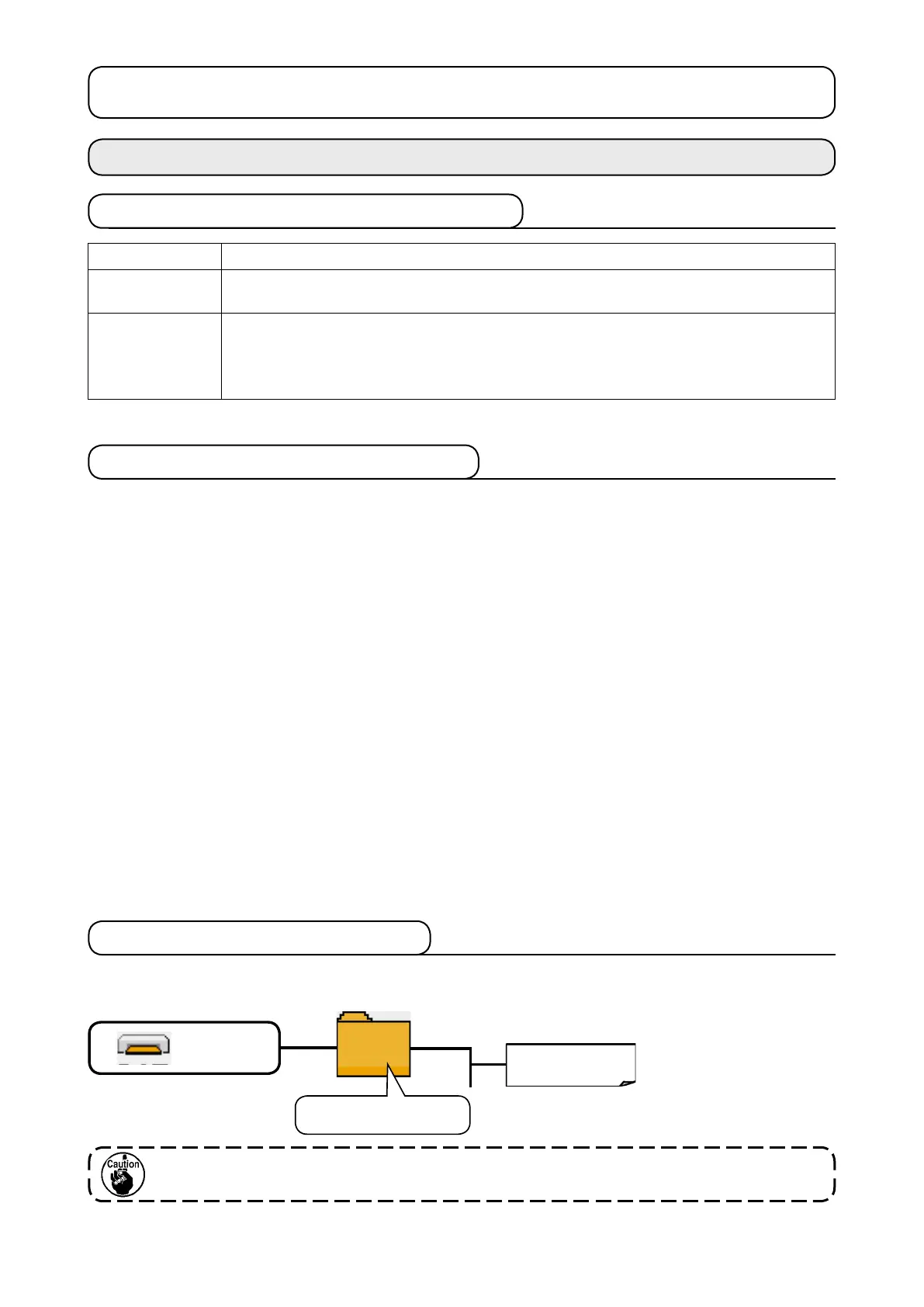
Store each le in the folders below of the media.
Data that are not stored in the directories above cannot be read. So, be careful.
NO@xxxx.VDT
Store vector format data in
¥DA_PAT.
DA_PAT
Store vector format data.
1-3. Folder structure of the media
Media drive



 To Next Page