– 44 –
No. Function Description
J Quick parameters The following parameters can be set.
P1 : Selection of the fastening stitching method at the beginning of
sewing
P2 : Setting of the number of fastening stitches at the beginning of
sewing
P3 : Selection of the fastening stitching method at the end of sewing
P4 : Setting of the number of fastening stitches at the end of sewing
P5 : ON/OFF of the bobbin thread remaining amount detection
K Travel of the intermediate
presser
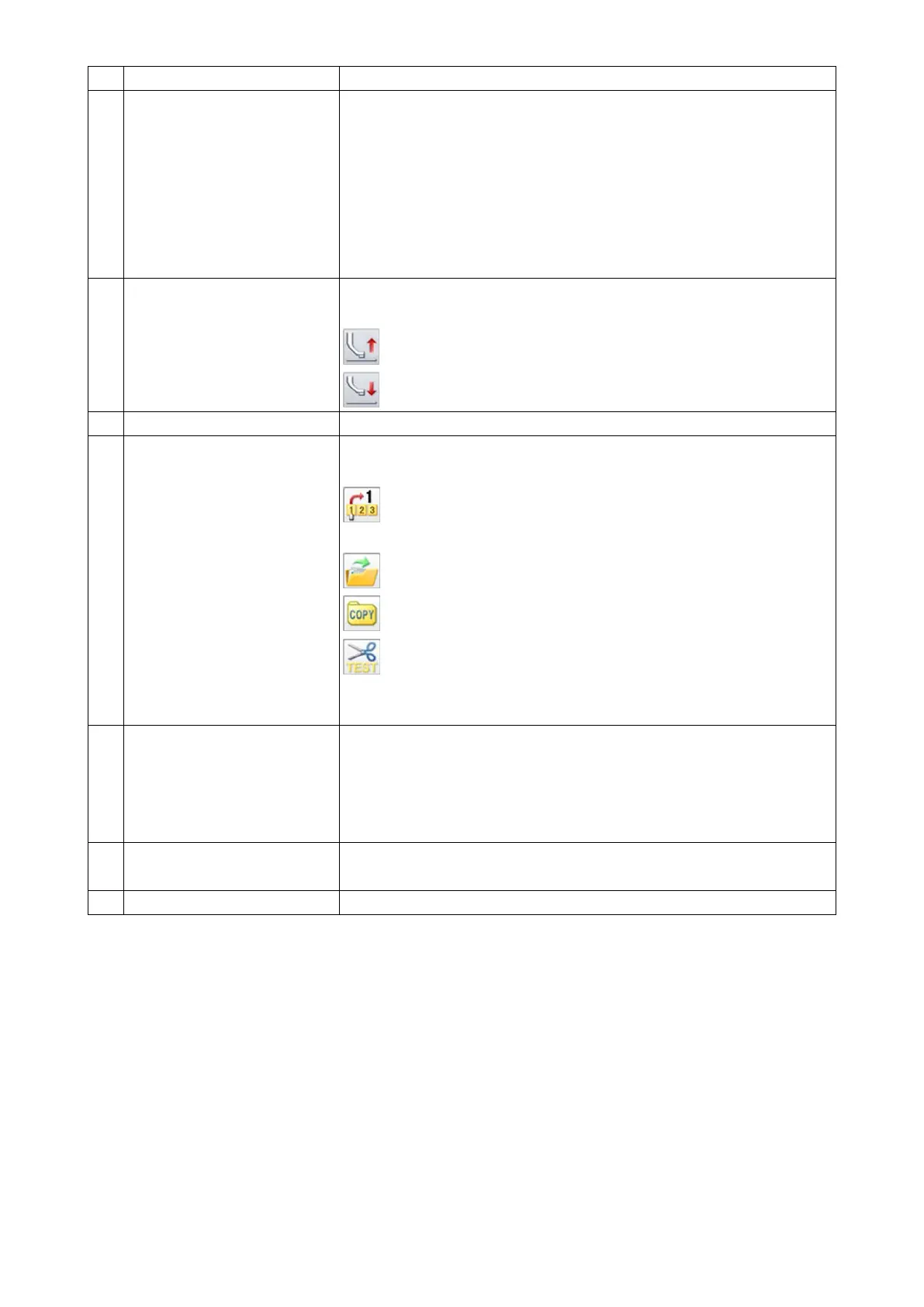
This function is used for moving the intermediate presser in the direc-
tion of the arrow.
: Intermediate presser goes up
: Intermediate presser comes down
L Display of the main screen P2 This function is used for displaying the main screen P2 on the screen.
M Shortcut key The following four shortcut keys are set as frequently-used function
keys.
: Reading a sewing pattern by means of the sewing pattern num-
ber
: Displaying the sewing pattern reading mode
: Copying the sewing pattern
: Thread trimming test
* Refer to the Engineer's Manual for how to change the setting of short-
cut keys.
N Shortcut key for sewing pat-
tern number
This function is used for displaying the sewing pattern numbers that
have been used recently.
As many as 40 sewing pattern numbers can be stored in memory.
When you select the pattern number, it will be changed to the current
sewing pattern data.
O Thread tension setting This function is used for displaying the reference value of thread ten-
sion. The thread tension is set after pressing the key.
P Main shaft revolution speed This function is used for setting the revolution speed of main shaft.



 To Next Page