– 60 –
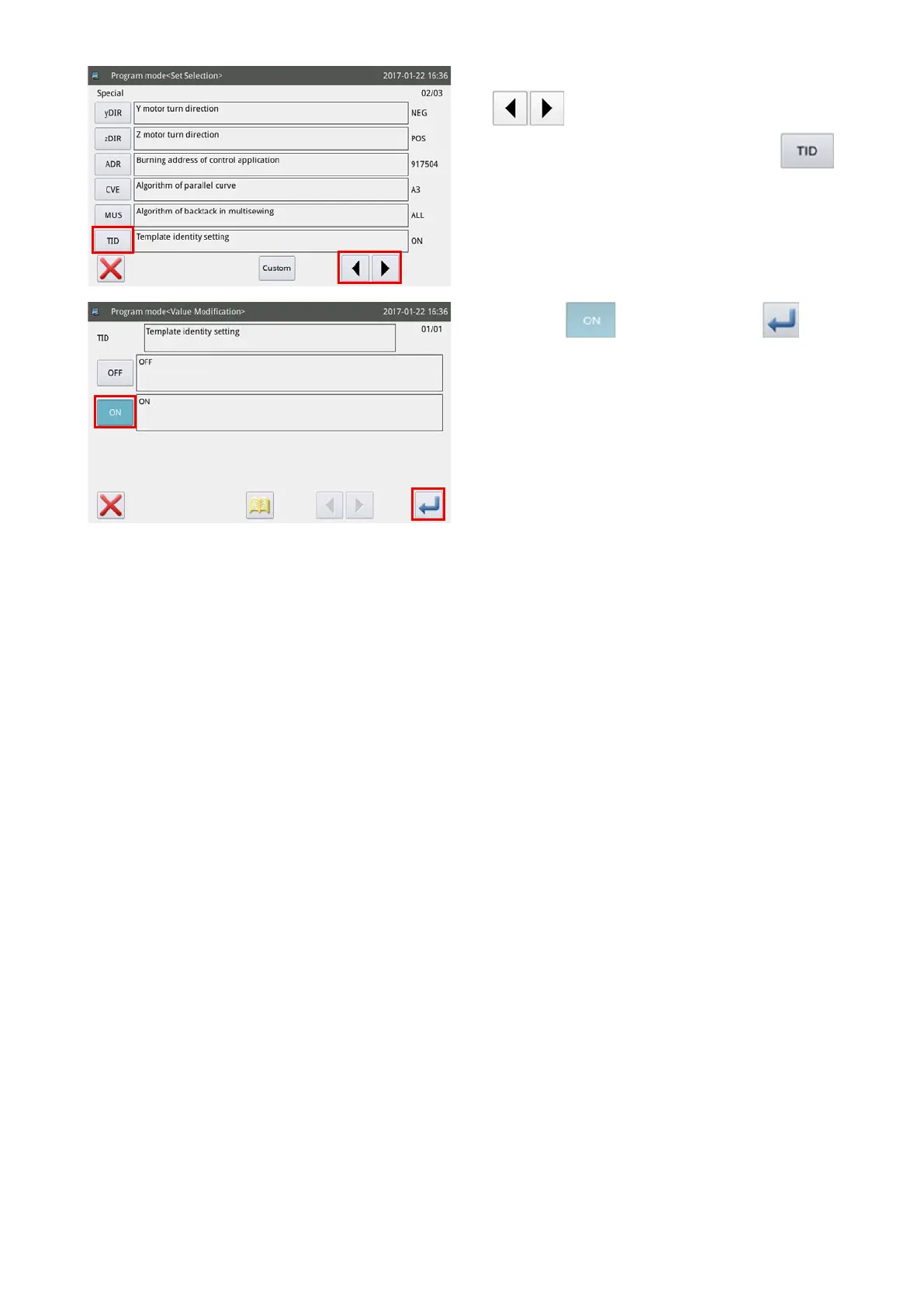
4) Change over the pages by pressing the
key. Select enable / disable of the tem-
plate identication setting by pressing the
key.
"ON" refers to the "enable" of the template identi-
cation setting, or "OFF" refers to the "disable" of
the template identication setting.
5) Select the key. Then, press the key
to enable the template identication setting.



 To Next Page