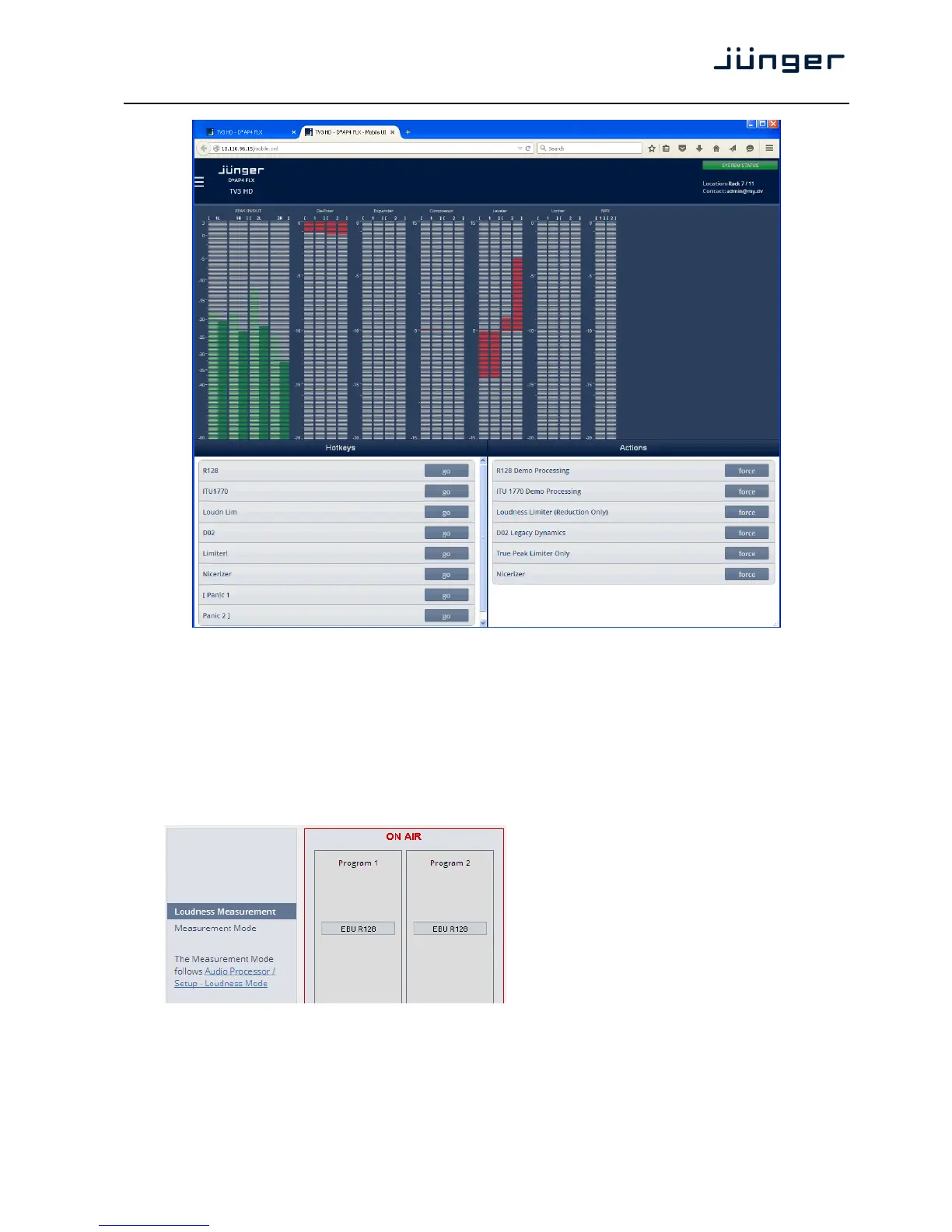
The appearance of the mobile UI may be configured at SYSTEM > Remote Access > Mobile UI.
At the bottom you have a representation of the X*AP RM1 Hotkey settings
(see EVENTS > Triggers > Remote Hotkeys). By pressing the <go> soft button you will trigger an action
the same way a remote Hotkey would do. This example represents the factory default settings that are
implemented in the actual release of the D*AP4.
But you can also ignite actions from the UI.
Setup GUI – MEASUREMENT – Setup
As stated at the left side the measurement mode must be set-up here:
AUDIO PROCESSOR > Setup > Loudness Mode



 To Next Page