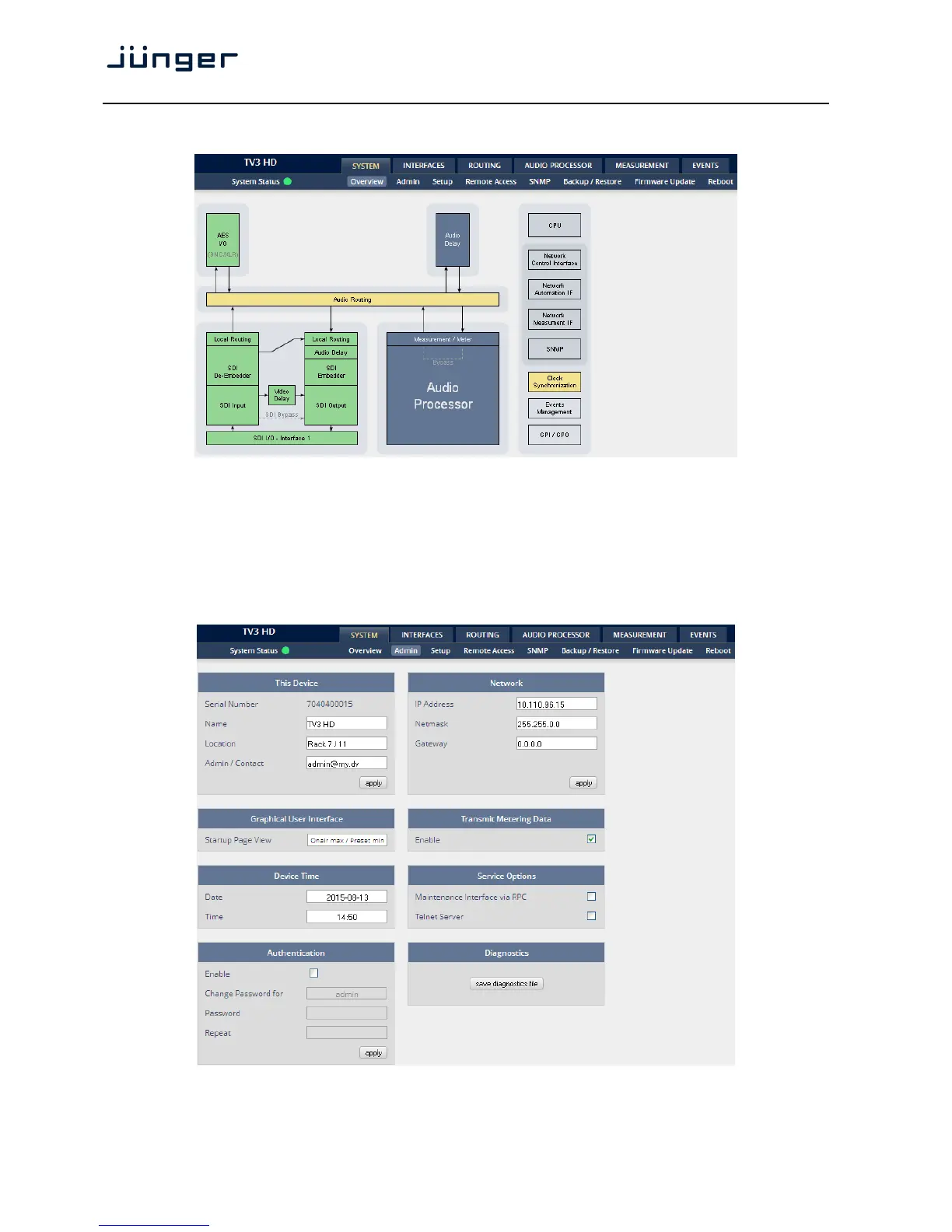
Setup GUI – SYSTEM – Overview
The graphical overview shows the main building blocks of the device including the options installed,
in this example SDI interface placed into the interface 1 location (see rear view).
You may click on the boxes and the respective setup page will open. The navigation is based on URLs so
you may use the <Back> navigation button of the browser to return to this page.
Setup GUI – SYSTEM – Admin



 To Next Page