Empty Creates a set of empty fields where you may select the preset of
your choice for the respective function block or leave it empty if no
changes are needed …
Important Note! This is the way to create your own snap shot. The new presets will be automatically
given the name of this event! So be careful to select meaningful names. You will find them later on in all
your function blocks!
Include these Blocks [System / Interface / Routing / Audio Processor / Voice 1 / Voice 2 /
Program / Monitor]
You can tell the event manager which function blocks must be included
in this event (or not).
Setup GUI – EVENTS – Events – Parameter Events
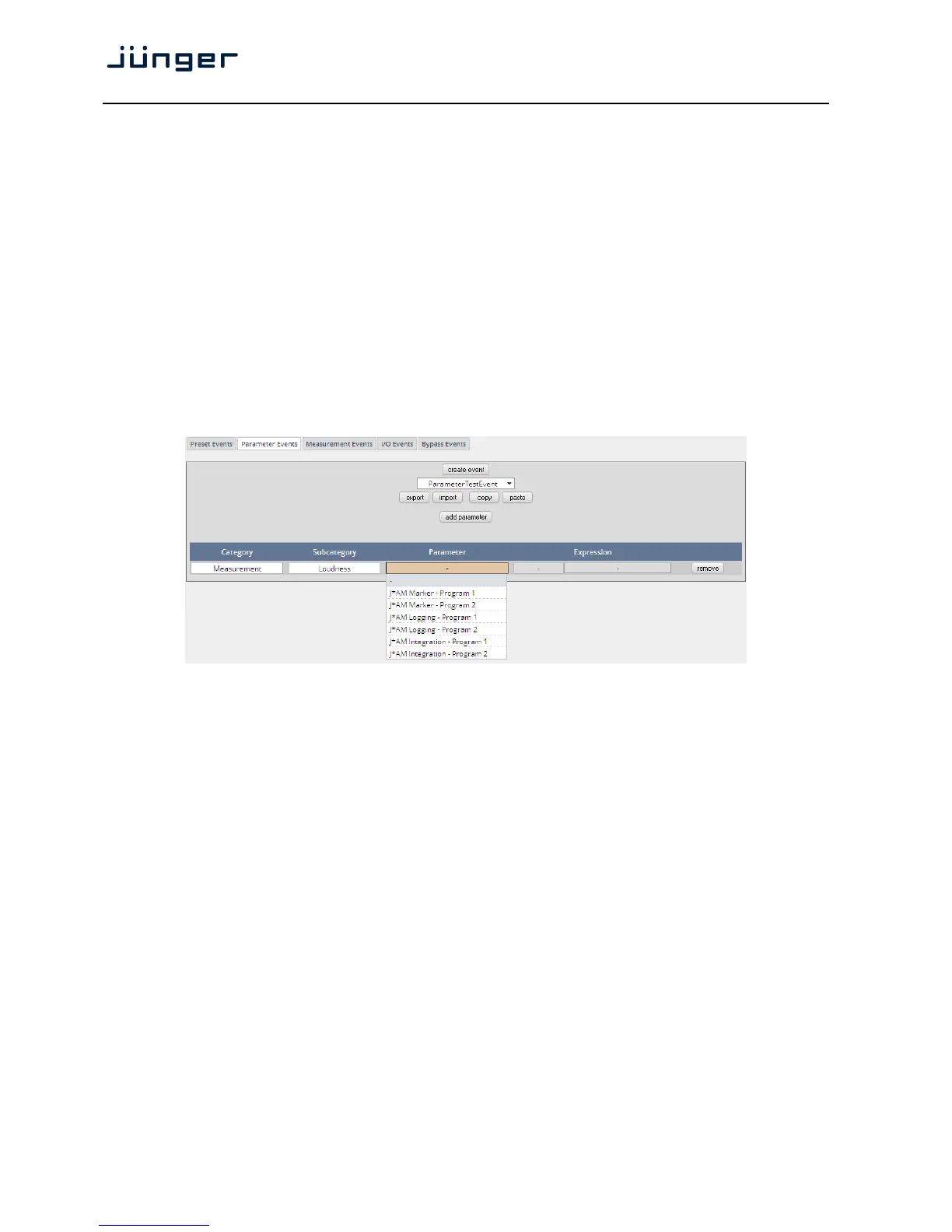
Parameter events are designed to change parameters when executing an action.
You define the parameter here:
This example shows the possible parameters to control the loudness measurement of the loudness
logger of the Junger Audio application manager J*AM.
Category [System / Audio Processor / Measurement]
Subcategory [in case of Category = System >> Setup]
[in case of Category = Audio Processor >> Voice Over]
[in case of Category = Measurement >> Loudness]
Parameter depending on the pre-selected Subcategory you may define the
relevant parameter which you want to set
(e.g. to control the integration measurement of the J*AM).
Expression If applicable, the value of the parameter that will be set if the parameter
event is triggered during an event action
(e.g. set a marker for the J*AM live plot)



 To Next Page