EasyManua.ls Logo

JVC KY-D29 - Precautions Handling Precautions

JVC KY-D29
56 pages
Print Icon
To Next Page IconTo Next Page
To Previous Page IconTo Previous Page
Loading...
1.
INTRODUCTION
PRECAUTIONS
HANDLING
PRECAUTIONS
Supply
Voltage
Make
sure
that
the
power
is
between
10.5V
and
15.0V
DC.
If
the
power
voltage
is
too
low,
abnormal
color
and
increased
noise
may
occur.
Do
not
exceed
15.0V
DC
in
any
case,
or
the
unit
could
be
damaged.
Precautions
before
carrying
the
camera
Be
careful
not
to
subject
the
camera
to
a
strong
impact
or
to
drop
it.
Be
sure
to
hold
the
camera
by
the
carrying
handle.
Do
not
hold
the
lens
or
the
viewfinder
section
as
this
may
cause
damage
to
these
parts.
eSpecific
phenomena
to
CCD
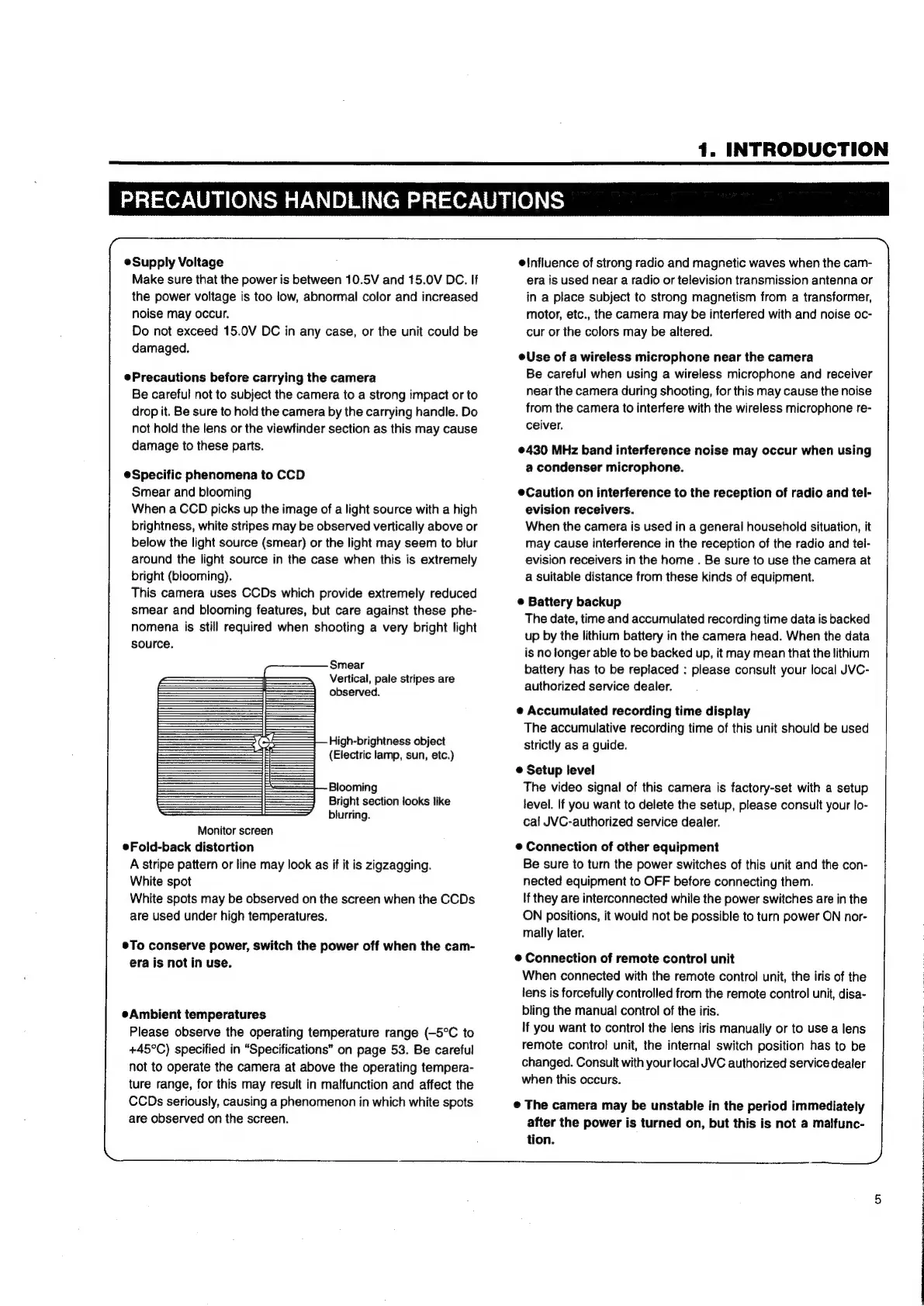
Smear
and
blooming
When
a
CCD
picks
up
the
image
of
a
light
source
with
a
high
brightness,
white
stripes
may
be
observed
vertically
above
or
below
the
light
source
(smear)
or
the
light
may
seem
to
blur
around
the
light
source
in
the
case
when
this
is
extremely
bright
(blooming).
This
camera
uses
CCDs
which
provide
extremely
reduced
smear
and
blooming
features,
but
care
against
these
phe-
nomena
is
still
required
when
shooting
a
very
bright
light
source.
Smear
Vertical,
pale
stripes
are
observed.
High-brightness
object
(Electric
lamp,
sun,
etc.)
Blooming
Bright
section
looks
like
blurring.
Monitor
screen
eFold-back
distortion
A
stripe
pattern
or
line
may
look
as
if it
is
zigzagging.
White
spot
White
spots
may
be
observed
on
the
screen
when
the
CCDs
are
used
under
high
temperatures.
To
conserve
power,
switch
the
power
off
when
the
cam-
era
is
not
in
use.
Ambient
temperatures
Please
observe
the
operating
temperature
range
(-5°C
to
+45°C)
specified
in
“Specifications”
on
page
53.
Be
careful
not
to
operate
the
camera
at
above
the
operating
tempera-
ture
range,
for
this
may
result
in
malfunction
and
affect
the
CCDs
seriously,
causing
a
phenomenon
in
which
white
spots
are
observed
on
the
screen.
einfluence
of
strong
radio
and
magnetic
waves
when
the
cam-
era
is
used
near
a
radio
or
television
transmission
antenna
or
in
a
place
subject
to
strong
magnetism
from
a
transformer,
motor,
etc.,
the
camera
may
be
interfered
with
and
noise
oc-
cur
or
the
colors
may
be
altered.
eUse
of
a
wireless
microphone
near
the
camera
Be
careful
when
using
a
wireless
microphone
and
receiver
near
the
camera
during
shooting,
for
this
may
cause
the
noise
from
the
camera
to
interfere
with
the
wireless
microphone
re-
ceiver.
©430
MHz
band
interference
noise
may
occur
when
using
a
condenser
microphone.
Caution
on
interference
to
the
reception
of
radio
and
tel-
evision
receivers.
When
the
camera
is
used
in
a
general
household
situation,
it
may
cause
interference
in
the
reception
of
the
radio
and
tel-
evision
receivers
in
the
home
.
Be
sure
to
use
the
camera
at
a
suitable
distance
from
these
kinds
of
equipment.
e
Battery
backup
The
date,
time
and
accumulated
recording
time data
is
backed
up
by
the
lithium
battery
in
the
camera
head.
When
the
data
is
no
longer
able
to
be
backed
up,
it
may
mean
that
the
lithium
battery
has
to
be
replaced
:
please
consult
your
local
JVC-
authorized
service
dealer.
Accumulated
recording
time
display
The
accumulative
recording
time
of
this
unit
should
be
used
Strictly
as
a
guide.
©
Setup
level
The
video
signal
of
this
camera
is
factory-set
with
a
setup
level.
If
you
want
to
delete
the
setup,
please
consult
your
lo-
cal
JVC-authorized
service
dealer.
e
Connection
of
other
equipment
Be
sure
to
turn
the
power
switches
of
this
unit
and
the
con-
nected
equipment
to
OFF
before
connecting
them.
If
they
are
interconnected
while
the
power
switches
are
in
the
ON
positions,
it
would
not
be
possible
to
turn
power
ON
nor-
mally
later.
©
Connection
of
remote
control
unit
When
connected
with
the
remote
control
unit,
the
iris
of
the
lens
is
forcefully
controlled
from
the
remote
control
unit,
disa-
bling
the
manual
control
of
the
iris.
If
you
want
to
control
the
lens
iris
manually
or
to
use
a
lens
remote
control
unit,
the
internal
switch
position
has
to
be
changed.
Consult
with
your
local
JVC
authorized
service
dealer
when
this
occurs.
©
The
camera
may
be
unstable
in
the
period
immediately
after
the
power
is
turned
on,
but
this
is
not
a
malfunc-
tion.
a
al
El
a
ae
RE
te
OE

Table of Contents

Related product manuals