EasyManua.ls Logo

Kaypro 2 - 10-05.TIFF

Default Icon
157 pages
Print Icon
To Next Page IconTo Next Page
To Previous Page IconTo Previous Page
Loading...
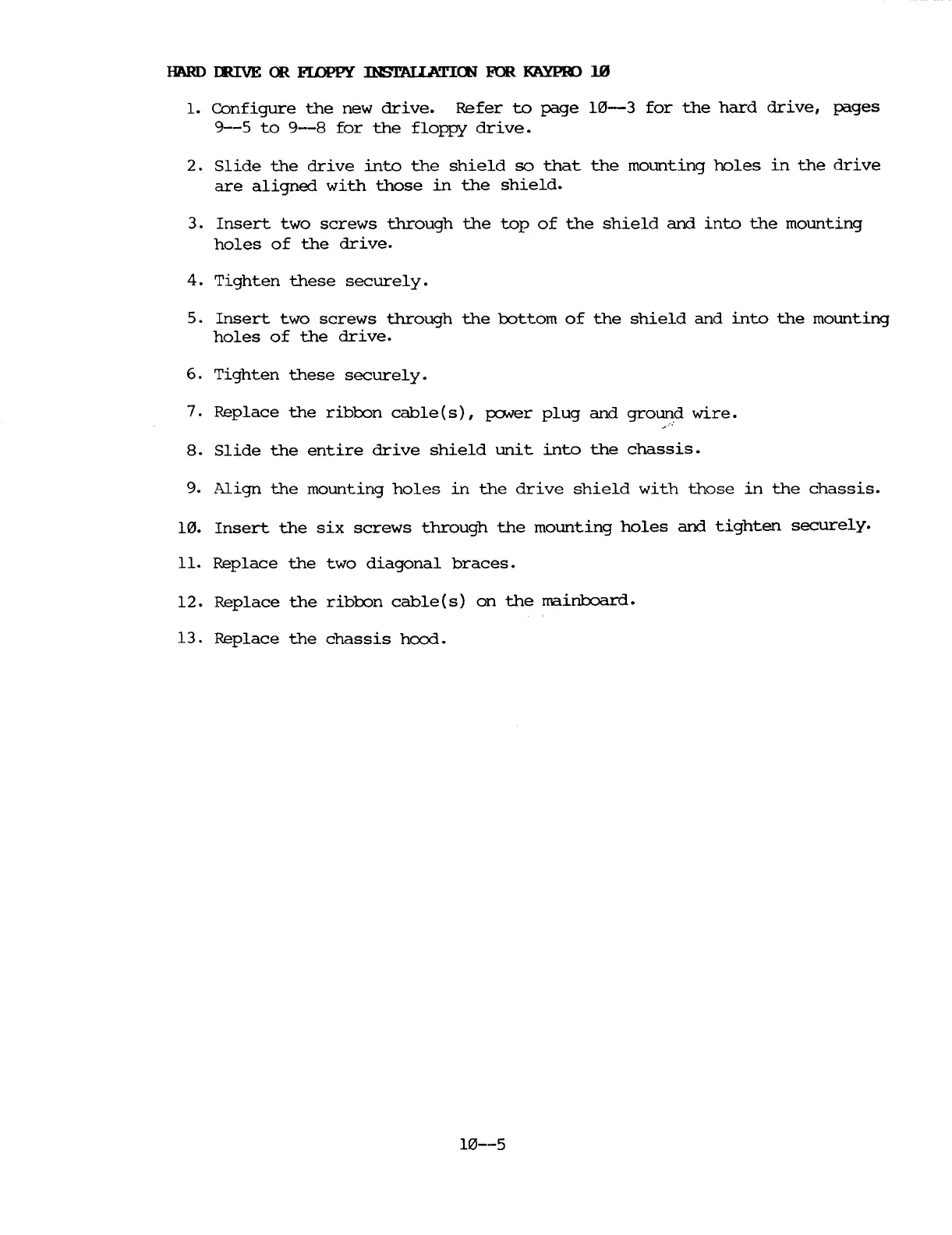
HARD
IIUVE
OR
FIDPPY
INSTAUATICE
FOR
KAYPR>
1m
1.
Configure
the
new
drive.
Refer
to
page
10-3
for
the
hard
drive,
pages
9--5
to
9--8
for
the
floppy
drive.
2.
Slide
the
drive
into
the
shield
so
that
the
mounting
holes
in
the
drive
are
aligned
with
those
in
the
shield.
3.
Insert
two
screws
through
the
top
of
the
shield
and
into
the
mounting
holes
of
the
drive.
4.
Tighten
these
securely.
5.
Insert
two
screws
through
the
oottom
of
the
shield
and
into
the
mounting
holes
of
the
drive.
6.
Tighten
these
securely.
7.
Replace
the
riboon
cable(s),
po.ver
plug
and
ground
wire.
,
<.
8.
Slide
the
entire
drive
shield
unit
into
the
chassis.
9.
Align
the
mounting
holes
in
the
drive
shield
with
those
in
the
chassis.
10.
Insert
the
six
screws
through
the
mounting
holes
and
tighten
securely.
11.
Replace
the
two
diagonal
braces.
12.
Replace
the
riboon
cable(s)
on
the
rrairiboard.
13.
Replace
the
chassis
hood.
10--5

Table of Contents

Related product manuals