EasyManua.ls Logo

Kaypro 2 - 14-02.TIFF

Default Icon
157 pages
Print Icon
To Next Page IconTo Next Page
To Previous Page IconTo Previous Page
Loading...
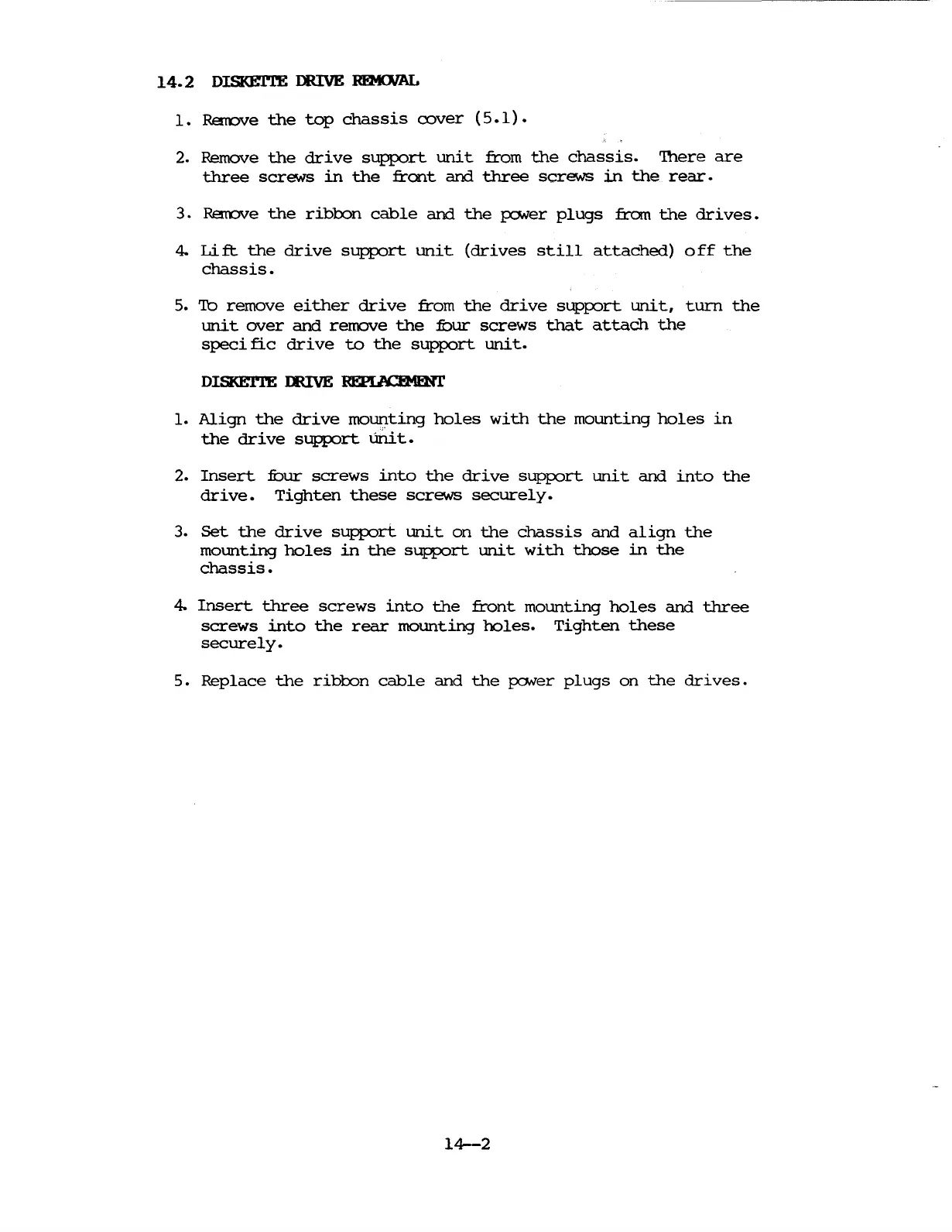
14.2
DISKErl'E DRIVE
RI!M01AL
1.
Rarove
the
top
chassis
rover
(5.1).
2. Remove
the
drive
support
unit
from
the
chassis.
'There
are
three
screws
in
the
front
and
three
screws
in
the
rear.
3.
Rarove
the
ribbon
cable
and
the
fONer
plugs
from
the
drives.
4.
Lift.
the
drive
support
unit
(drives
still
attached)
off
the
chassis.
5.
'lb
remove
either
drive
from
the
drive
sUPfX)rt
unit,
turn
the
unit
over
and
remove
the
fuur
screws
that
attach
the
speci
fie
drive
to
the
support
unit.
1.
Align
the
drive
moUI'lting
holes
with
the
mounting
holes
in
the
drive
support
um.t.
2.
Insert
fuur
screws
into
the
drive
sUPfX)rt
unit
and
into
the
drive.
Tighten
these
screws
securely.
3.
Set
the
drive
support
unit
on
the
chassis
and
align
the
mounting
holes
in
the
support
unit
with
those
in
the
chassis.
4.
Insert
three
screws
into
the
front
mounting
holes
and
three
screws
into
the
rear
mounting
holes.
Tighten
these
securely.
5.
Replace
the
ribOOn
cable
and
the
fONer
plugs
on
the
drives.
14-2

Table of Contents

Related product manuals