EasyManua.ls Logo

Kaypro 2 - 14-01.TIFF

Default Icon
157 pages
Print Icon
To Next Page IconTo Next Page
To Previous Page IconTo Previous Page
Loading...
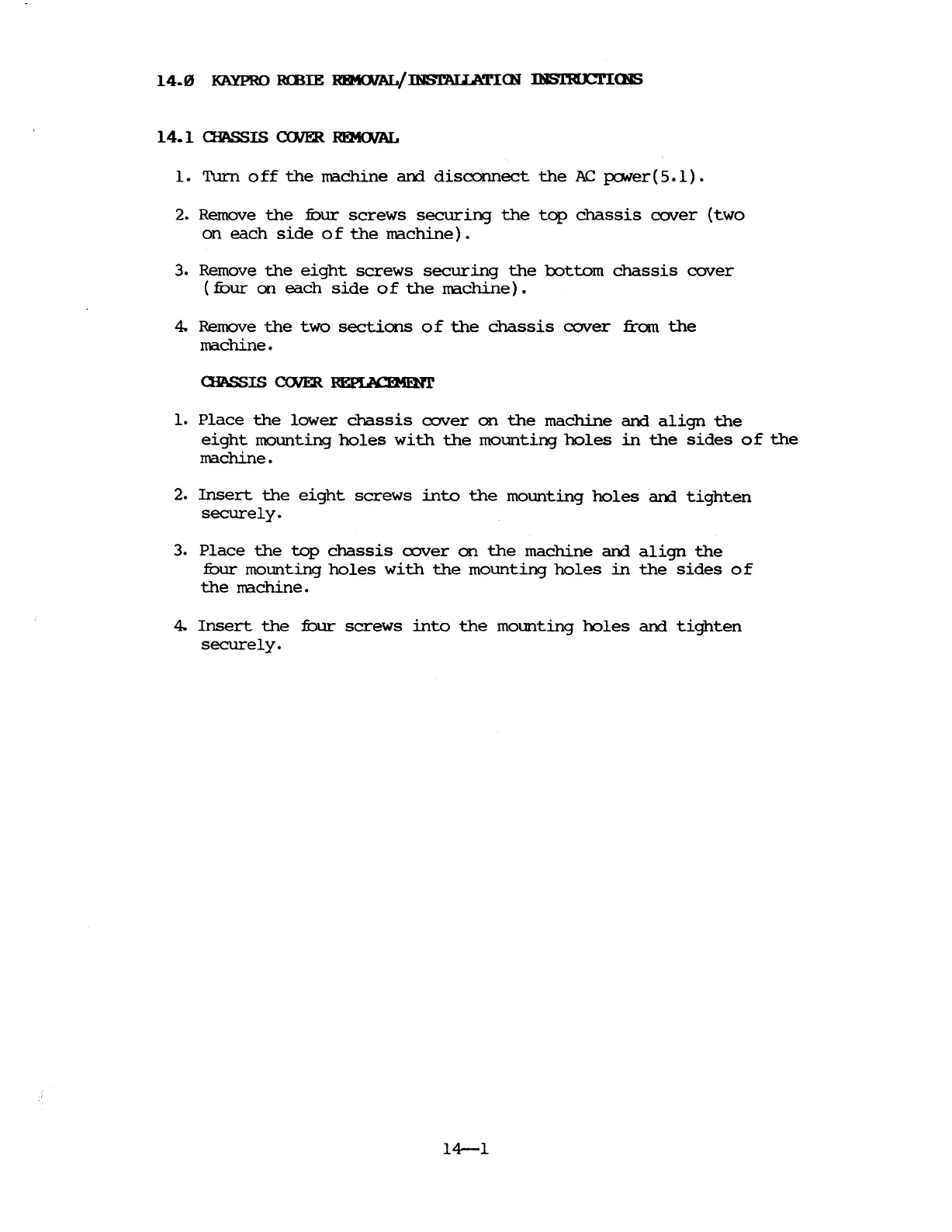
14.1
aIASSIS <nlER
RfMOJAL
1.
Turn
0
ff
the
machine
and
disconnect
the
AC
power
(5.1)
2. Remove
the
:fOur
screws
securing
the
top
chassis
cover
(two
on
each
side
0 f
the
machine).
3. Remove
the
eight
screws
securing
the
rottom
chassis
cover
(fuur
on
each
side
of
the
machine).
4. Remove
the
two
sections
0 f
the
chassis
cover
from
the
machine.
aIASSIS
COJER
~
1.
Place
the
lower
chassis
cover
on
the
machine
and
align
the
eight
mounting
holes
with
the
mounting
holes
in
the
sides
of
the
machine.
2.
Insert
the
eight
screws
into
the
mounting
holes
and
tighten
securely.
3.
Place
the
top
chassis
cover
on
the
machine
and
align
the
fuur
mounting
holes
with
the
mounting
holes
in
the
sides
of
the
rrachine.
4.
Insert
the
:fbur
screws
into
the
mounting
holes
and
tighten
securely.
14-1

Table of Contents

Related product manuals