EasyManua.ls Logo

Kaypro 2 - 07-04.TIFF

Default Icon
157 pages
Print Icon
To Next Page IconTo Next Page
To Previous Page IconTo Previous Page
Loading...
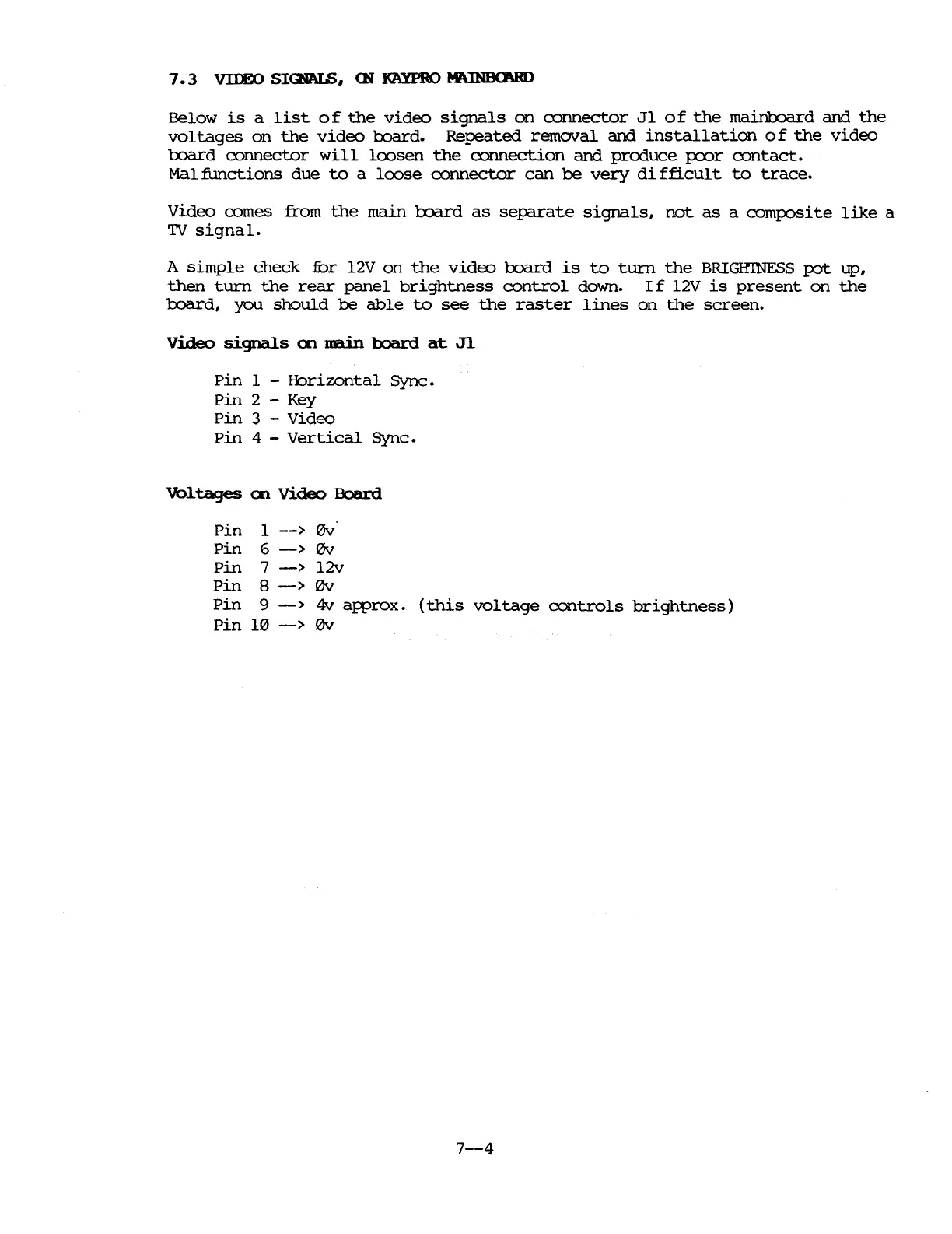
7.3
VIIEO
SIQiALS,
CN
KAYPRO
MIUNBCNID
Below
is
a
list
of
the
video
signals
on
cormector
Jl
of
the
mainboard
and
the
voltages
on
the
video
board.
Repeated
removal
and
installation
of
the
video
board
cormector
will
loosen
the
cormection
and
produce
poor
contact.
Mal
functions
due
to
a
loose
cormector
can
be
very
di
fficul
t
to
trace.
Video
comes
from
the
main
board
as
separate
signals,
not
as
a
composite
like
a
'IV
signal.
A
simple
check
fur
l2V
on
the
video
board
is
to
turn
the
BRIGHINFSS
pot
up,
then
turn
the
rear
panel
brightness
control
down.
If
l2V
is
present
on
the
board,
you
should
be
able
to
see
the
raster
lines
on
the
screen.
video
signals
Q'l
nain
board
at
Jl
pin
1 -
fbrizontal
Sync.
pin
2 - Key
Pin
3 -
Video
pin
4 -
Vertical
Sync.
Vo1tages
Q'l
Video
Board
Pin
1
->
0v'
Pin
6
->
0v
pin
7
->
l2v
Pin
8
->
0v
Pin
9
->
4v
approx.
(this
voltage
controls
brightness)
Pin
10
->
0v
7-4

Table of Contents

Related product manuals