EasyManua.ls Logo

Kaypro 2 - 08-02.TIFF

Default Icon
157 pages
Print Icon
To Next Page IconTo Next Page
To Previous Page IconTo Previous Page
Loading...
8.2
IESCRIPl'ICN
AND
22flN CCNFIGJRATICN INSl.'RlCl'ICNS
Two
fuses
are
associated
with
each
of
the
power
supplies.
Q"le
fuse
(2 amp)
is
motmted
on
the
rear
0 f
the
chassis
and
accessible
from
outside
the
computer.
The
other
fuse
(2.5
amp)
is
motmted
directly
on
the
power
supply
toard.
Disconnect
AC
power
from
the
computer
whenever
replacing
fuses.
Be
eSPeCially
careful
when
replacing
the
fuse
on
the
power
supply
toard.
Use
of
a
fuse
replacement
tool
is
recommended
due
to
the
difficulty
of
reaching
this
<XlTlfO!lent.
22flN CCNFIGJRATICN
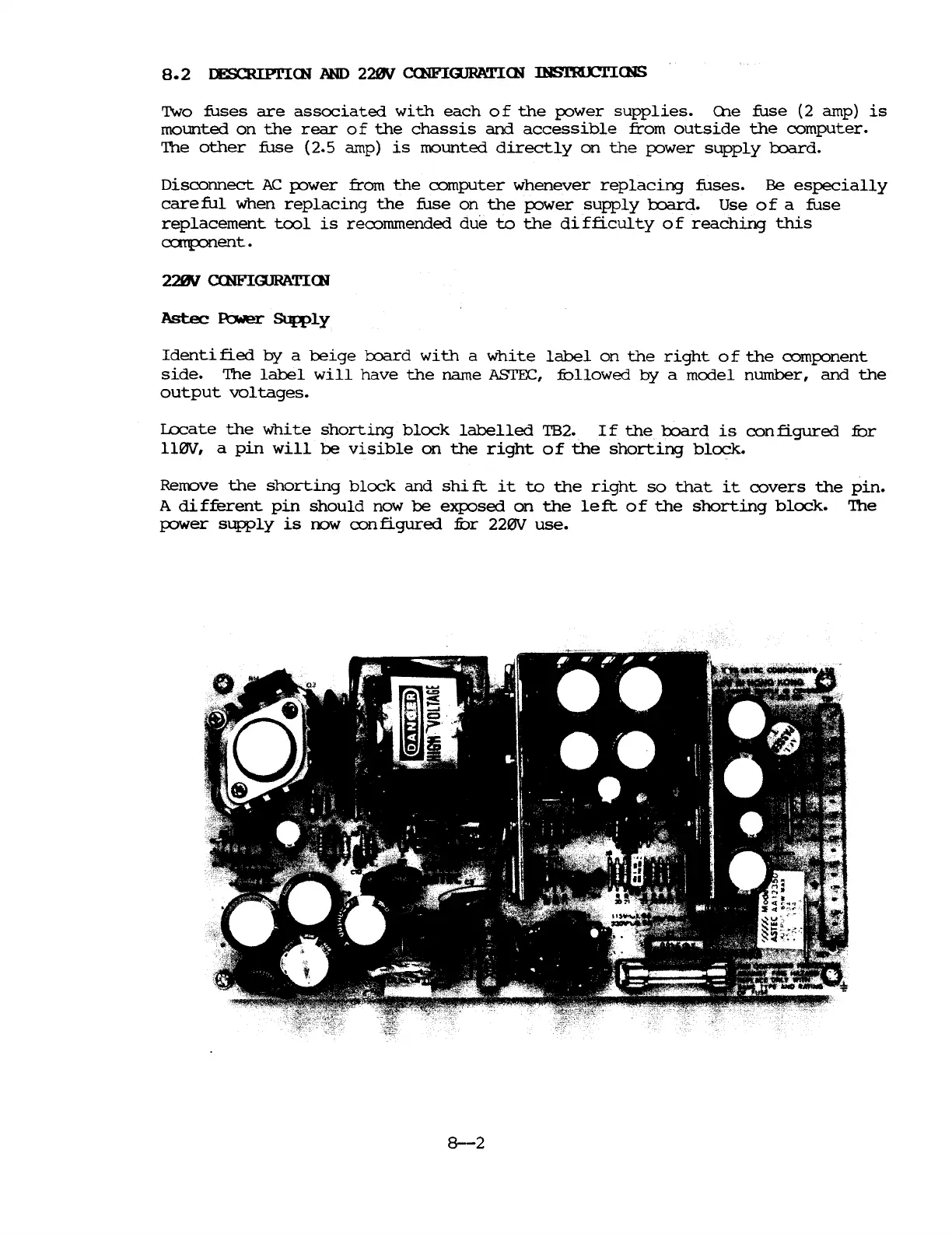
Astec
~
SUR>ly
Identi
fied
by
a
beige
toard
with
a
white
label
on
the
right
0 f
the
component
side.
The
label
will
have
the
name
ASrEC,
fullowed
by
a
model
number,
and
the
output
voltages.
Locate
the
white
shorting
block
labelled
TB2.
If
the
l:x>ard
is
configured
fur
ll0V,
a
pin
will
be
visible
on
the
right
of
the
shorting
block.
Remove
the
shorting
block
and
shift
it
to
the
right
so
that
it
covers
the
pin.
A
di
fferent
pin
should
now
be
exposed
on
the
le
ft
0 f
the
shorting
block.
The
power
supply
is
rYJW
configured
fur
220V
use.
8-2

Table of Contents

Related product manuals