EasyManua.ls Logo

Kaypro 2 - 06-01.TIFF

Default Icon
157 pages
Print Icon
To Next Page IconTo Next Page
To Previous Page IconTo Previous Page
Loading...
The
fOllowing
sections
contain
schematics,
chip
layout
diagrams,
and
IC
lists
(by
U-number)
fOr
Kaypro
mainboards.
This
is
not
intended
to
be
a
theory
of
operation,
but
rather
an
aid
to
locating
possible
problems
on
a .mai.nl::x>ard.
;
,.
Consult
an
appropriate
databJok
(TrL,
Zilog,
etc.)
if
you
need
to
find
out
the
internal
v.orkings
of
a
particular
IC.
MAINBQl\RD .TRaJBLEsHoorING
TIPS:
A
blank
EPRCM
can
be
used
to
help
troubleshoot
Kaypro
mainlx:>ards
of
series
81-110, 81-240,
and
81-180.
The
appropriate
model
of
EPRCM
(2732,
2716,
etc)
allows
a
quick
check
of
the
1:x:lard.
It
will
usually
fOrce
the
data
and
address
lines
to
toggle
at
approximately
the
same
amplitude,
allowing
the
technician
to
use
a
scope
to
spot
affected
lines.
If
the
video
display
does
not
show
a
screen
filled
with
alternating
"9'''s
and
apostrophes,
you
have
a
problem
in
the
video
RAM
or
associated
circuitry.
You
can
check
the
main
RAM
and
associated
circuitry
quickly
with
a
scope
by
looking
at
pin
14
on
each
of
the
RAM
chips.
There
should
be
a
pattern
of
signals
like
this:
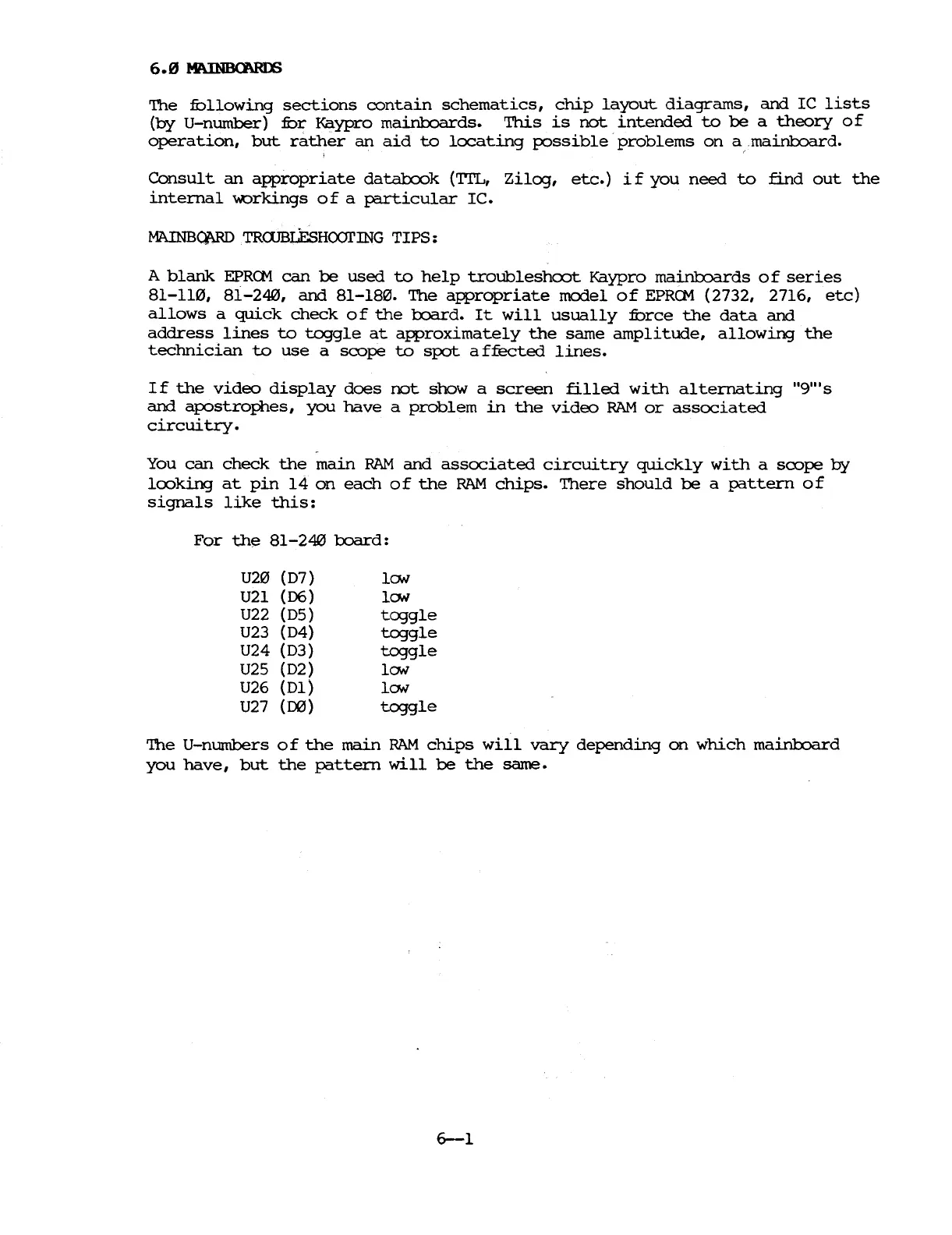
For
th~
81-240
1:x:lard:
U20
(D7)
U21
(06)
U22 (D5)
U23 (D4)
U24 (D3)
U25
(D2)
U26
(Dl)
U27
(00)
ION
ION
toggle
toggle
toggle
ION
ION
toggle
The
U-numbers
0 f
the
main
RAM
chips
will
vary
depending
on
which
mai.nl::x>ard
you
have,
but
the
pattern
will
be
the
same.
6-1

Table of Contents

Related product manuals