08 GM and Drum Restyle | 87
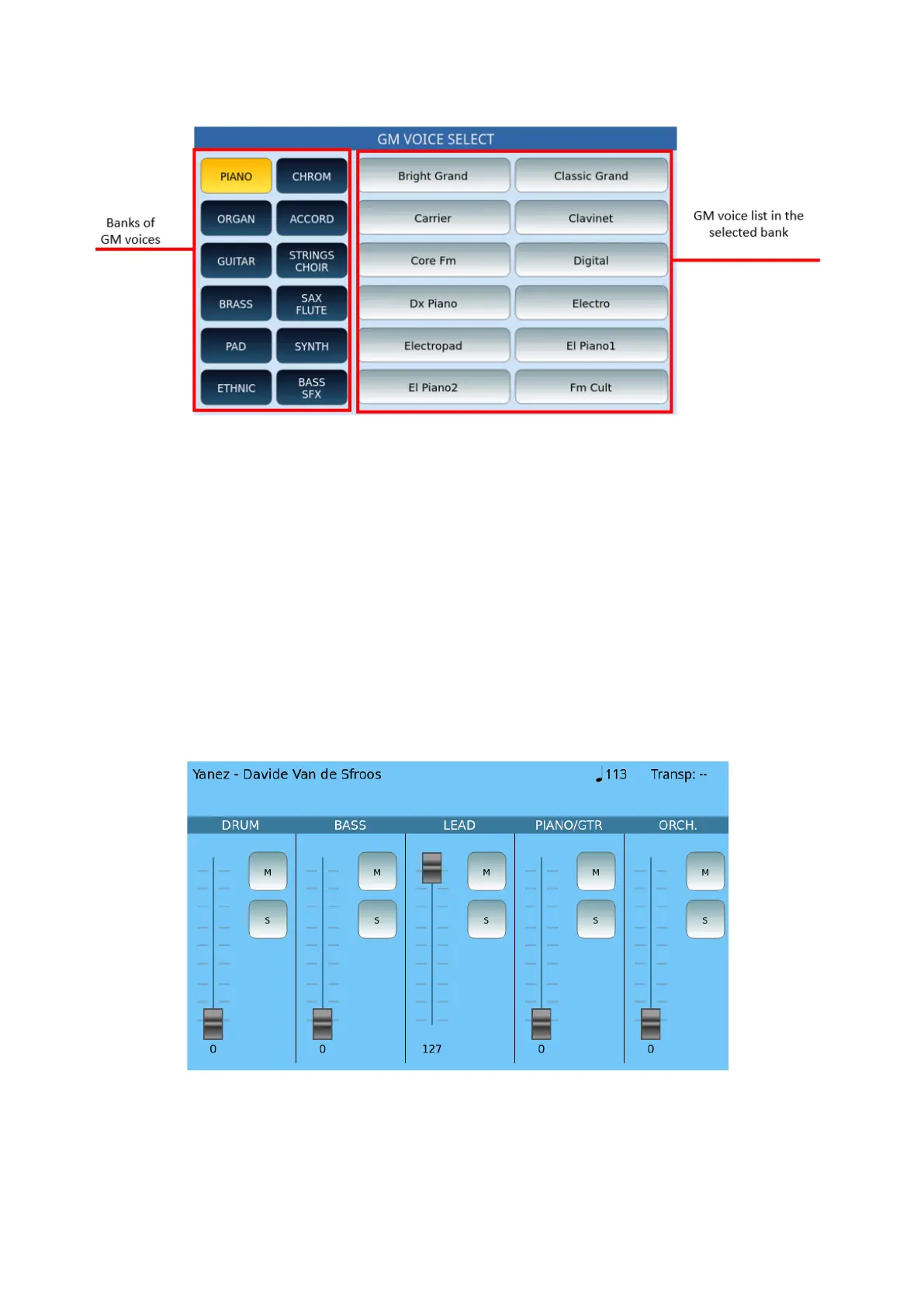
GM VOICE SELECT
This page appears after selecting one of the 16 tracks and pressing the PCH button:
1. Touch a sound bank in the list of buttons on the left.
2. Turn the data knob, or press the ENTER button on the front panel, to display the
complete list of available items within the selected GM bench (there may be
multiple pages).
3. Touch voice you want to associate with the MIDI track.
4. Press Exit to return to the main page of the sequencer with 16 MIDI tracks.
GROUP VIEW
In the Group View page, the mixer works combining more parts: the sliders affect the volume
of each group. You may also use the buttons Mute (M) and Solo (Solo),



 To Next Page