123
5
5
Driving your vehicle Cruise Control (CC)
䳜 8hen driving at a tollgate or
intersection, etc.
If you pass a tollgate or intersection
with lots of vehicles or you drive
where lanes are merged or divided
frequently, Leading Vehicle Depar
-
ture Alert may not operate prop
-
erly.
For more details on the precautions
of the front view camera, refer to
"Forward Collision-Avoidance Assist
(FCA) (Sensor fusion) (if equipped)"
on page -66.
Cruise Control (CC) (if equipped)
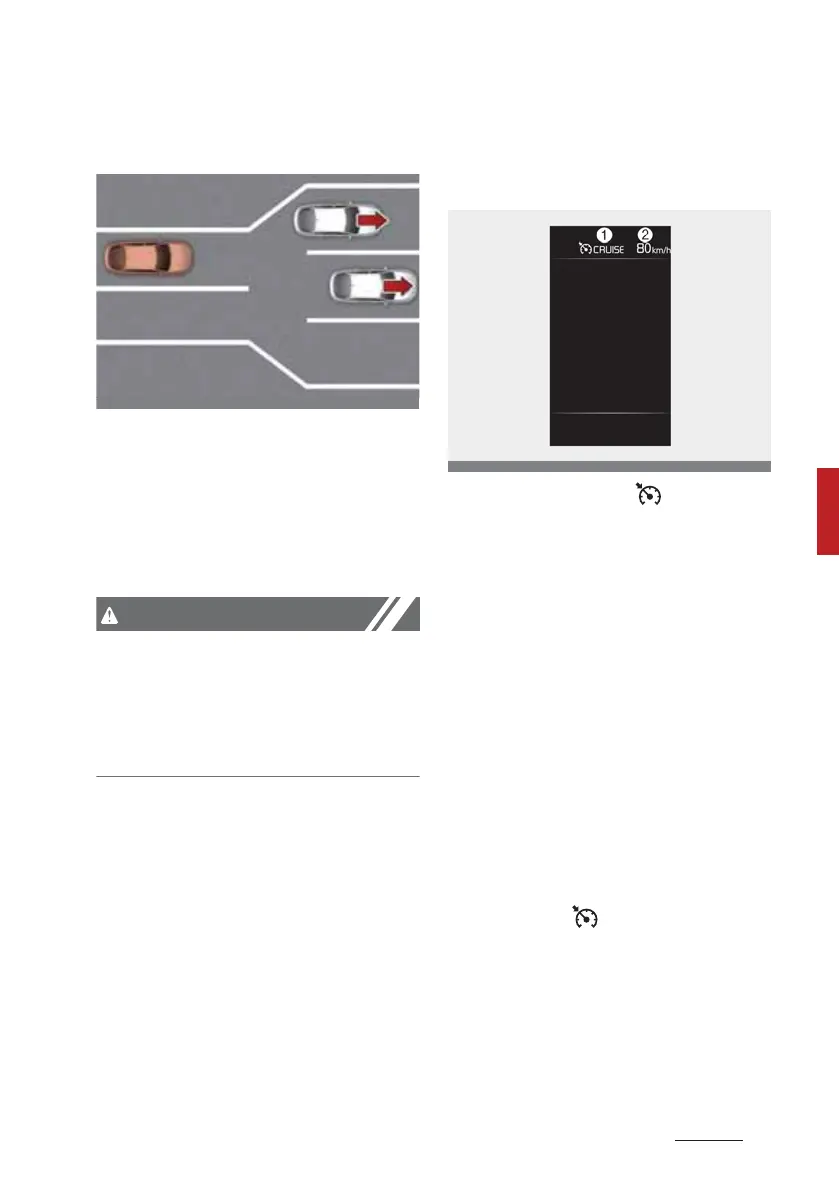
Cruise Control operation
(1) C3UISE indicator ( C3UISE)
(2) Set speed
Cruise Control allows you to drive at
speeds above 30 km/h (20 mph)
without depressing the accelerator
pedal.
Function operation
To set speed
1. Accelerate to the desired speed,
which must be more than 30 km/
h (20 mph).
2. Press the Driving Assist button at
the desired speed. The set speed
and Cruise ( C3UISE) indicator
will illuminate on the cluster.



 To Next Page