Driving your vehicle
135
Smart Cruise Control (SCC)
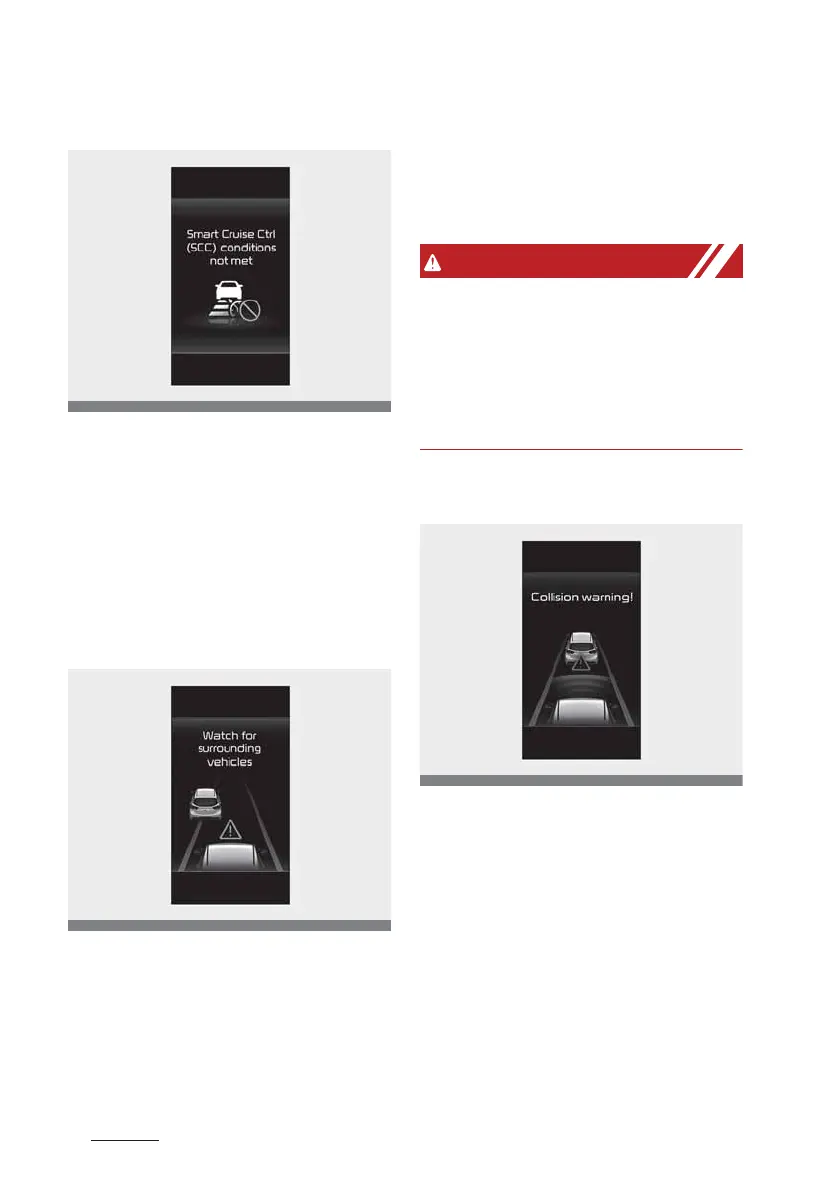
Function conditions not satisfied
If the Driving Assist button, 3ES+ or
SET- switch is pushed when the
function䳓s operating conditions are
not satisfied, the 䳒Smart Cruise Ctrl
(SCC) conditions not met䳓 will appear
on the cluster, and an audible warn
-
ing will sound.
Warning road conditions ahead
In the following situation, the '8atch
for surrounding vehicles' warning
message will appear on the cluster,
and an audible warning will sound to
warn the driver of road conditions
ahead.
The vehicle in front disappears
when Smart Cruise Control is main
-
taining the distance with the vehicle
ahead whilst driving in low speed.
Always pay attention to vehicles or
objects that may suddenly appear in
front of you, and if necessary,
depress the brake pedal to reduce
your driving speed in order to main
-
tain a safe distance.
Collision warning
8hilst Smart Cruise Control is oper
-
ating, when the collision risk with
the vehicle ahead is high, the 'Colli
-
sion warning!' warning message will
appear on the cluster, and an audi
-
ble warning will sound to warn the
driver. Always have your eyes on
the road whilst driving, and if neces
-
sary, depress the brake pedal to
reduce your driving speed in order
to maintain a safe distance.



 To Next Page