- 28 -
INSTALLATION
MOUNTING of PROCESSOR UNIT/ OPERATION UNIT
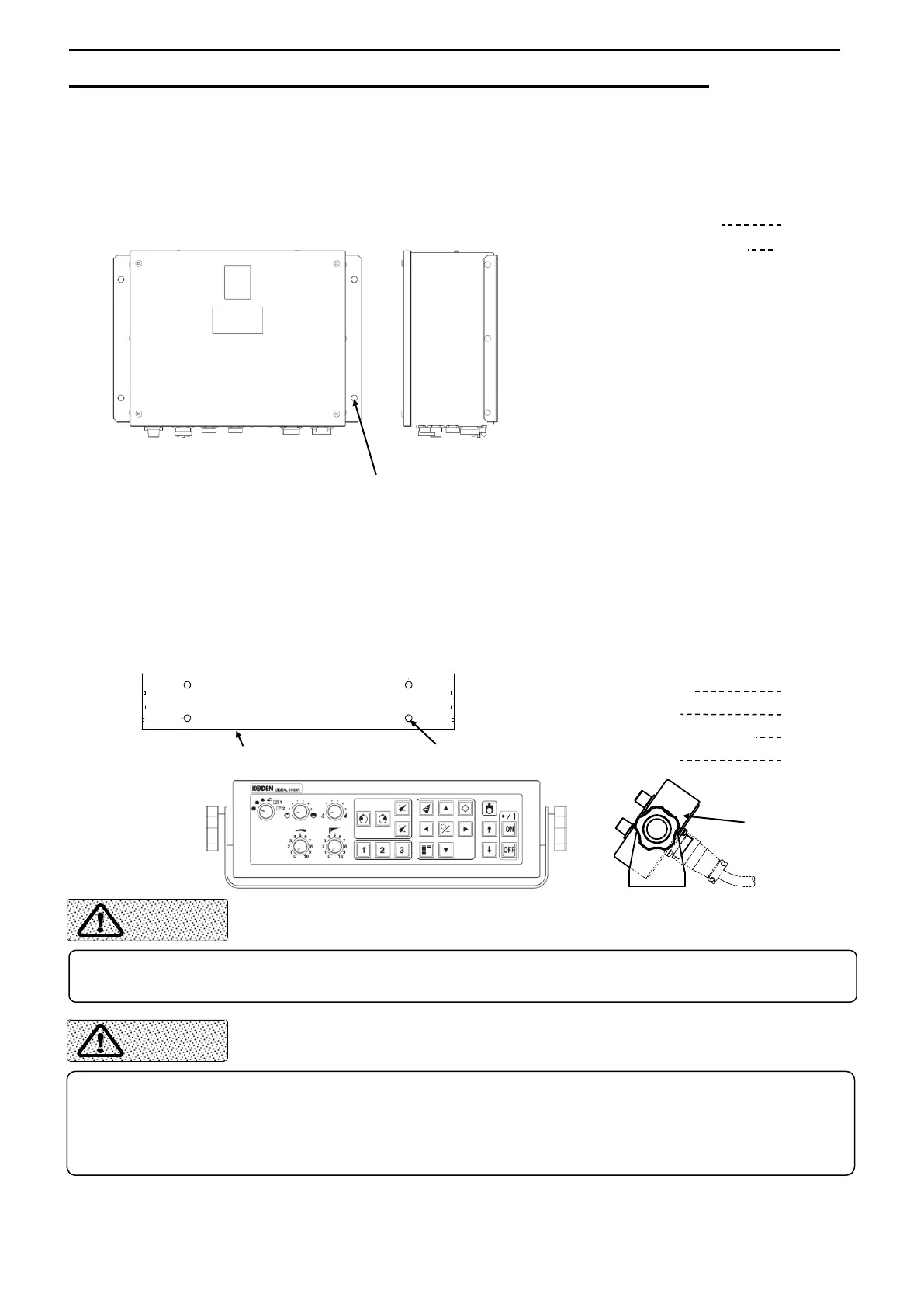
PROCESSOR UNIT
1) Fasten the Processor Unit to the mounting location with 4 Truss Tapping Screws.
Components
Processor Unit 1
Truss Tapping Screw 4
OPERATION UNIT
Fasten the M. Bracket to the mounting location with 4 Truss Tapping Screws.
Fit the Operation unit to the M. Bracket with the Knob Bolts adjusting the
comfortable viewing angle of the monitor. Fasten the both knob bolts.
Components
Operation unit 1
M. Bracket 1
Truss Tapping Screw 4
Knob Bolt 2
The unit should be installed and fixed on a flat surface.
Otherwise it may cause the trouble.
Vibration or shock in the mounting area should be minimal.
Locate the unit away from areas subject to water splash or rain.
Otherwise it may causes corrosive trouble.
Locate the unit away from areas subject to heat sources and direct sunlight.



 To Next Page