- 51 -
FUNCTION SETTINGS
Turn the MODE KNOB to “ ” to display the below menu.
The item currently selected is highlighted.
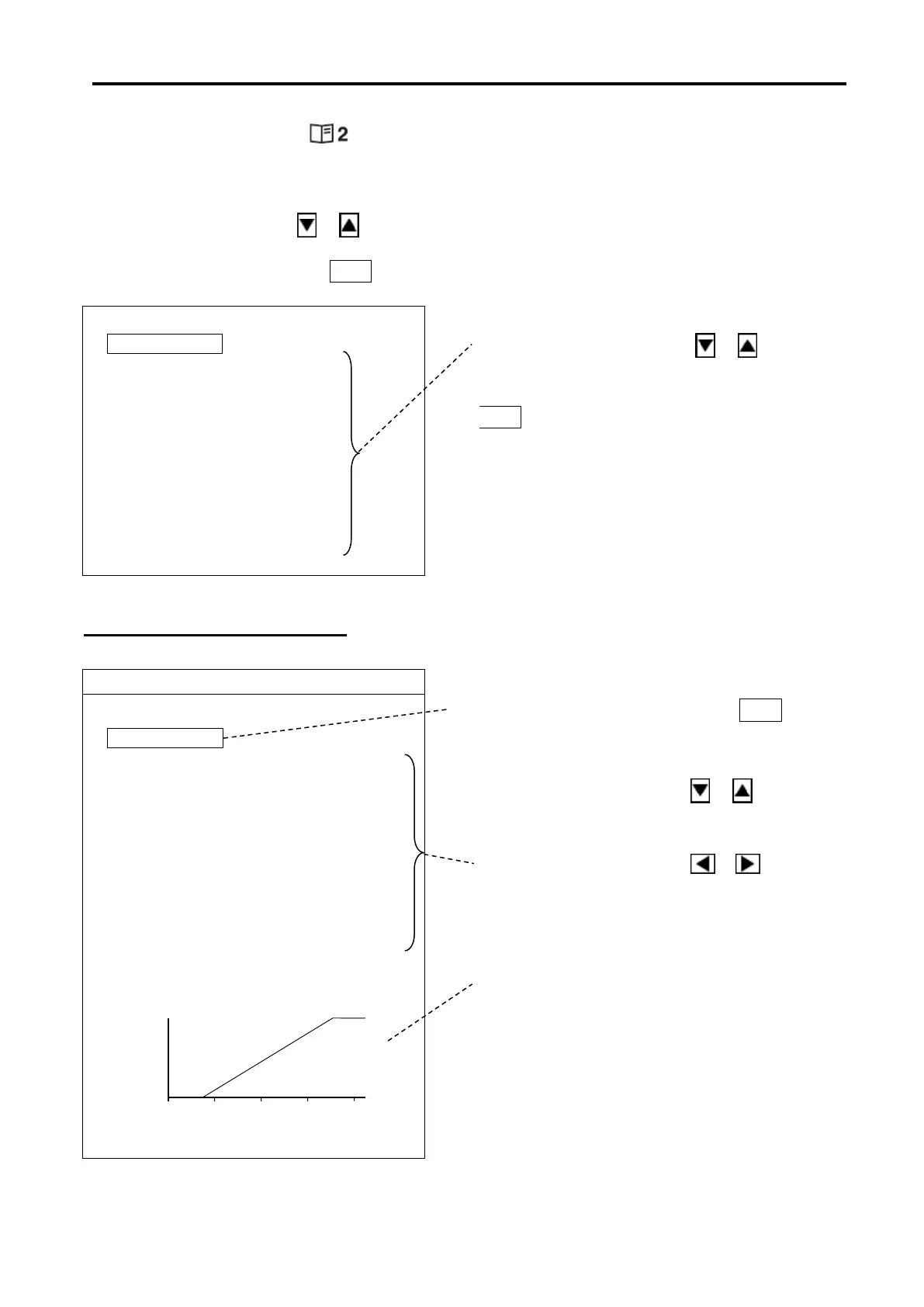
Use the Cursor Shift key ( or ) to select the desired item.
Press the Cursor Selection key O / + to open the menu for change.
Use the Cursor Shift key ( or )
to select the desired item.
Press the Cursor Selection key
O / + to open the menu for change.
FUNCTION SET MENU
Press the Cursor Selection key O / +
Use the Cursor Shift key ( or )
to select the desired item to change.
Use the Cursor Shift key ( or )
TVG (Time-Varying-Gain) Curve
reflects various changes such as TVG
Curve, Gain Adustment, Gain/Far Gain
knobs.



 To Next Page