- 58 -
FUNCTION SETTINGS
DISPLAY ITEM SELECTION
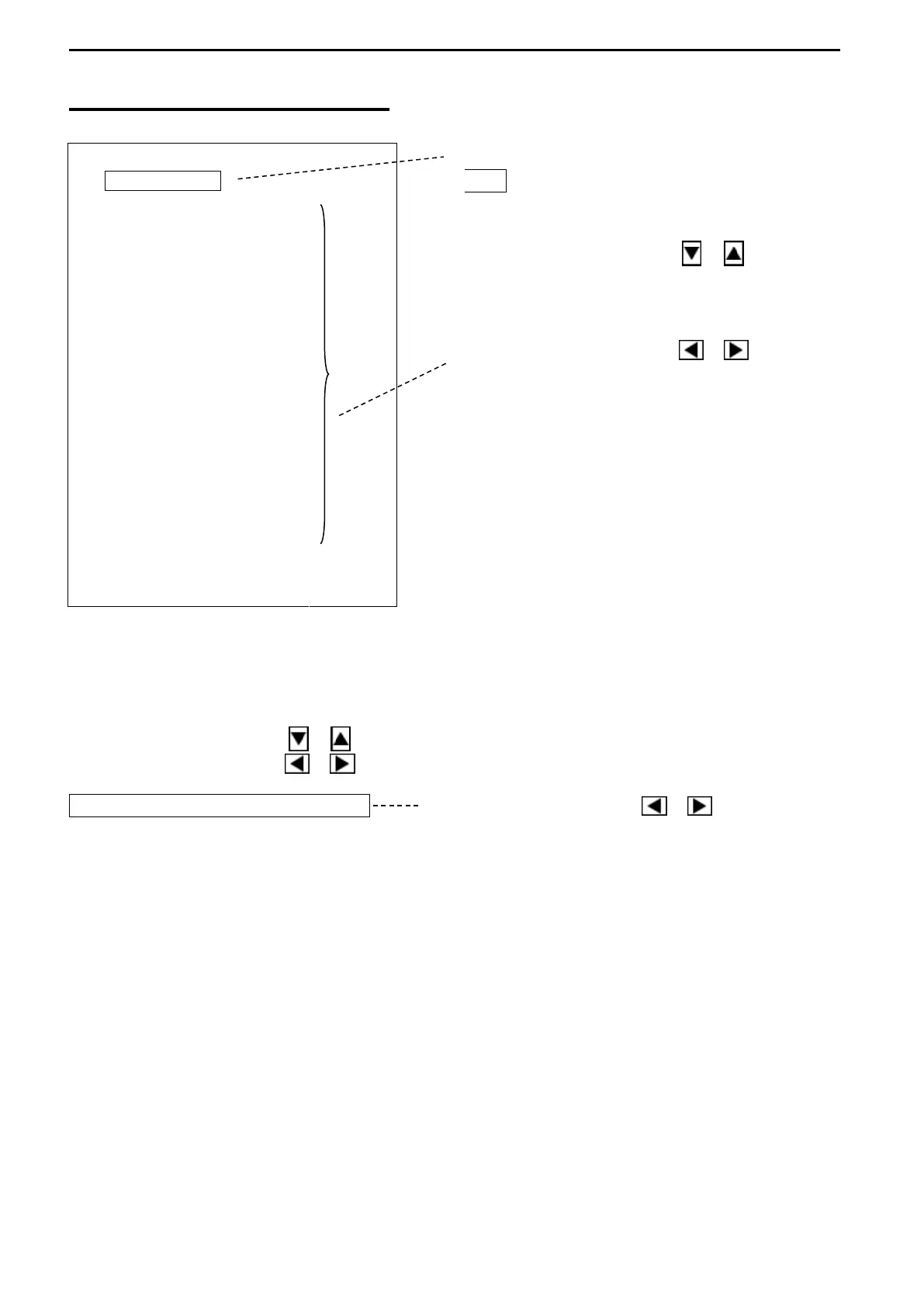
Press the Cursor Selection key
O / + to return to MENU 2.
Use the Cursor Shift key ( or )
to select the desired item to change.
Use the Cursor Shift key ( or )
1. SUB-DISPLAY
Sub menu displayed on the right half of the screen can be selected.
Use the Cursor Shift key ( or ) to select “SUB-DISPLAY”.
Use the Cursor Shift key ( or ) to change the setting.
SUB-DISPLAY INFO Use the Cursor Shift key ( or ) to change.
[NO SUB-DISP., INFO, HISTORICAL, +PRESS, + A-SCOPE, BOTTOM, TRACK,
EXTSOUNDER]
1) NO SUB-DISP. (NO SUB-DISPLAY)
The SUB-DISPLAY is not displayed. SONAR MODE, OFF-CENTER MODE,
BOTTOM-SCAN MODE or SOUNDER MODE is displayed on the whole screen.



 To Next Page