- 65 -
FUNCTION SETTINGS
6. COMPASS DISPLAY
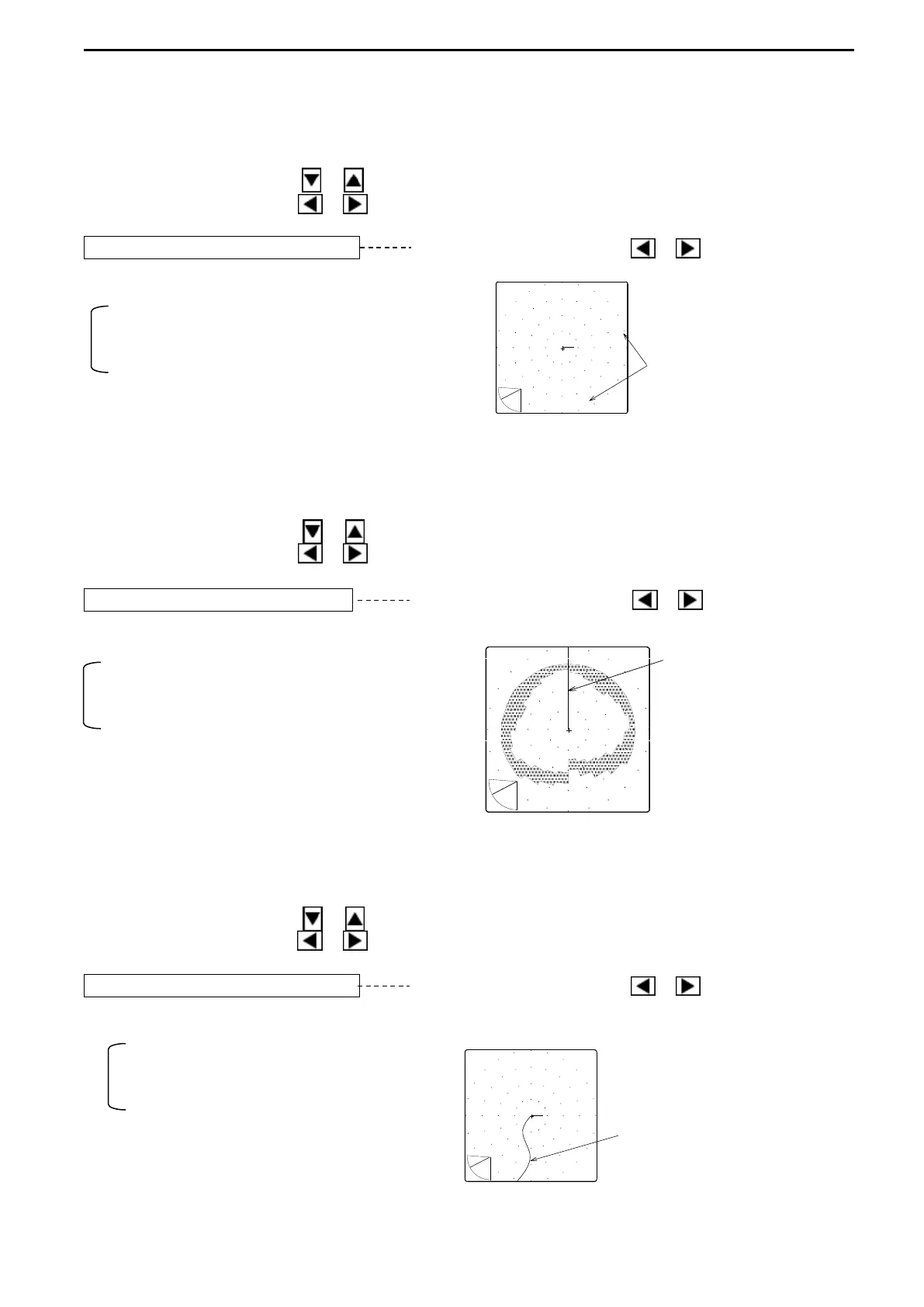
Compass can be displayed in the SONAR MODE when an External Navigator connected.
Use the Cursor Shift key ( or ) to select “COMPASS DISP.”.
Use the Cursor Shift key ( or ) to change the setting.
COMPASS DISP. OFF Use the Cursor Shift key ( or ) to change.
[ON, OFF]
ON: activates Compass display
OFF: inactivates Compass display
DIRECTIONS
7. HEADING DISPLAY
Heading line can be displayed in the SONAR MODE.
Use the Cursor Shift key ( or ) to select “HEADING DISP.”.
Use the Cursor Shift key ( or ) to change the setting.
HEADING DISP. OFF Use the Cursor Shift key ( or ) to select.
[ON, OFF]
ON: activates Heading line display
OFF: inactivates Heading line display
8. TRACK DISPLAY
Track line can be displayed in the SONAR MODE when an external navigator connected.
Use the Cursor Shift key ( or ) to select “TRACK DISP.”.
Use the Cursor Shift key ( or ) to change the setting.
TRACK DISP. OFF Use the Cursor Shift key ( or ) to change.
[ON, OFF]
ON: activates Track line display
OFF: inactivates Track line display
TRACK DISPLAY



 To Next Page