- 64 -
FUNCTION SETTINGS
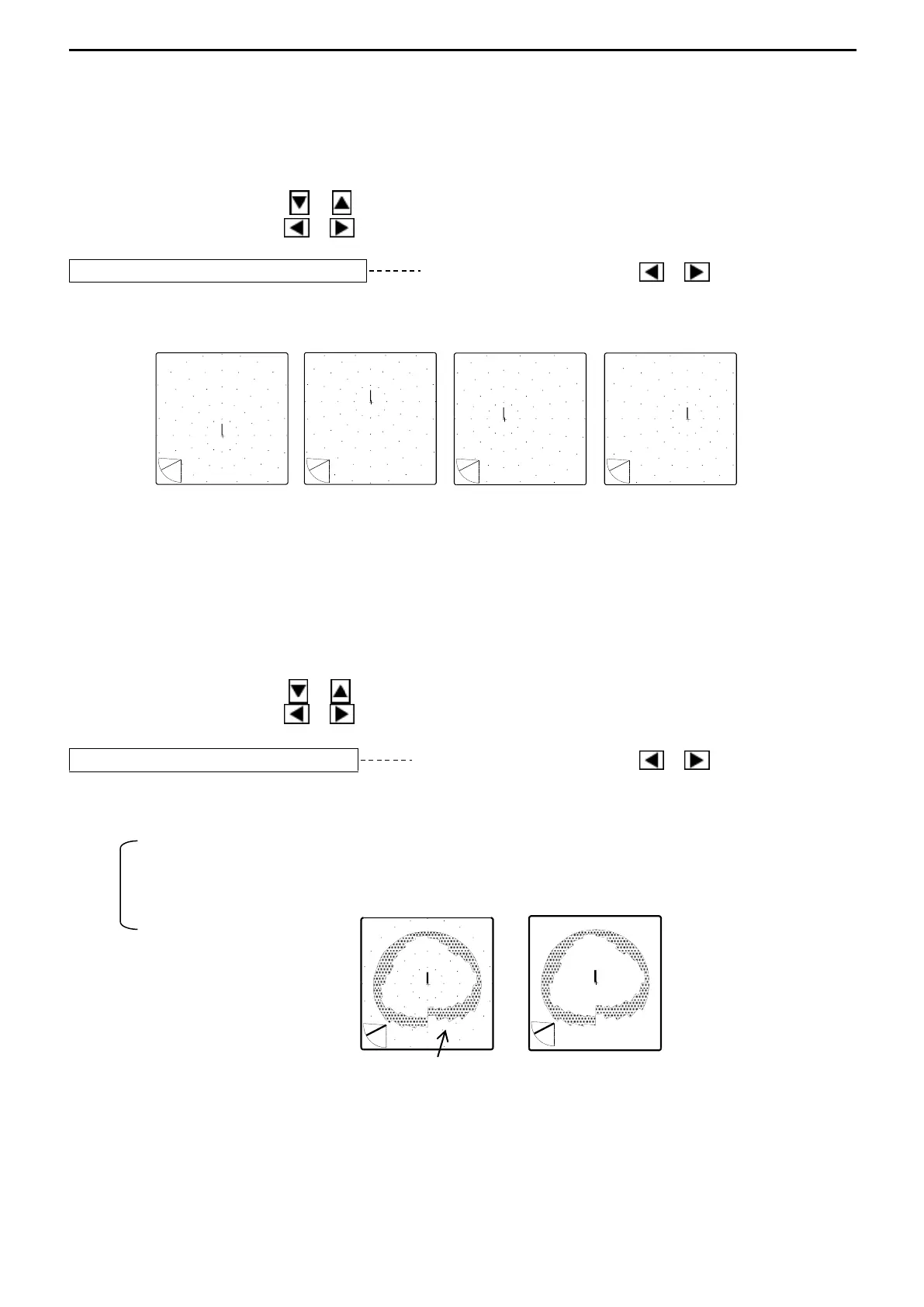
4. OFF-CENTER POS. (OFF-CENTER POSITION)
The displayed position of own ship on the screen can be selected when OFF-CENTER
MODE is active.
Use the Cursor Shift key ( or ) to select “OFF-CENTER POS.”.
Use the Cursor Shift key ( or ) to change the setting.
OFF-CENTER POS. FORE Use the Cursor Shift key ( or ) to change.
[FORE, BACK, RIGHT, LEFT]
FORE BACK RIGHT LEFT
5. SCALE DOTS
The display of scale dots on the screen can be selected ON/OFF.
Use the Cursor Shift key ( or ) to select “SCALE DOTS”.
Use the Cursor Shift key ( or ) to change the setting.
SCALE DOTS ON Use the Cursor Shift key ( or ) to select.
[ON, OFF]
When “OFF” set, Scale does not appear on SONAR MODE/OFF-CENTER MODE screens.
However, it appears on BOTTOM-SCAN MODE/SOUNDER MODE screens even if “OFF”
set.
ON: activates Scale
OFF: inactivates Scale
↓ shows Own Ship’s Position



 To Next Page