- 92 -
KEYS
[when the Cross cursor selected] (Marker displayed in yellow or no display)
In case of SOUNDER MODE this function is inactive.
Use the Cursor shift keys to place the cursor where desired.
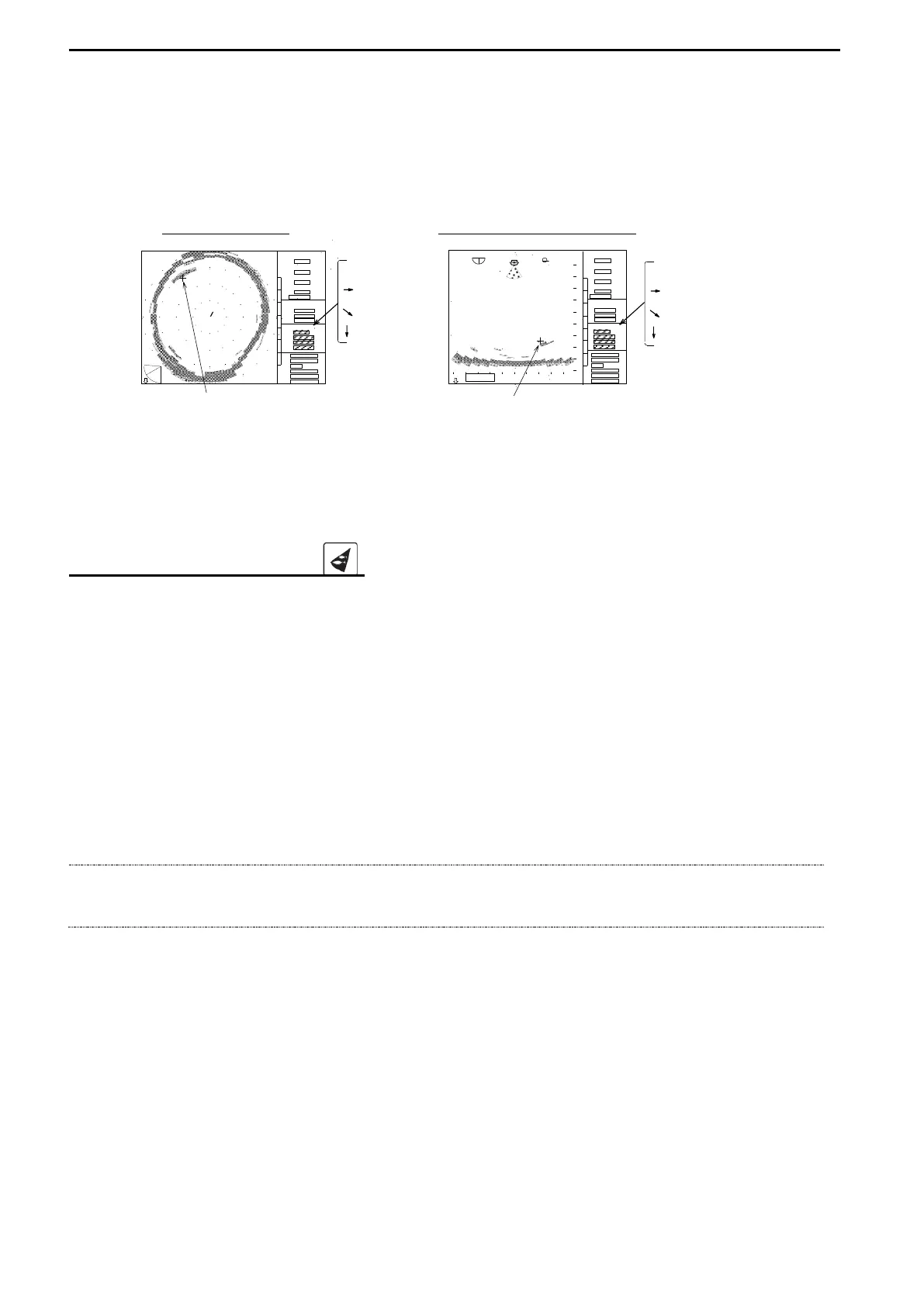
The data of the “Cross Cursor” is displayed in the submenu.
SONAR MODE BOTTOM-SCAN MODE
: Bearing : Bearing
: H.distance : H.distance
: S.distance : S.distance
: Depth :Depth
This Cross cursor is also used for placing the event mark (Refer to page 93) and target mark
(Refer to page 80).
TARGET LOCK KEY ( )
The following Target lock key actions are available in the SONAR MODE and in the
BOTTOM-SCAN MODE – MODE 0 only and it is different action depending on the selected
menu via “MENU 2 – TARGET LOCK.
-Setting MODE 0: the train direction is reversed.
-Setting MODE 1 & 2: it tracks the target automatically.
-Setting MODE 3 (an external navigator should be connected):
Place the Cross cursor on the target and press the Target lock key.
A target mark is inscribed at the Cross cursor location and tracks the target
automatically. Refer to the page 69 “TARGET LOCK” for details.
NOTE!
This Target lock key is not available other than the above Modes.
RANGE
BEARING
SECTOR
TILT
MARKER
CURSOR
+
RANGE
BEARING
SECTOR
TILT
MARKER
CURSOR



 To Next Page