- 36 -
BASIC OPERATION
DISPLAY DESCRIPTION
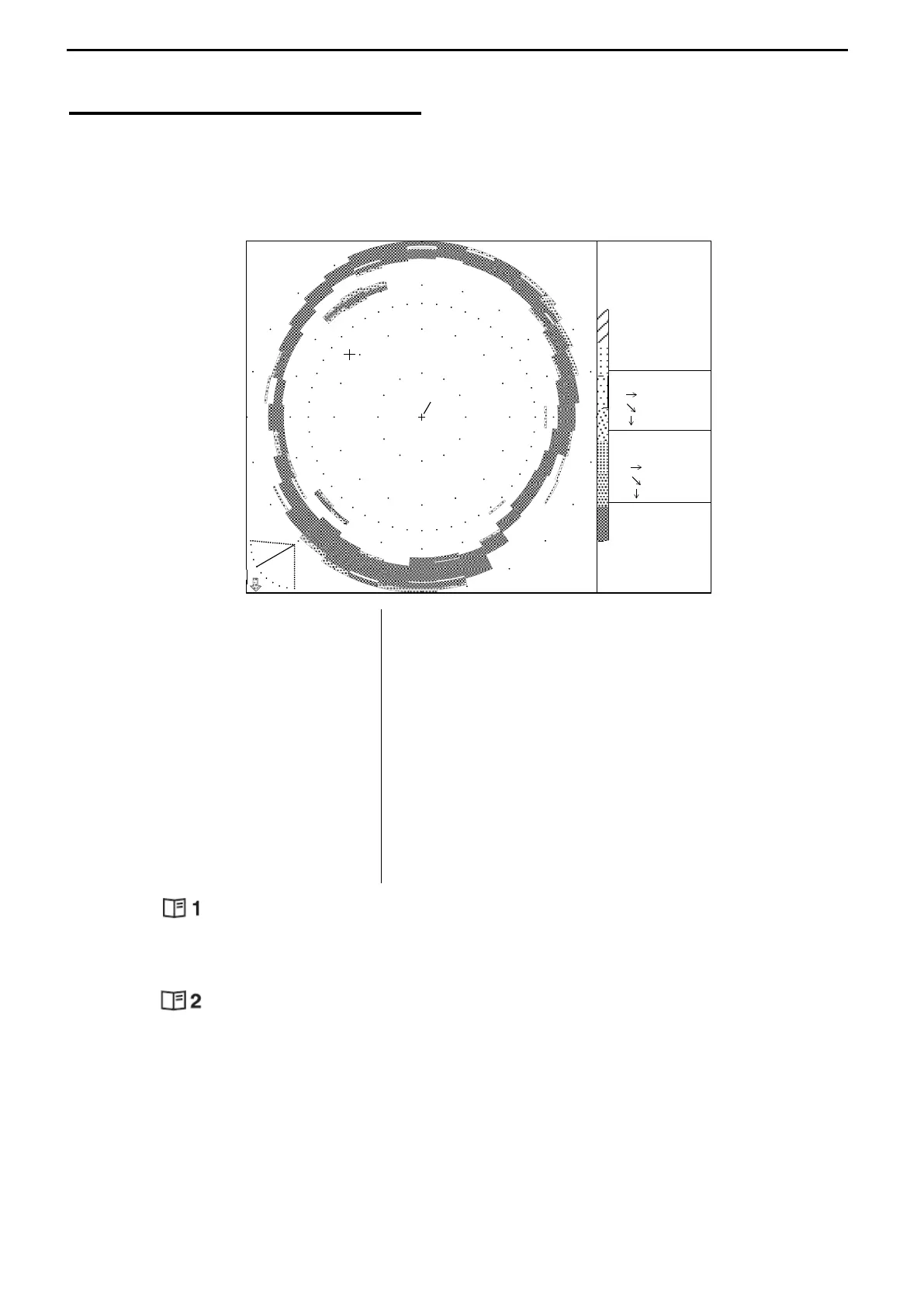
The drawing below shows the typical sonar mode display.
Various combination displays are available by selecting the Sub-Display menu and the
change of the Mode Knobs.
SCREEN LEFT
- SONAR MODE
- OFF-CENTER MODE
- BOTTOM-SCAN MODE
- SOUNDER MODE
Use the MODE KNOB to select the
display mode.
SCREEN RIGHT
- MENU 1 & SELF CHECK
- MENU 2 & SELF CHECK
- INFORMATION
- SUB-DISPLAYS
Use the MODE KNOB to select MENU 1 & 2.
INFORMATION/SUB-DISPLAYS can be set via
MENU 2.
MENU 1( )
Select the desired 8 ranges.
MENU 2( )
Select the desired user settings.
SUB-DISPLAYS
Select the desired sub-display with MENU 2
In case “SUB-DISPLAY – NO SUB DISPLAY” selected the display mode in the left side can
be displayed on the whole screen. Refer to page 58
N
S
W
E
RANGE
160m
BEARING
0゜
SECTOR
360゜
TILT
-30゜
IR-1
MARKER
86.0m
99.3m
49.7m
137゜03.84’E
34゜33.40’N
WATER
27.4゜C
SPEED
POWER
24.3V
16.0kt
CURSOR
十 45゜
65.2m
75.3m
37.7m



 To Next Page