- 48 -
MENU
MENU 1 “ ” (RANGE SETTING MENU)
Select the display range in 8 settings according to the depth desired.
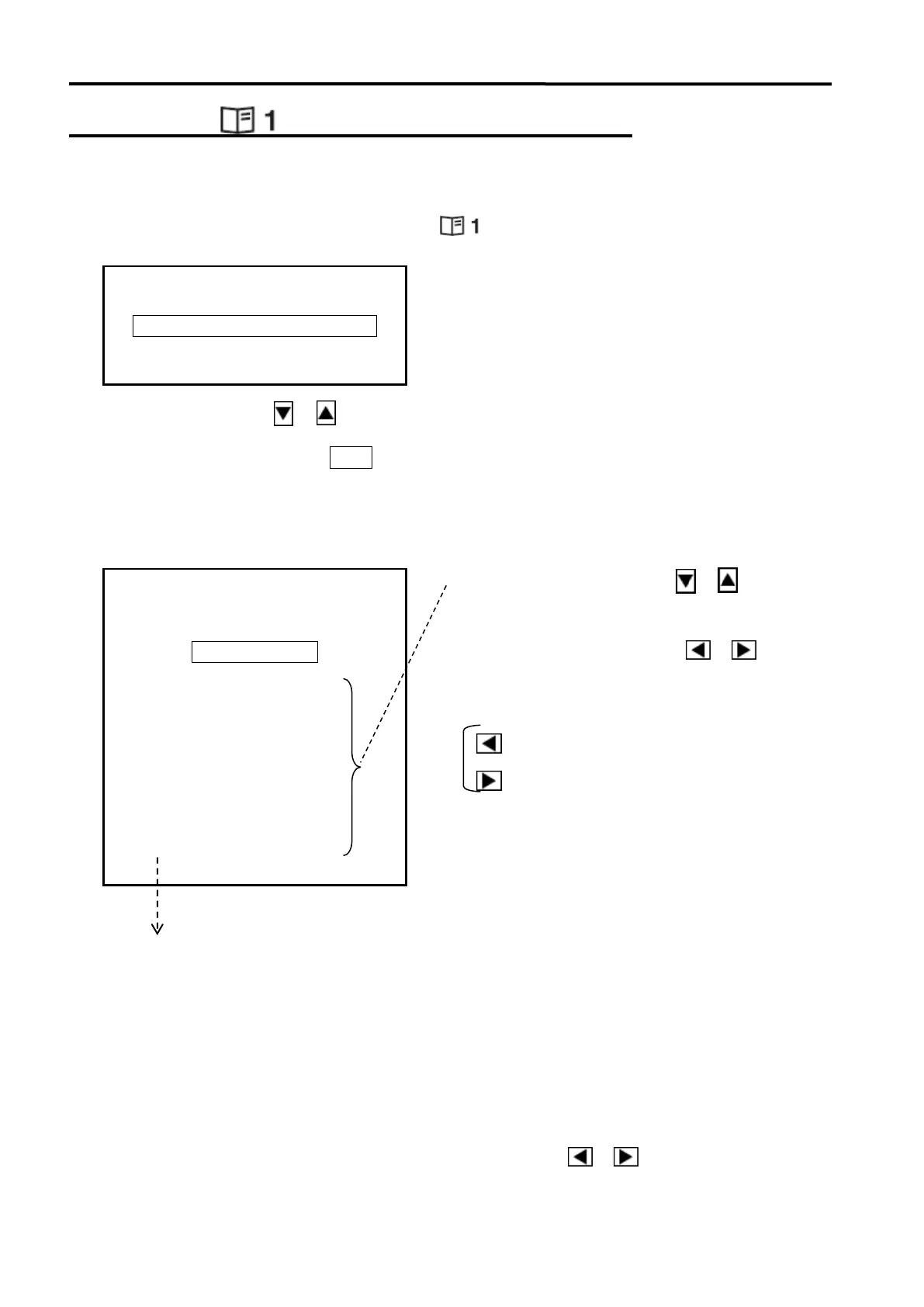
The following menu appears after selecting “ ” with the MODE KNOB.
Use the Cursor Shift key or to highlight the item to change.
Press the Cursor Selection key O / + to display the following range setting menu.
The range can be set freely as desired every 10 units of depth measurement until 2000 units
in case of the units, meters, braccia, and fathoms and every 20 feet until 6000 feet in case of
the unit, feet.
These numbers correspond to the Range Knob numbers.
The initial range setting values of both ranges are different each.
Displayed unit of depth measurement can be set via MENU 2 -“OTHERS”. Refer to page 71
The way of the range setting is the same for both ranges, but the values of range setting
are not corresponded each other. The settings for both ranges are required.
In the range settings for SONAR/OFF-CENTER MODE, the range is changed in accordance
with the value of SONAR MODE when the Cursor Shift key ( or ) pressed. However,
1.5 times of range of SONAR MODE is displayed when OFF-CENTER MODE selected.
RANGE SET MENU
SONAR/OFF-CENTER RANGE
BOTTOM-SCAN/F.F. RANGE
SONAR/OFF-CENTER RANGE
(BOTTOM-SCAN/F.F. RANGE)
RETURN MARK
Use the Cursor Shift key ( or ) to
select the range number desired.
Press the Cursor Shift key ( or ) to
set the range.
Cursor Shift keys
: set the value smaller
: set the value larger



 To Next Page