- 90 -
KEYS
[SOUNDER MODE]
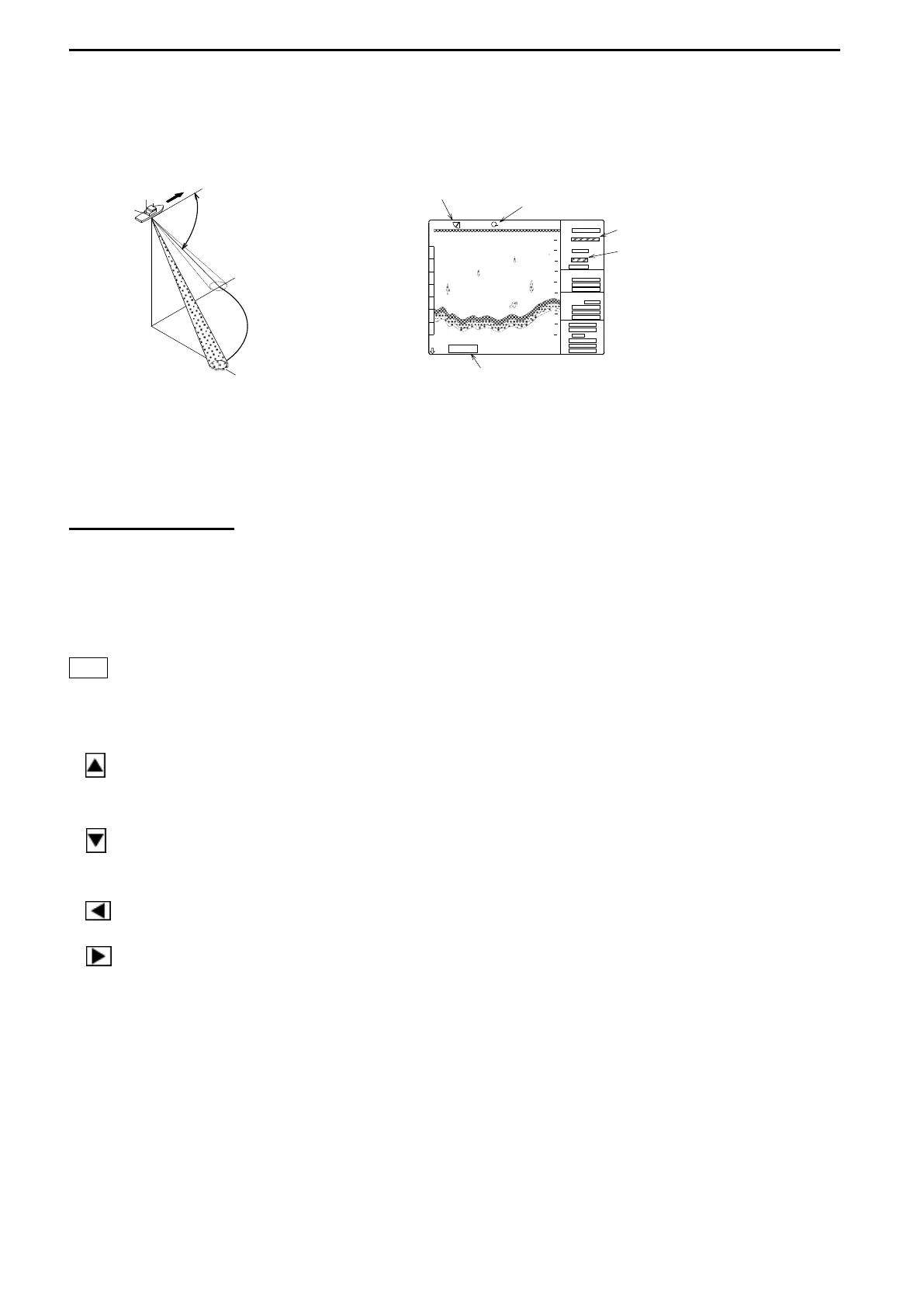
The direction of emitting the sound wave and the bearing of the detection can be shifted
together with “BEARING KEY”.
Indicator Indicator
Tilt angle Bearing angle
Use the Tilt key to set this angle.
Displays of the bearing angle
Displays of the tilt angle
Use the Bearing key to
set the direction of the
detection.
No depth display other than the tilt angle
–90°(beneath own ship) selected.
Variable Tilt angle: in increments of 1° from –5° (0°) to –90°
Use the Depth marker to measure the depth other than the tilt angle –90°.
CURSOR KEY
Use 2 types (one type in case of SOUNDER MODE) of Cursor to display the range from own
ship to the cursor location.
Use the Cursor selection key to select the cursor.
Use the Cursor shift keys to move the cursor.
[SONAR MODE] Ring marker and Cross cursor ON/OFF available
[BOTTOM-SCAN MODE] Depth scale and Cross cursor ON/OFF available
[SOUNDER MODE] Depth scale ON/OFF available
Ring marker enlarged, Cross cursor shifted upward,
Depth scale shifted to the shallower range
Ring marker reduced, Cross cursor shifted downward,
Depth scale shifted to the deeper range
Cross cursor shifted leftward
Cross cursor shifted rightward
<to be continued>
RANGE
BEARING
SECTOR
TILT
MARKER
CURSOR



 To Next Page