- 62 -
34゜36.974N
18.6kt
137゜01.698E
24.7゜C
200m
34゜36.974N
18.6kt
137゜01.698E
24.7゜C
FUNCTION SETTINGS
6) BOTTOM-SCAN
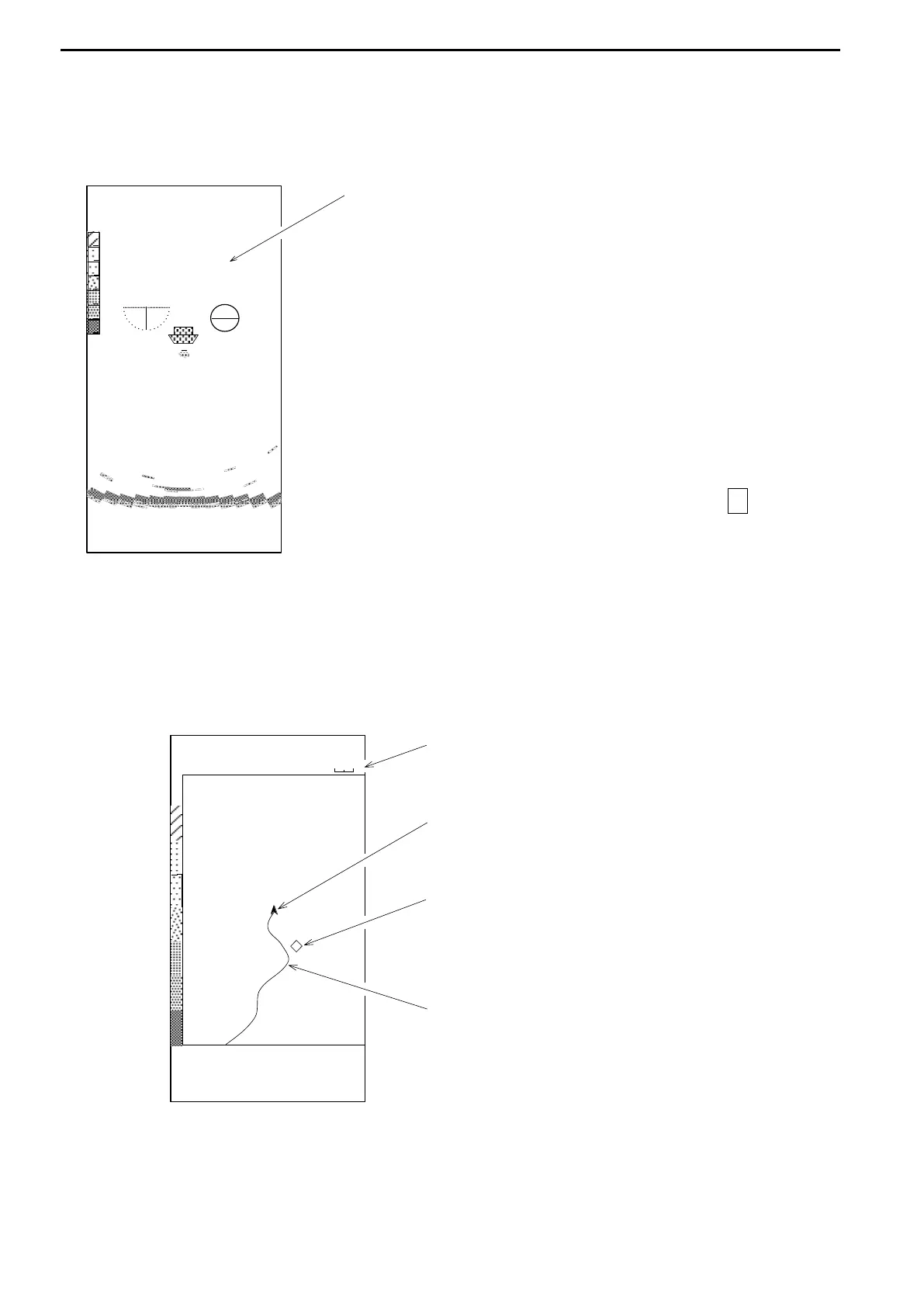
The images of BOTTOM-SCAN MODE can be displayed in the sub-display.
Note that this function is not available in Sounder Mode. Refer to page 67
7) TRACK
Own ship’s position can be displayed when an external navigator connected.
8) EXT.SOUNDER (EXTERNAL SOUNDER)
This function is only available when some Koden units connected.
-The setting values such as Range, Bearing,
Sector, Tilt for the Bottom-Scan mode can be set
while the Bottom-Scan mode is active.
The setting values will not be changed even if it
backs to the Sonar Mode.
-The Sonar Mode display changes into the
Bottom-Scan when it passes the center while
clockwise rotating when “SUB BOTTOM-SCAN /
AUTO” selected. After it updated, it will back to
the Sonar Mode.
-The Sonar Mode display alternates with the
Bottom-Scan display each time the Lower ↓ key
pressed when “SUB BOTTOM-SCAN /
MANUAL” selected. The scanning direction is
determined by the position when the Sonar
Mode changes into the Bottom Scan.
SCREEN WIDTH
Displays the screen width selected via
“TRACK SUB RANGE” selected.
OWN SHIP
Displays Own Ship’s position in latitude/longitude
and the speed at the bottom of the screen.
MARK
Displays the mark placed by a Cross Cursor in the
Sonar Mode.
TRACK
Displays the track line.
The past line is memorized every interval set via
“TRACK MEM.INTERVAL”.
サイドスキャン
R 40m
B 270 ゚
S 175 ゚
T -90 ゚



 To Next Page