MDC-2200/2500 Series Chapter 3 Basic operation
0093125002-04 3-23
Detailed target data display method
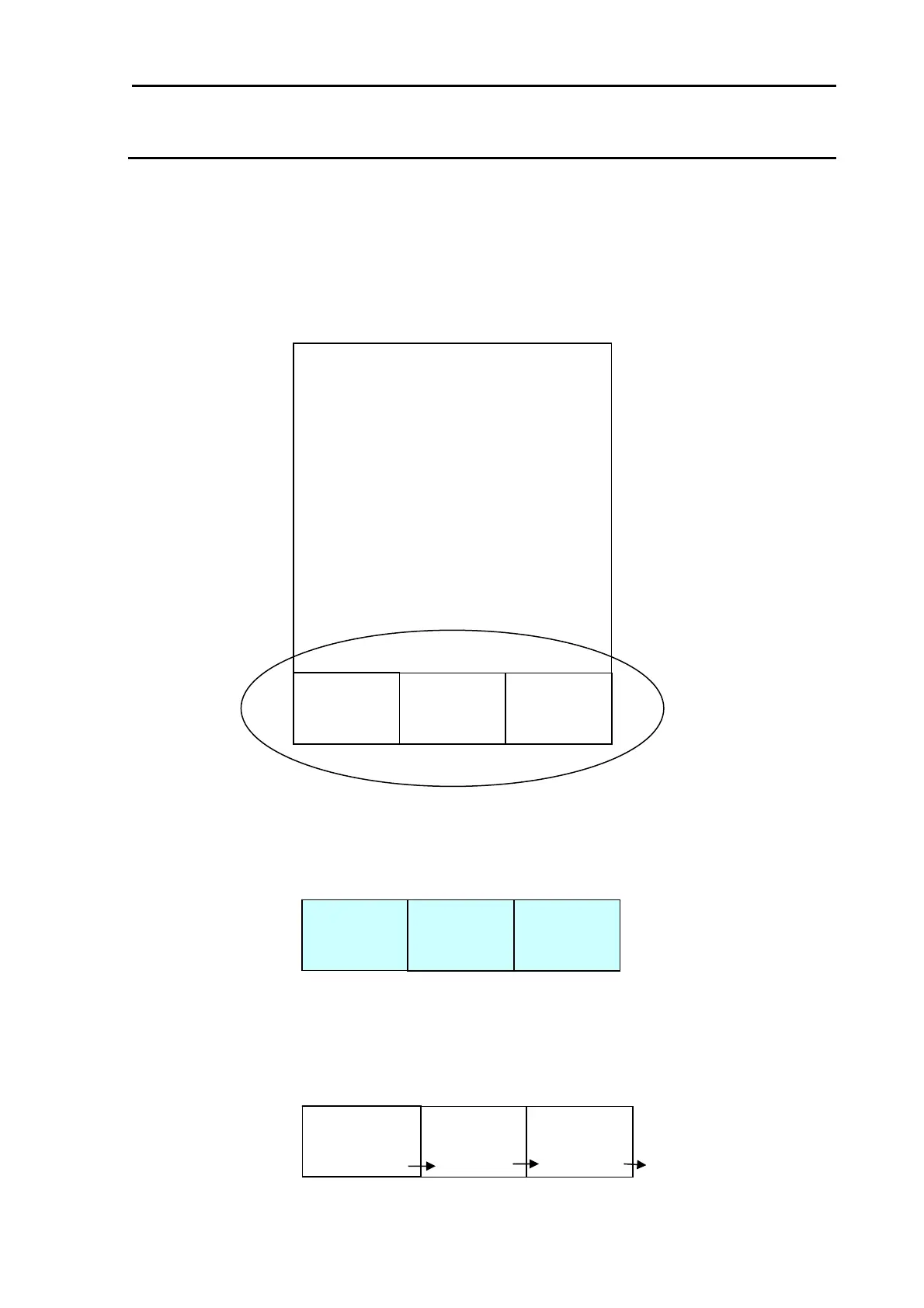
Detailed target data can be displayed on the lower part of the screen.
1 Press [MENU] key to display “Menu”.
Select [DATADISP] => [DISP 1] / [DISP 2] / [DISP 3] then turn Joystick to right.
Select ATA/EPA then press [ENT].
2 Data display part background is set transparent in default.
Setup by following procedure to fill background to ease to see data.
Press [MENU] key to display “Menu”.
Select [DATADISP] => [LOWER DISP BACK] then set to [ON].
3 When 3 target data is displayed in the detail data display area. When need to switch to display for
more than 4 targets, lay cursor on target to display then press [ENT] key.
Selected target data will be displayed in left display part. Old data will be shifted to right and the old
data displayed to the right will disappear.
DISP 1
DISP 2 DISP 3
DISP 1
DISP 2 DISP 3
Detailed data display area
DISP 1
latest data
DISP 2 DISP 3



 To Next Page