4
MSP 3500 Printer
4-14
4.5 Replacing the Exhaust Filter
The exhaust filter on the back of the printer is replaced when you replace
a toner cartridge.
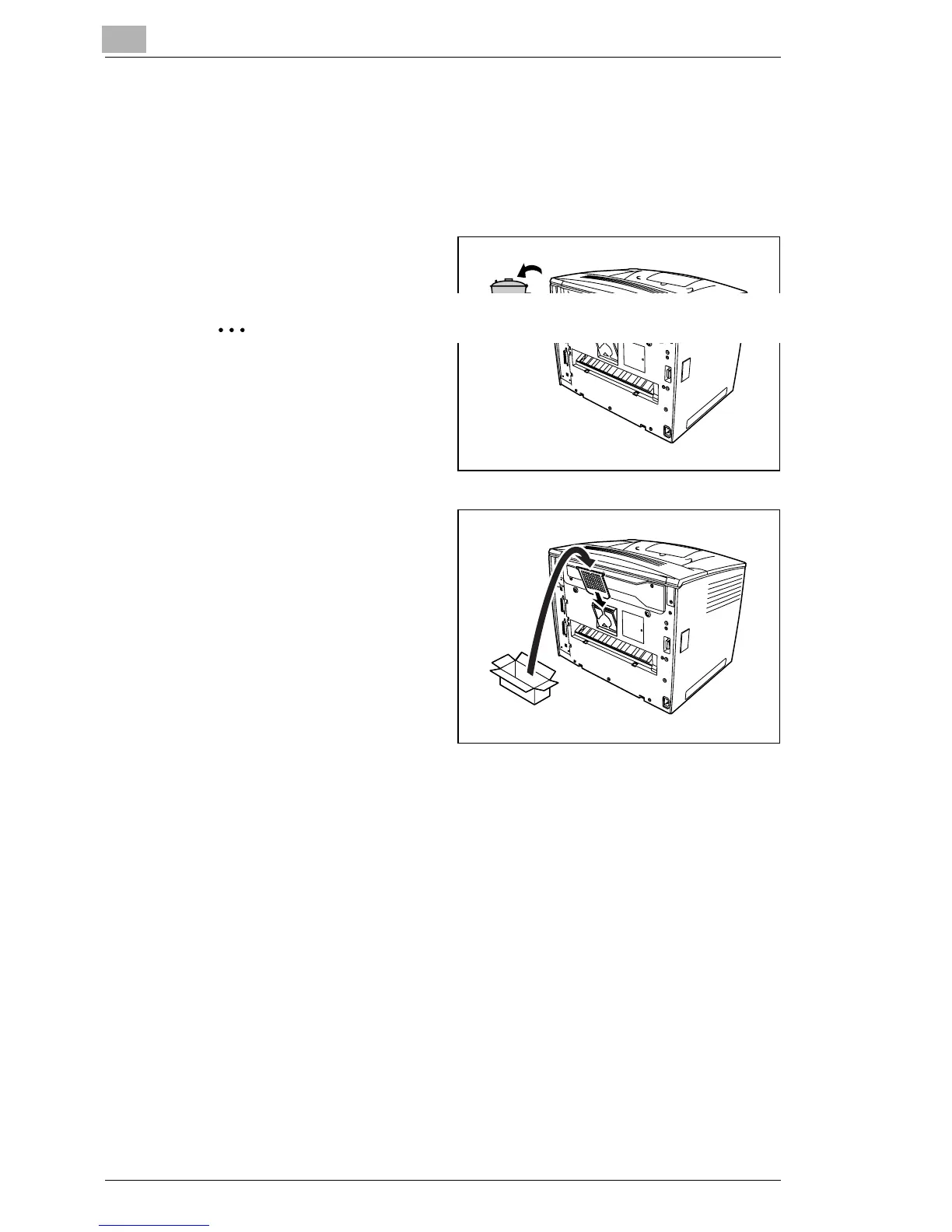
How do I replace the exhaust filter?
1
Remove the used exhaust
filter.
Dispose of it according to
your local regulations.
2
Remove the new filter from
its box and insert it into
place.



 To Next Page
 Loading...







