3
Scanner
3-27
3.13 Selecting the Film Type
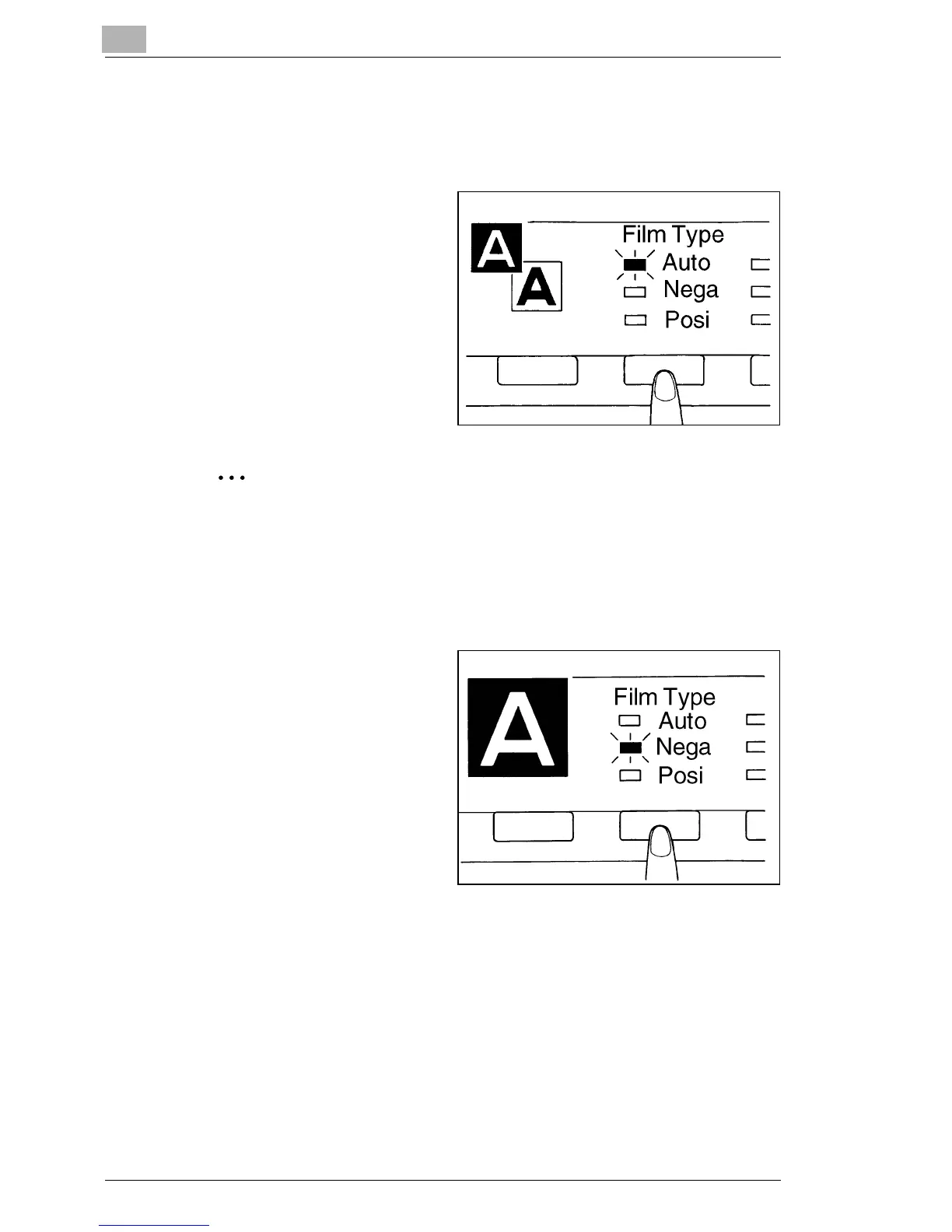
Auto
1
The system will
automatically determine the
polarity of the film being
used when Auto is selected
with the Film Type key.
Nega/Posi
The system cannot determine the polarity of certain types of film.
Should this occur, the film type should be selected manually.
The system does not detect exterior conditions such as when the
glass surface of the Carrier is dirty or scratched.
Nega (negative film)
1
If negative film is to be used,
press the Film Type Key to
select Nega.
Nega



 To Next Page
 Loading...







