Scanner
3
3-52
3.28 Adjusting the Illumination of the Screen
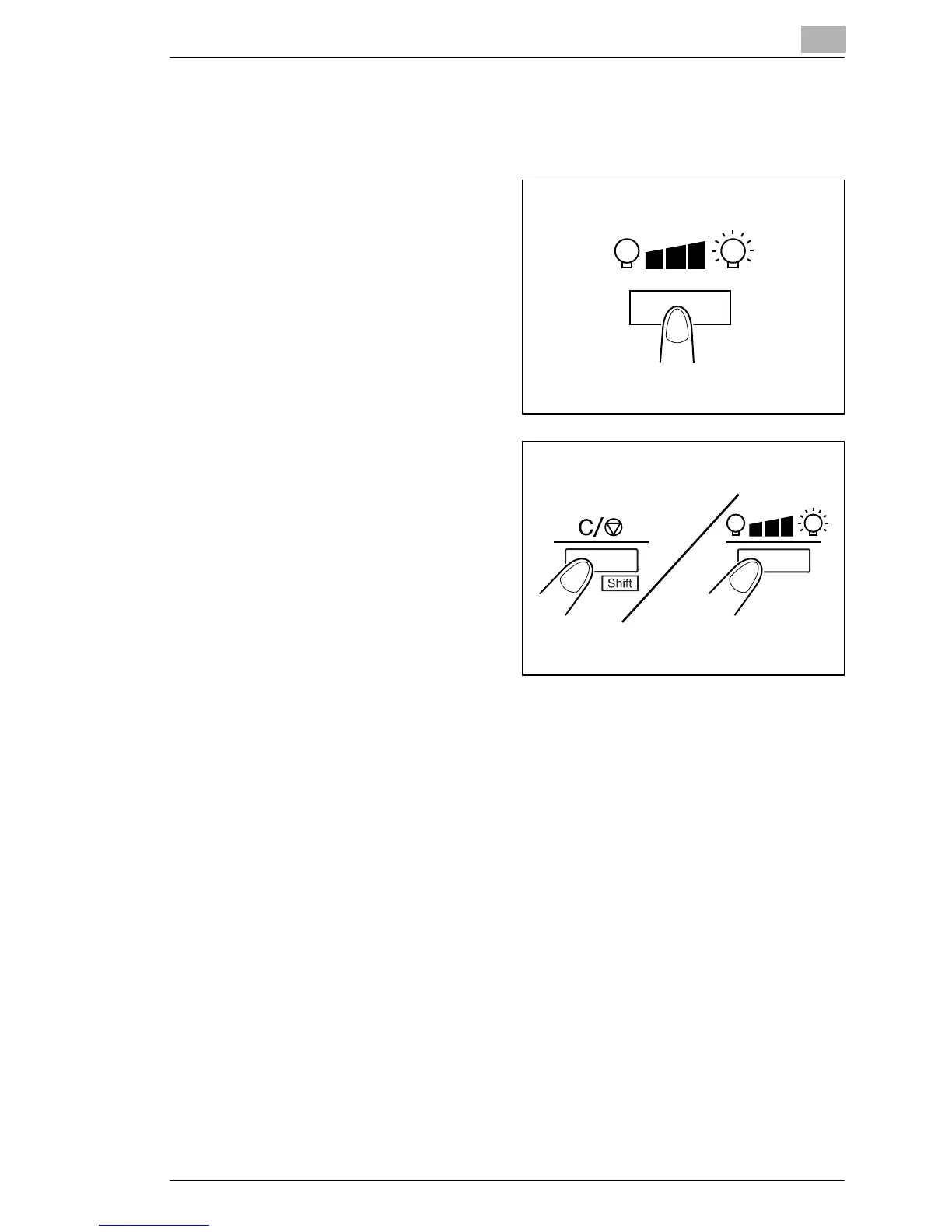
The illumination of the screen can be adjusted.
1
Press the Illumination Key to
adjust the illumination of the
screen.
The screen is gradually
darkened until it is turned
OFF. When any key is
pressed, the illumination
returns to the maximum
level.
2
When the illuminance of the
screen is dark, hold down
the Shift Key and the
Illuminance Key together.
The illuminance of the
screen is gradually lightened
until maximum level.



 To Next Page
 Loading...







