7
Maintenance
7-2
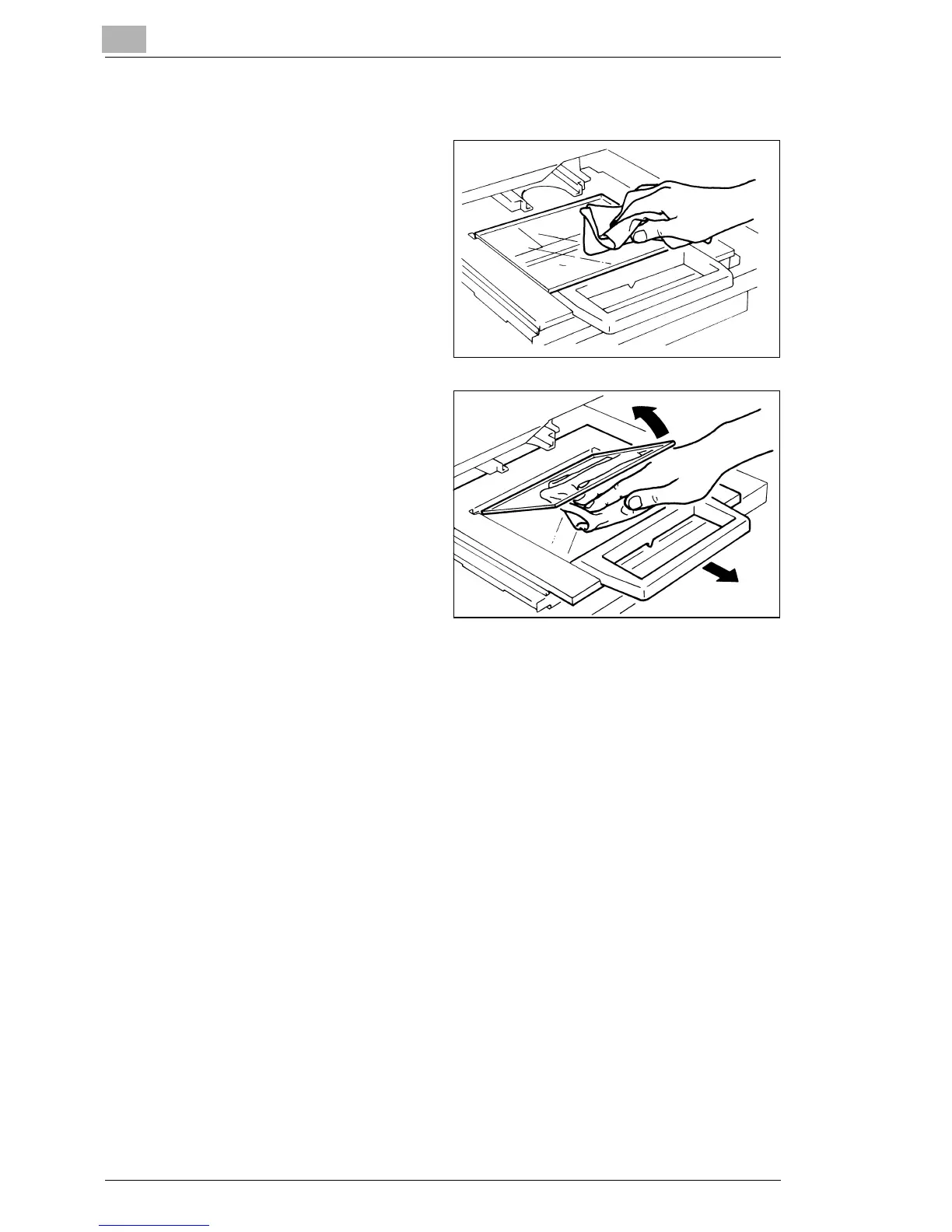
Carrier Glass (Option)
1
With a damp cloth, clean
and remove any dust or
debris from the surface of
the Carrier Glass.
§ Before cleaning the Carrier
Glass, be sure to remove
the Projection Lens from the
Scanner.
2
To open the Carrier Glass,
pull the handle of the
Microfiche Holder. Following
the same procedure
described in Step 1, wipe
the inner surfaces of the
Carrier Glass.



 To Next Page
 Loading...







